

JadeAudio TRUSTBLU: USB DAC with LDAC Bluetooth
From: Vitor Valeri
A headphone hobbyist for over 15 years, he founded the Hi-Fi Hub website and is an administrator of the "Fones High-End" and "Fones Low-End" groups on Facebook.


Published in: 11/11/26 at 16:43 - Updated in: 12/11/26 at 07:46
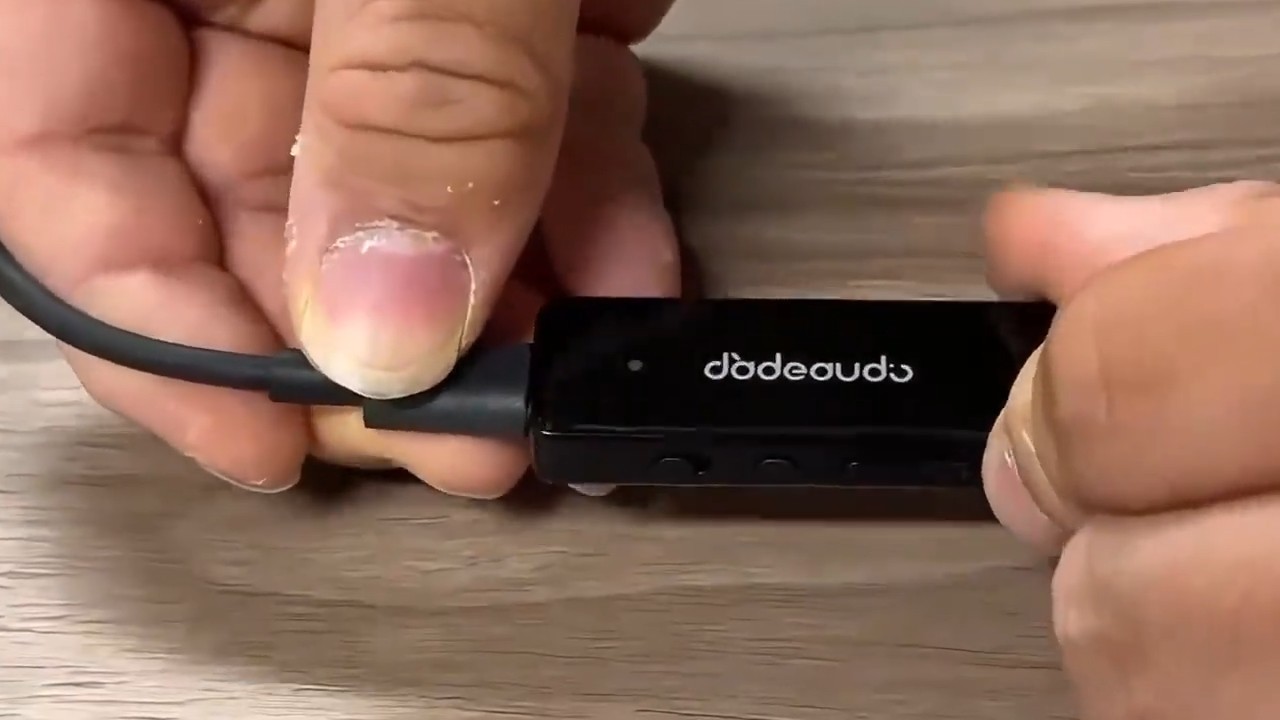 JadeAudio TRUSTBLU USB DAC/amp with Bluetooth (Image: FiiO)
The JadeAudio TRUSTBLU was launched in mainland China on November 4. Unlike the FiiO BTR11, it can function as a USB DAC and supports Bluetooth reception with the LDAC codec. However, because it has no internal battery, the TRUSTBLU requires power through its USB-C port to operate. Read on for full details about this new release from JadeAudio, FiiO’s sub-brand.
Update (November 12): The JadeAudio TRUSTBLU is now available from the official FiiO store on AliExpress.
TRUSTBLU brings USB DAC and Bluetooth functionality to amplifiers and powered speakers
Designed for use with desktop equipment, the TRUSTBLU simplifies connections to amplifiers and powered speakers. As noted at the beginning of this article, it has no internal battery, unlike the similarly priced FiiO BTR11. It must always be connected to a power source via a USB cable.
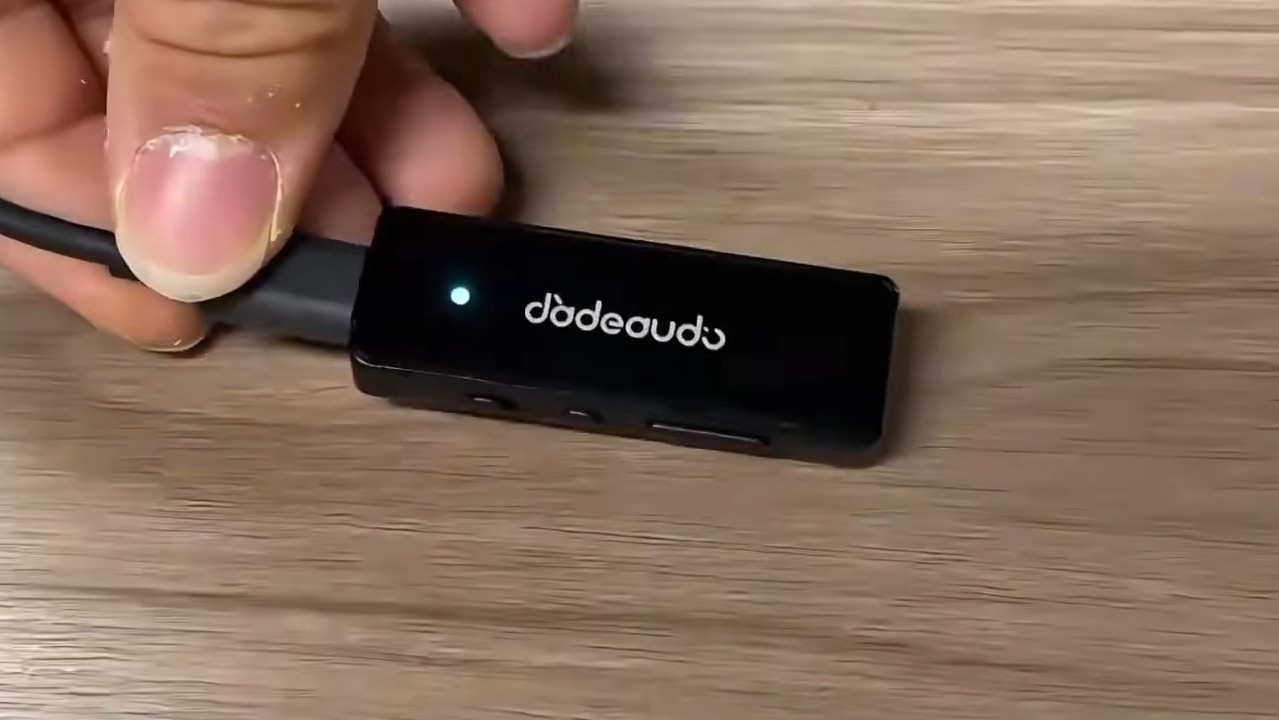
The TRUSTBLU offers two operating modes, USB DAC and Bluetooth. A physical slide switch allows users to select either mode, making the device easier to operate. It also features a volume button and a configurable multifunction button.
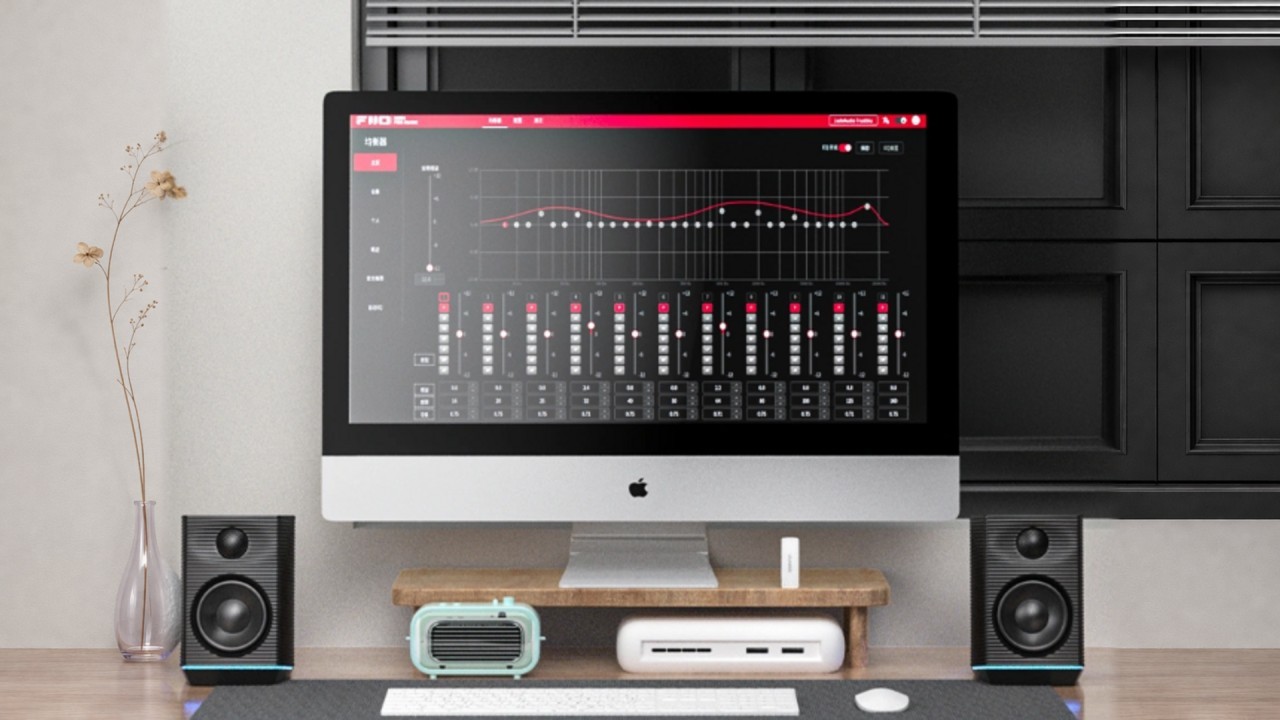
Accessing additional features, such as the 31-band parametric equalizer (PEQ) and AUTO EQ, requires FiiO Control. You can use the smartphone app to control the device via Bluetooth or open the web version of FiiO Control on a computer.
How does the TRUSTBLU’s DAC mode work? How can it be used?
In USB DAC mode, the TRUSTBLU allows a computer to be connected to an amplifier, providing lower background noise and cleaner sound.
To use USB DAC mode, follow the steps below.
Step 01 – Connect a USB-C cable between the computer and the TRUSTBLU.
Step 02 – Move the slide switch on the side of the TRUSTBLU to activate USB DAC mode.
Step 03 – Connect a 3.5 mm-to-3.5 mm cable, such as the FiiO TRUST, between the TRUSTBLU and the amplifier.
One example of using the TRUSTBLU in USB DAC mode is connecting a laptop to the JadeAudio GIGAS 1 desktop amplifier. This provides an affordable desktop system with good sound quality and substantial output power.
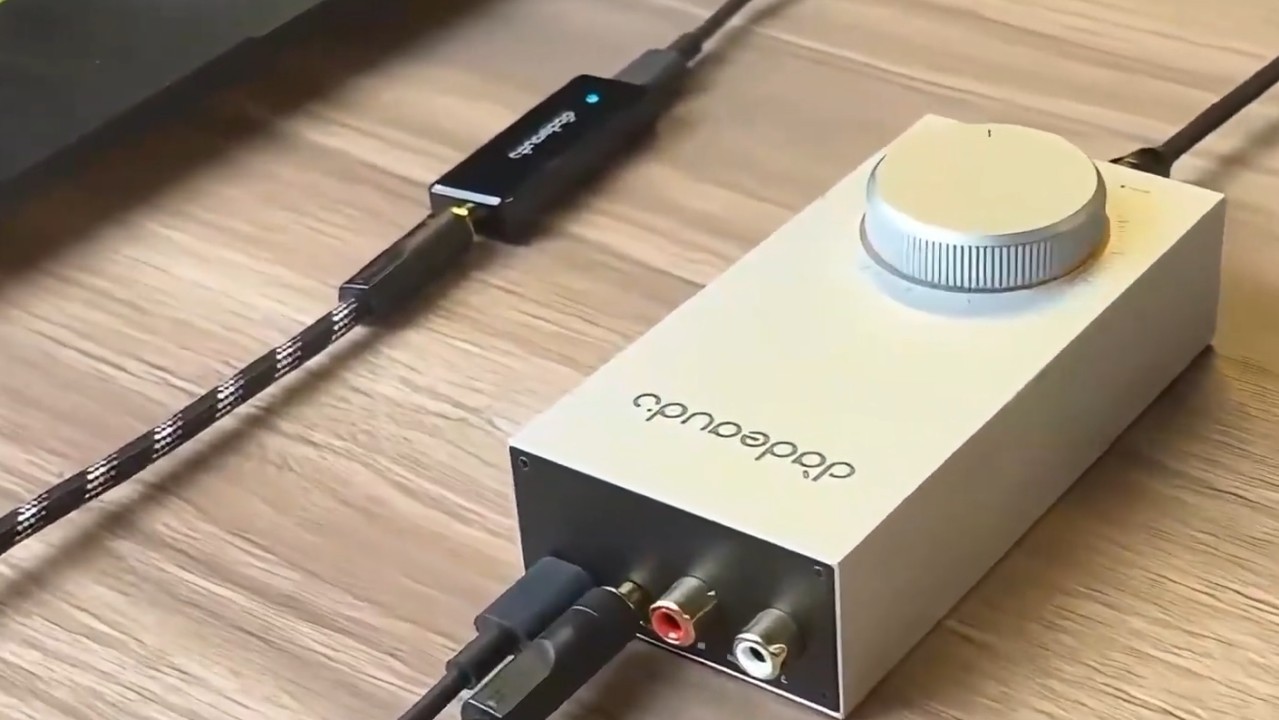
Headphones can also be connected directly to the TRUSTBLU in USB DAC mode. However, it has only one 3.5 mm single-ended (SE) output, delivering 55 mW into 32 ohms. With a 16-ohm load, the output power nearly doubles to 100 mW.
How does the TRUSTBLU’s Bluetooth mode work? How can it be used?
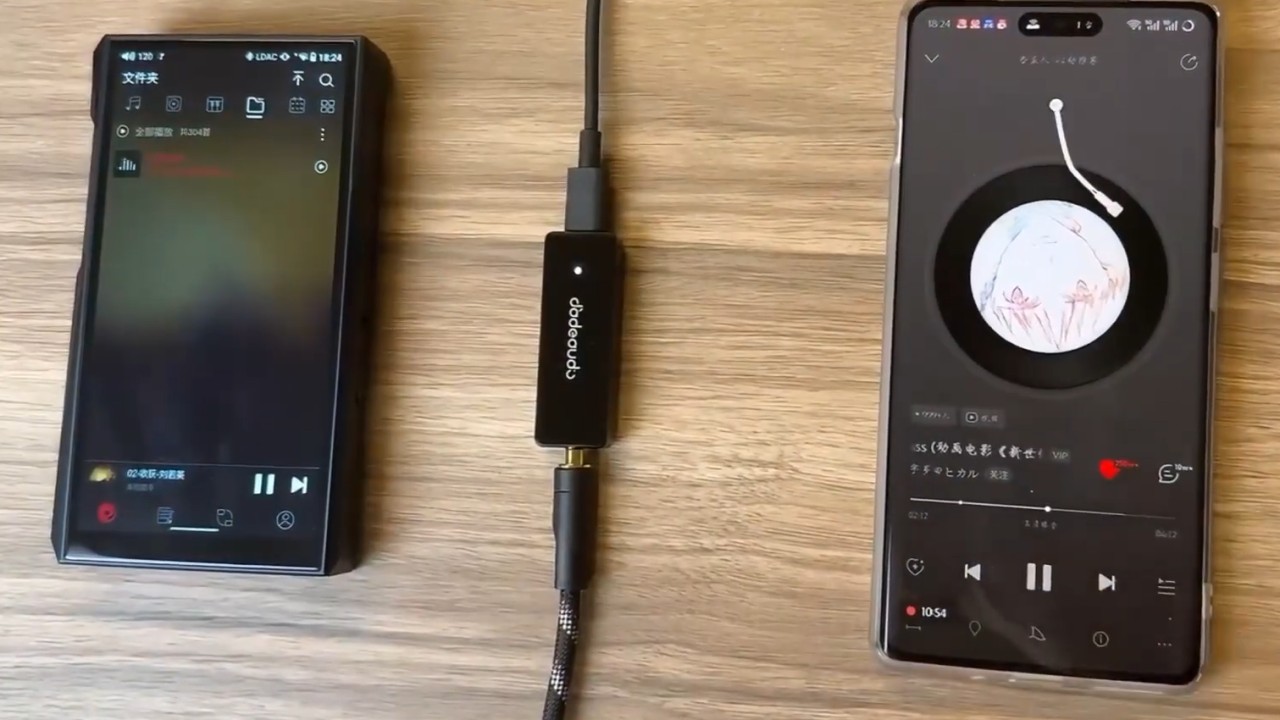
In Bluetooth mode, the TRUSTBLU allows a smartphone to connect and wirelessly transmit audio from a music app using the LDAC and SBC codecs. This adds Bluetooth reception to devices that do not support wireless data transmission.
To use Bluetooth mode, follow the steps below.
Step 01 – Connect a USB-C cable between the TRUSTBLU and a wall charger or power bank.
Step 02 – Move the slide switch on the side of the TRUSTBLU to activate Bluetooth mode.
Step 03 – On the device used for music playback, open the Bluetooth menu, find “JadeAudio Trustblu” in the device list, and select it.
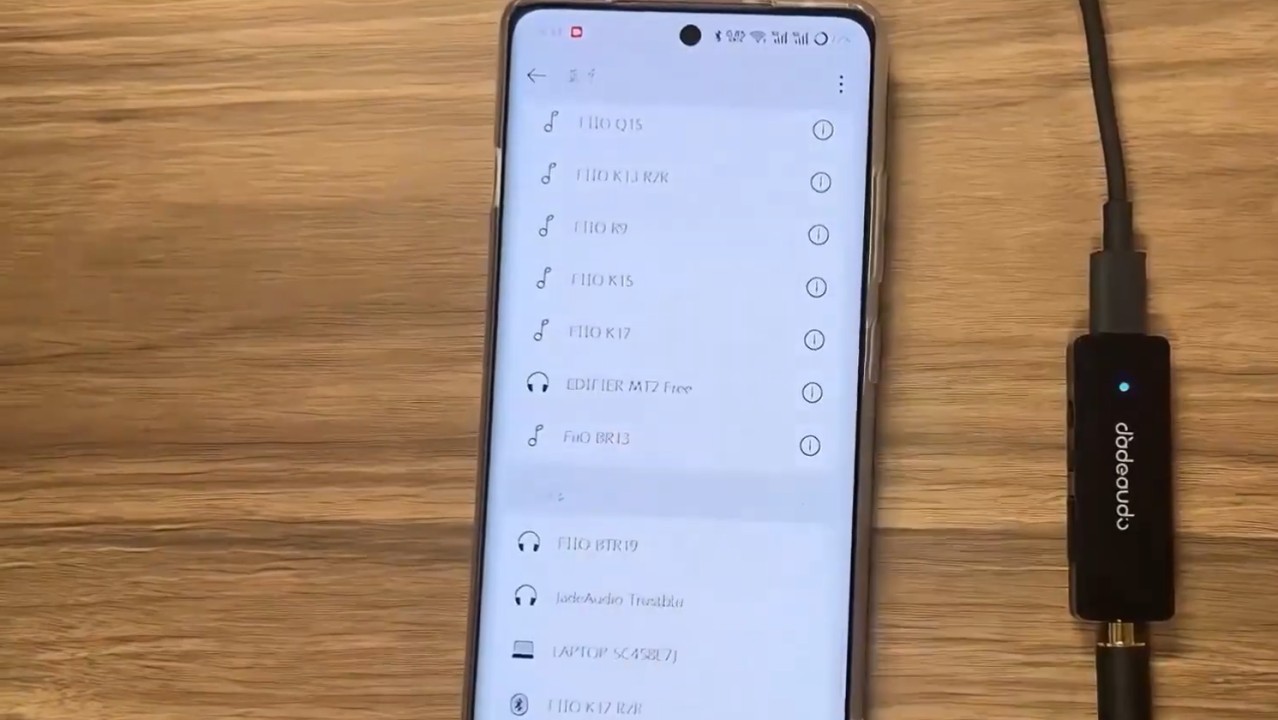
Step 04 – Connect a 3.5 mm-to-3.5 mm cable, such as the FiiO TRUST, between the TRUSTBLU and the powered speaker or amplifier.
The TRUSTBLU can connect to up to two devices simultaneously. Starting music playback on one device pauses the track playing on the other.
One example of using the TRUSTBLU in Bluetooth mode is connecting it to a powered speaker. This eliminates the need to place a computer beside the speaker or use long cables. In addition to playing music wirelessly, users can apply equalization through the 31-band parametric equalizer (PEQ) in FiiO Control.
Controls and settings available through FiiO Control
FiiO Control allows users to adjust the TRUSTBLU’s settings through the smartphone app or a web browser on a computer. The app provides remote controls for skipping to the next or previous track, adjusting the volume, and creating equalization profiles with a parametric equalizer (PEQ).
On a computer, users can adjust PEQ frequencies by dragging points on the curve and fine-tune other parameters. Equalization profiles can also be uploaded to or downloaded from the FiiO Control user “social network.”
The TRUSTBLU’s DRC function
DRC stands for Dynamic Range Compression. This feature is designed to balance the dynamics of movie soundtracks, preventing sudden volume changes from startling listeners while keeping dialogue clear and audible. It is useful when watching movies and TV series on streaming services late at night.
JadeAudio TRUSTBLU specifications
General specifications
• Amplification: Lowpower LPA4722A
• Analog outputs: 3.5 mm single-ended (SE)
• App support: Yes, FiiO Control
• Battery: None
• Bluetooth 5.4
• Bluetooth chip: Bluetrum BT8961B6
• Colors: Black and white
• Digital inputs: USB and Bluetooth
• Equalization support: Parametric equalizer (PEQ) and AUTO EQ
• Operating modes: USB DAC and Bluetooth receiver
• Physical controls: Volume button, multifunction button, and slide switch for selecting the operating mode
• Power supply: USB-C with a 5 V/≥1 A charger
• UAC 1.0 support: Yes, allowing connections to consoles such as the Nintendo Switch and PS5
• USB DAC mode support: Yes
• Weight: 8 g
Bluetooth specifications
• Bluetooth codec LED indicator: Blue for SBC and white for LDAC
• Bluetooth reception and transmission support: Bluetooth reception only
• Bluetooth version: 5.4
• Supported Bluetooth codecs: SBC and LDAC
Audio specifications
• Native decoding in USB DAC mode: PCM up to 96 kHz/24-bit
3.5 mm single-ended (SE) headphone output specifications
• Output power into 16 Ω: 100 mW, with THD+N < 1% and 1.3 Vrms
• Output power into 32 Ω: 55 mW, with THD+N < 1% and 1.3 Vrms
• Output power into 300 Ω: 6 mW, with THD+N < 1% and 1.3 Vrms
• Output impedance: ≤ 1 Ω
• Channel separation: ≥ 76 dB
• Noise floor: ≤ 10.7 µV, A-weighted
• Total harmonic distortion plus noise (THD+N): < 0.025% at 1 kHz, −3 dB, into 32 Ω
• Signal-to-noise ratio (SNR): ≥ 102 dB, A-weighted
• Frequency response from 20 Hz to 20 kHz: Attenuation < 0.1 dB
• Frequency response from 20 Hz to 40 kHz: Attenuation < 2.7 dB
• Dynamic range: ≥ 102 dB, A-weighted
What comes in the JadeAudio TRUSTBLU box?
The following items are included in the JadeAudio TRUSTBLU box.
• TRUSTBLU
• USB-A-to-USB-C cable
• Quick start guide
• Product warranty card
Release, pricing, and availability
The JadeAudio TRUSTBLU is now available internationally in black and white for US$17.95 from FiiO’s official store on AliExpress.
Share:


Product launches
Tangzu Du Fu Sage of Poetry Launches With 2DD + 2BA
Product launches
No comments have been made yet, be the first!