

Review of the Sony NW-ZX707 DAP
From: Vitor Valeri
A headphone hobbyist for over 15 years, he founded the Hi-Fi Hub website and is an administrator of the "Fones High-End" and "Fones Low-End" groups on Facebook.


Published in: 19/12/25 at 12:36 - Updated in: 16/01/26 at 14:19
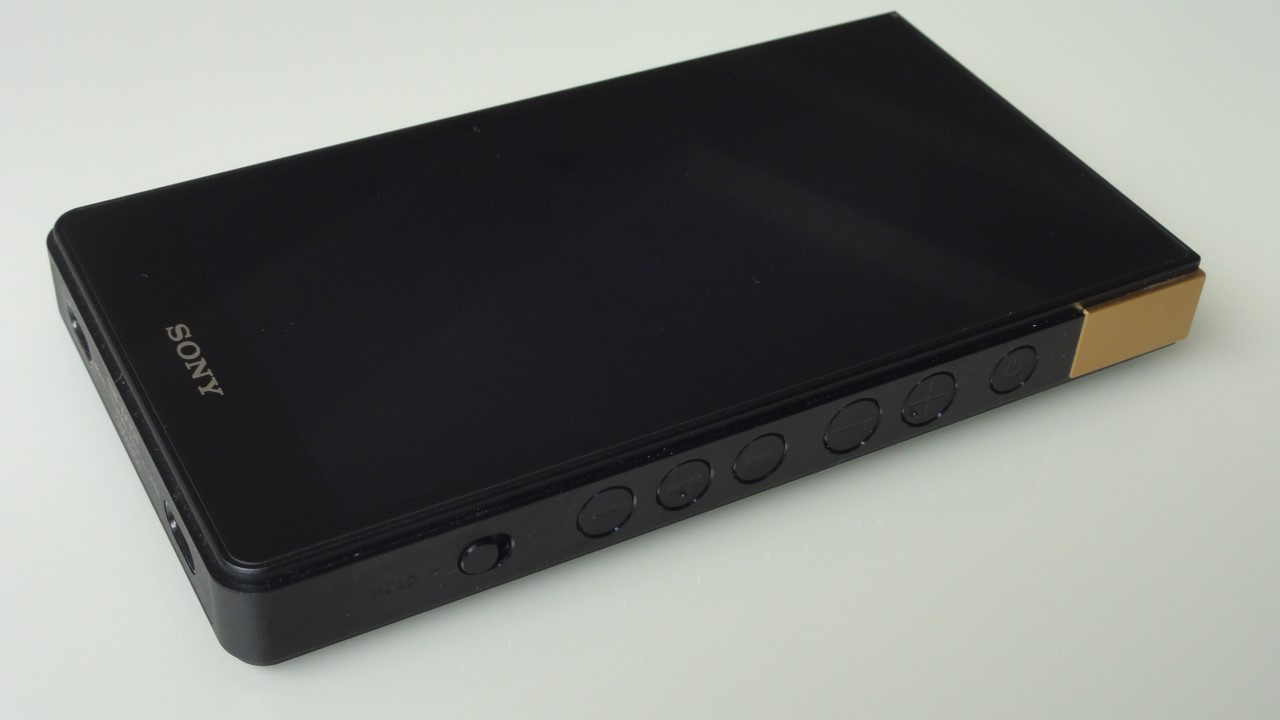 Sony NW-ZX707 Digital Audio Player (DAP) (Image: Vitor Valeri / Hi-Fi Hub)
The review of the Sony NW-ZX707 surprised me with its build quality, the ergonomics of its physical buttons, and the sound performance delivered by this Digital Audio Player (DAP). This Portable Media Player (PMP) also features a solid music playback application, with fast and functional navigation, providing an excellent user experience. In this review, find out whether this player is or is not worth it for your use.
An introduction to the Japanese DAP
Released in January 2023, the Sony NW-ZX707 is a mid-range portable music player from the Walkman lineup. It is positioned below the NW-WM1AM2 and NW-WM1ZM2 models, which cost over one thousand dollars, and it was launched with the Android 12 operating system.
Sony is one of the few DAP manufacturers, if not the only one, that has updated its Digital Audio Players to Android 14. However, this update was made only for the ZX700 and A300 series models, leaving out the WM1AM2 and WM1ZM2 models for reasons that remain unknown.
After testing the Sony ZX707 for a little over one month and one week, I will share my impressions compared with other Android-based PMPs I have used, such as the FiiO X7 Mark II, the FiiO M11S, and the FiiO JM21, which is the Portable Media Player I currently use in my daily routine.
Build quality
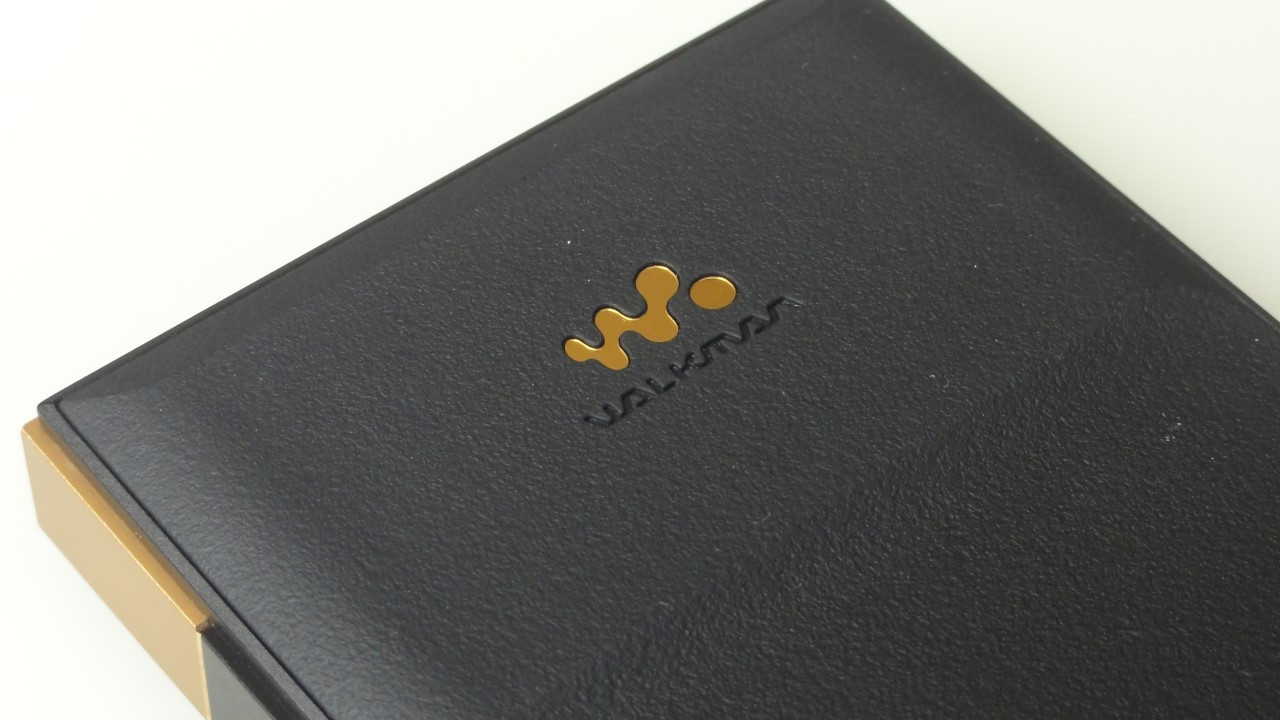
The build quality of the A series from the Walkman line had already impressed me when I used the NW-A45, but the Sony ZX707 is on another level. Its rear panel has a soft touch due to the use of a leather-like material, in addition to being visually appealing, featuring a textured black surface.
To add an even more refined touch, there is also a metalized Walkman logo on the back of the ZX707.
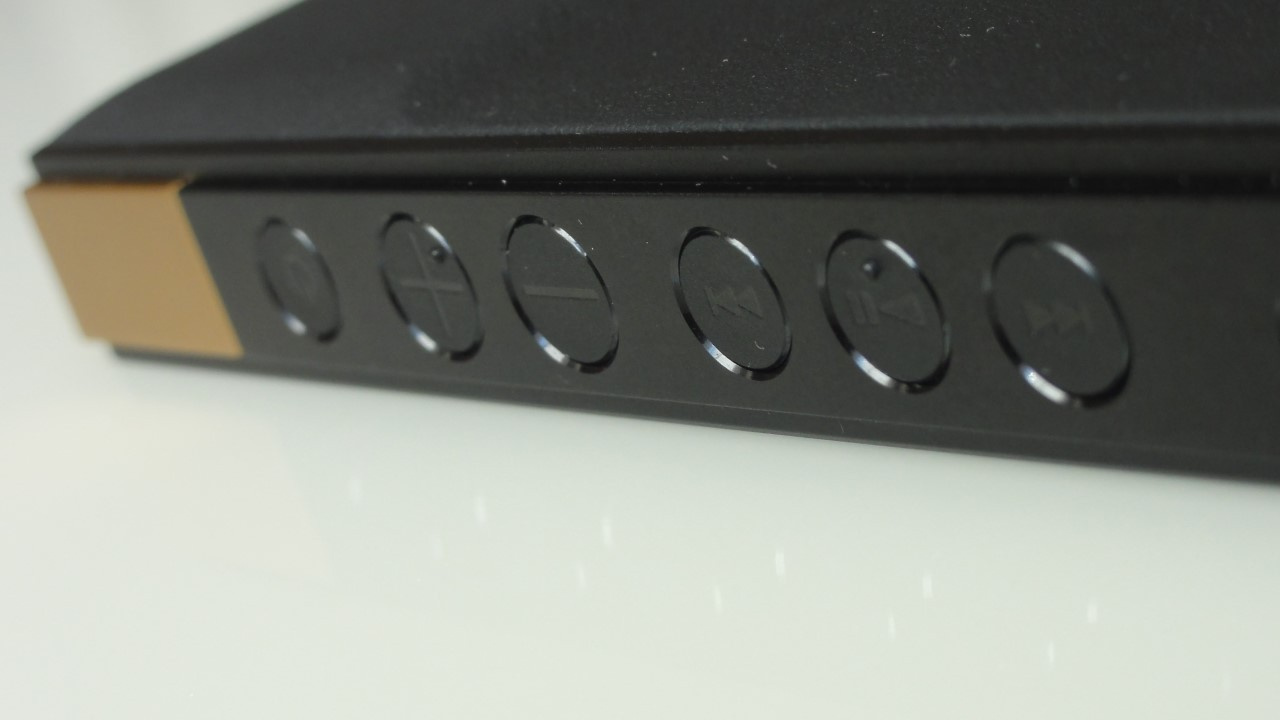
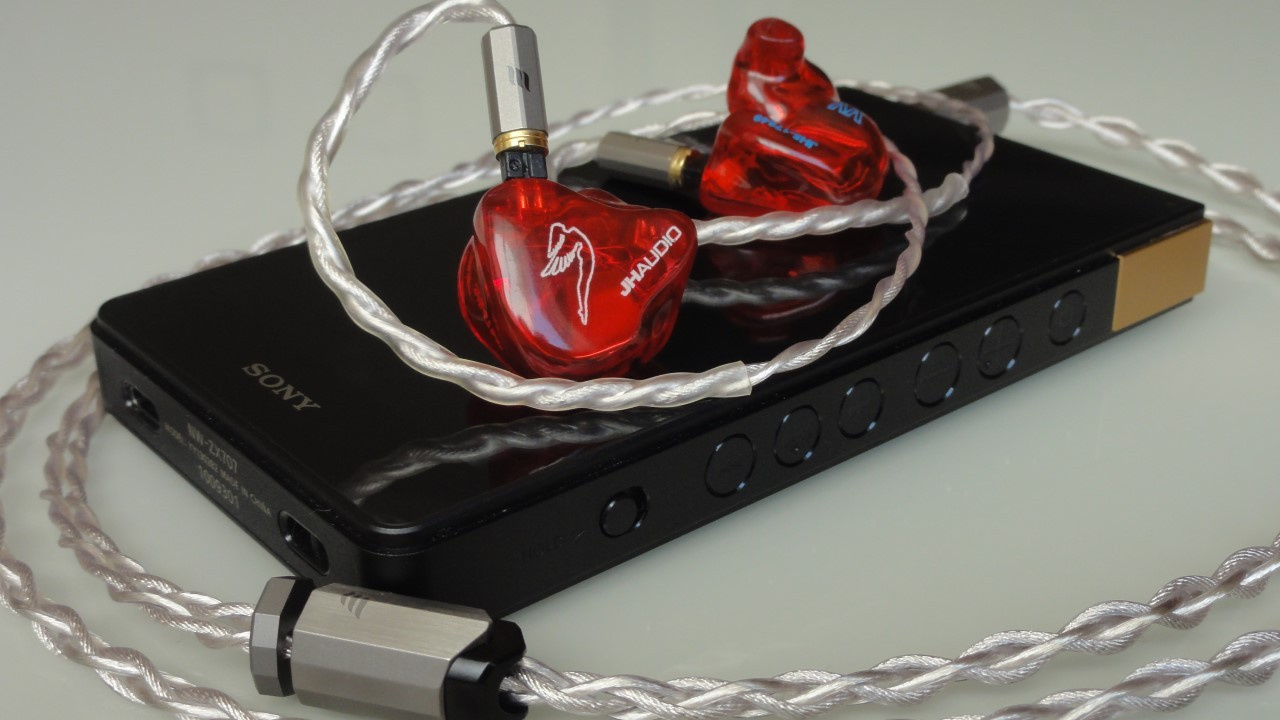
The entire body of this DAP is made of aluminum, with rounded edges that provide a comfortable grip. On the side, Sony used large buttons of different sizes, two of which feature a raised dot, allowing them to be easily distinguished by touch.
Regardless of the position in which the ZX707 was placed, it was always easy to locate each button to control playback or adjust the volume. Everything was within easy reach, delivering a user experience unlike that of any other Digital Audio Player I have used.
Weighing 227 g, the Sony NW-ZX707 is lighter than the FiiO M11S and also thinner (16.9 mm versus 18.5 mm). When placed in my pocket, it did not cause any discomfort, even with its height of 13.2 cm and width of 7.2 cm.
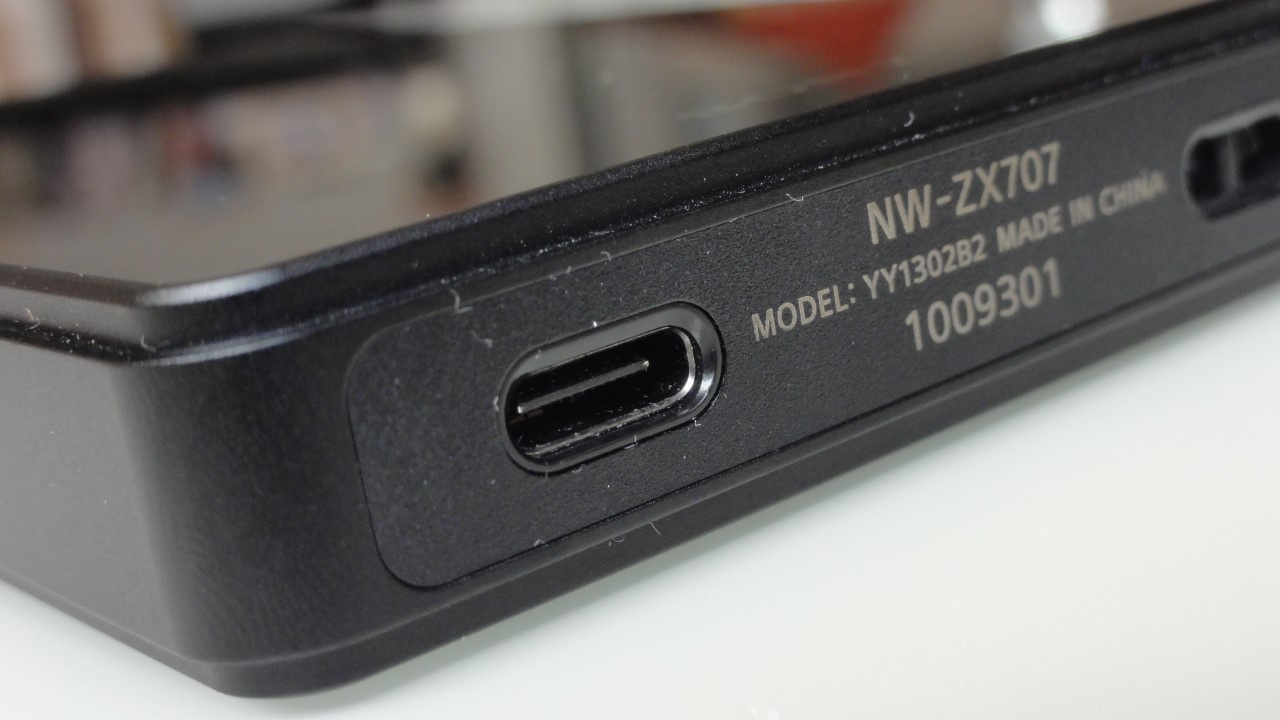
Another positive aspect is the presence of a USB-C port for charging, data transfer, and audio signal transmission, allowing the ZX707 to be used as a USB DAC/amp (“external sound card”) on a computer, as well as a digital transport when connected to a dedicated desktop DAC.
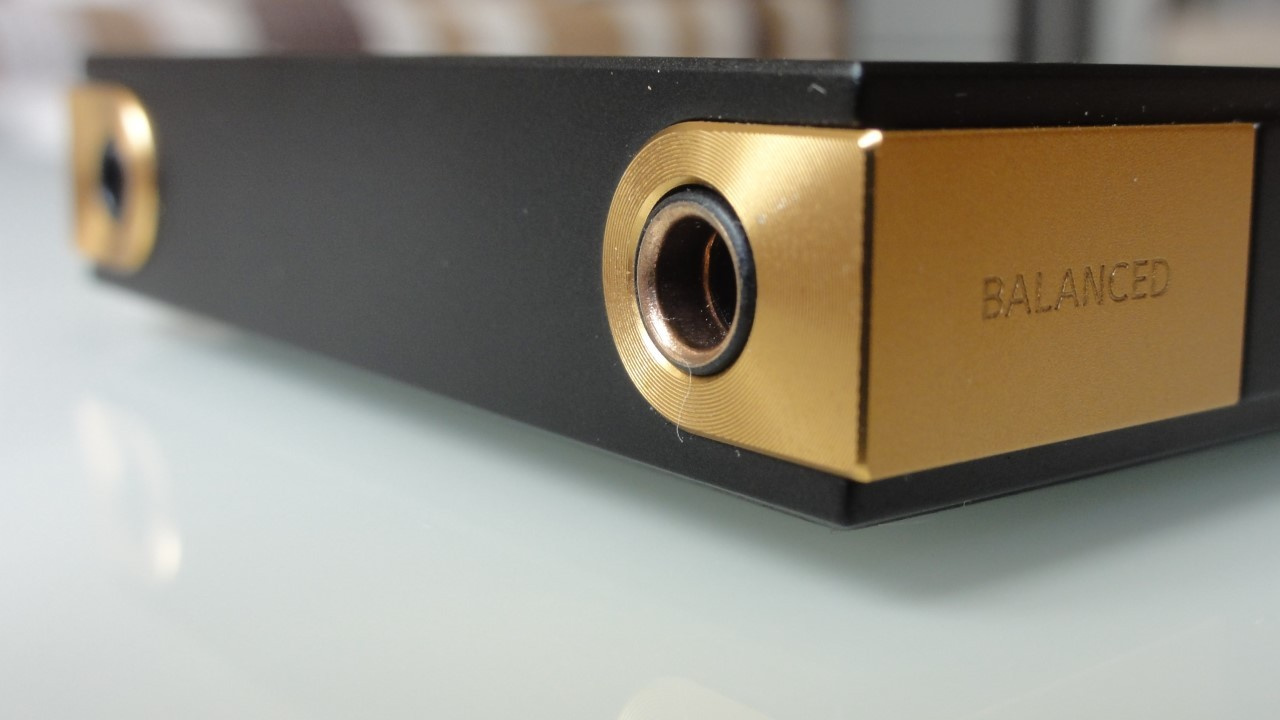
The only design aspect of the ZX707 that I did not like is the location of the headphone outputs, which are placed on the top. This caused inconvenience when using it on my desk while resting it on a phone stand. Since my headphone cable has a straight connector rather than an “L-shaped” one, it remained constantly twisted, which could potentially cause contact issues in the future.
Fortunately, the USB Audio Player Pro (UAPP) app allows the screen to be inverted so that the DAP can be used upside down. Because the buttons are easy to locate by touch, using the PMP in this orientation was not a problem.
Navigation experience
It may sound unusual, but the fluidity of navigation on the Sony ZX707 can vary. When interacting with the Android operating system itself, the DAP feels somewhat slow. However, once inside an app (whether the native Sony player or music streaming apps) navigation was smooth, without stuttering.
Performance improves considerably by disabling Google apps that are unrelated to music, such as Photos, Calendar, Google TV, Maps, Meet, Gmail, among others. In addition, performance can be further enhanced by disabling background services that are enabled by default and usually make sense for a smartphone, but not for a portable music player.
Even so, despite limiting Google services and background processes, the fluidity is still far from what is offered by the FiiO JM21, which provides an experience much closer to that of a modern smartphone when navigating Android and streaming apps.
Regarding navigation through music stored on a microSD card, it is necessary to format the card within the DAP by opening the Settings app, accessing the “Storage” section, selecting the microSD card instead of the internal storage, and tapping the three dots in the upper-right corner to choose the formatting option.
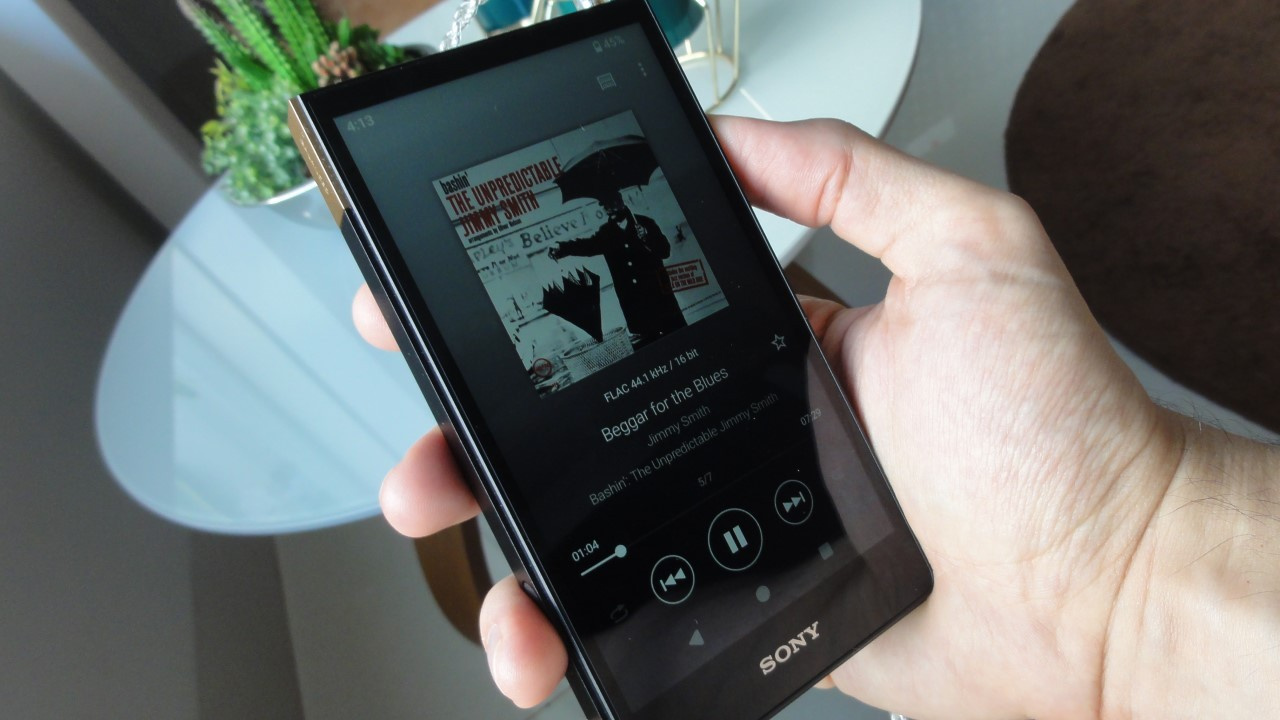
After formatting the microSD card, you must copy the music files to the “Music” folder that is created during the formatting process. Then, open Sony’s native music playback app, “Music Player,” which features the Walkman logo, so that it can scan and index the tracks on the card.
Battery
The Sony ZX707 unit was purchased used, so the battery is not in optimal condition, and I do not know for how long the device had been previously used. Nevertheless, when listening in the morning and afternoon at volume level 30 through the balanced 4.4 mm output, with Wi-Fi disabled, this DAP has lasted between three and four days before the battery is depleted, which corresponds to approximately 24 hours of playback time.
To calibrate the battery and improve its performance, I charged it to 100% and then allowed it to discharge completely until the DAP turned off by itself. I repeated this process twice, and the result was excellent.
Sound
The sound signature of the Sony ZX707 tends toward a warmer presentation, featuring full, voluminous, and weighty bass. At the same time, there is a detailed presentation thanks to a more prominent upper-midrange region. Without a doubt, however, the “cherry on the cake” is the midrange.
Although the ZX707 may sound slightly closed-in due to the stronger emphasis on the bass, the midrange is rendered in a very vivid and sweet manner, with remarkable naturalness. Combined with the clarity in the treble region, many tracks were presented in an engaging way, with strong dynamics.
However, not everything is perfect, and there are moments when the treble can sound slightly harsh, depending on the track being played. In my case, such moments were rare, but they did occur.
In terms of soundstage and separation, the ZX707 demonstrated solid performance. I had no difficulty identifying individual instruments and voices, as well as their spatial positioning. Even background elements with less activity could still be perceived.
Regarding background noise, in some moments of silence within the music, I was able to notice a slight hiss. Most of the time, however, this issue was difficult to perceive.
Conclusion
The Sony Walkman NW-ZX707 Digital Audio Player (DAP) is worth purchasing if you can find a used unit for around US$ 500. However, if you intend to buy it new, I no longer consider it a good value, since it is sold in the range of US$ 600 to US$ 700.
What stands out the most in this player is its build quality, button ergonomics, battery life, and sound signature, which is difficult not to appreciate. Nevertheless, keep in mind that navigation through the operating system is slow, even though performance within apps is fluid.
No comments have been made yet, be the first!