

How to Fix a Loose 2-Pin Cable Connection on In-Ear Monitors (IEMs)
From: Vitor Valeri
A headphone hobbyist for over 15 years, he founded the Hi-Fi Hub website and is an administrator of the "Fones High-End" and "Fones Low-End" groups on Facebook.


Published in: 21/01/26 at 14:22
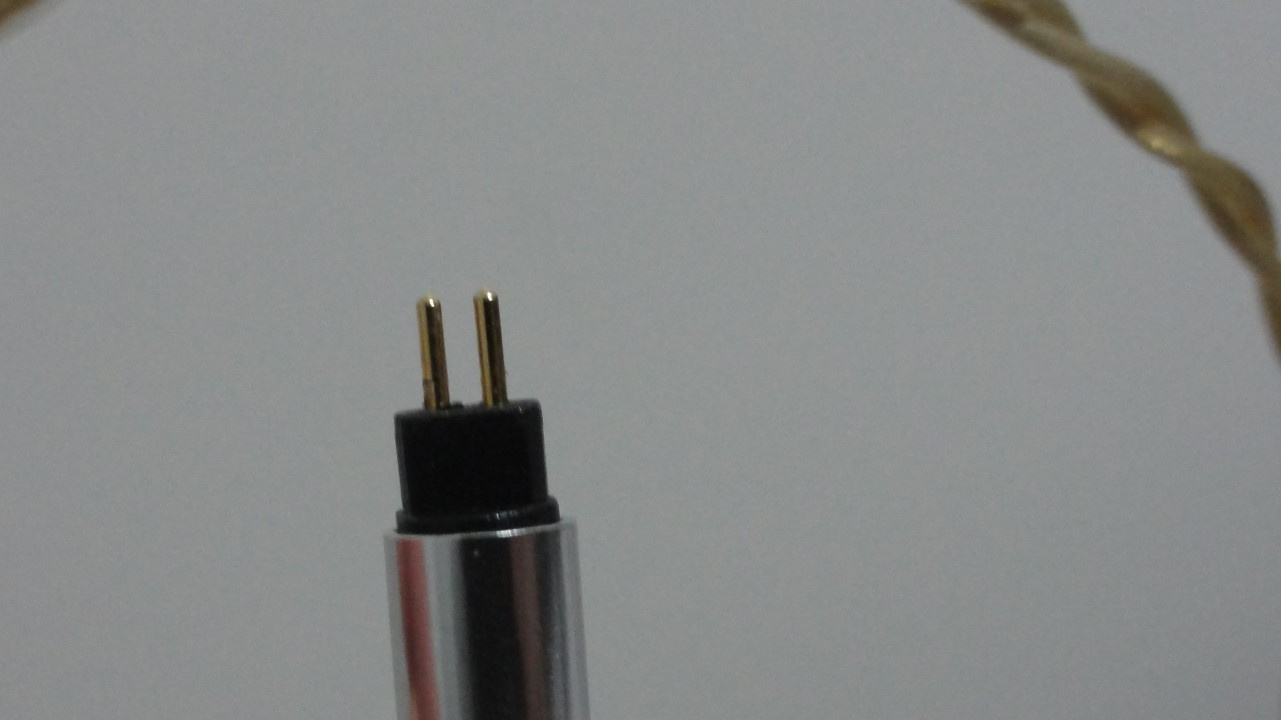 Photo of the 2-pin connector of an in-ear monitor (IEM) cable (Image: Vitor Valeri/Hi-Fi Hub)
The cable of your in-ear monitor (IEM) may develop a loose connection over time. If the cable uses the so-called “2-pin” connector, it is possible to repair it and restore a firm connection. In the case of cables with MMCX connectors, unfortunately, I am not aware of any solution that prevents the earphone from rotating.
What should be done to fix cables with a 2-pin connector?
To repair cables that use a 2-pin connector, you will need the following materials:
- A microfiber or flannel cloth that is not thick
- A pair of needle-nose pliers or precision tweezers
It is not difficult to find the cloth or the needle-nose pliers in a local physical store. However, in the case of precision tweezers, which are the option I recommend for this repair, you can purchase them on AliExpress. If you do not want to spend time searching, access this link.
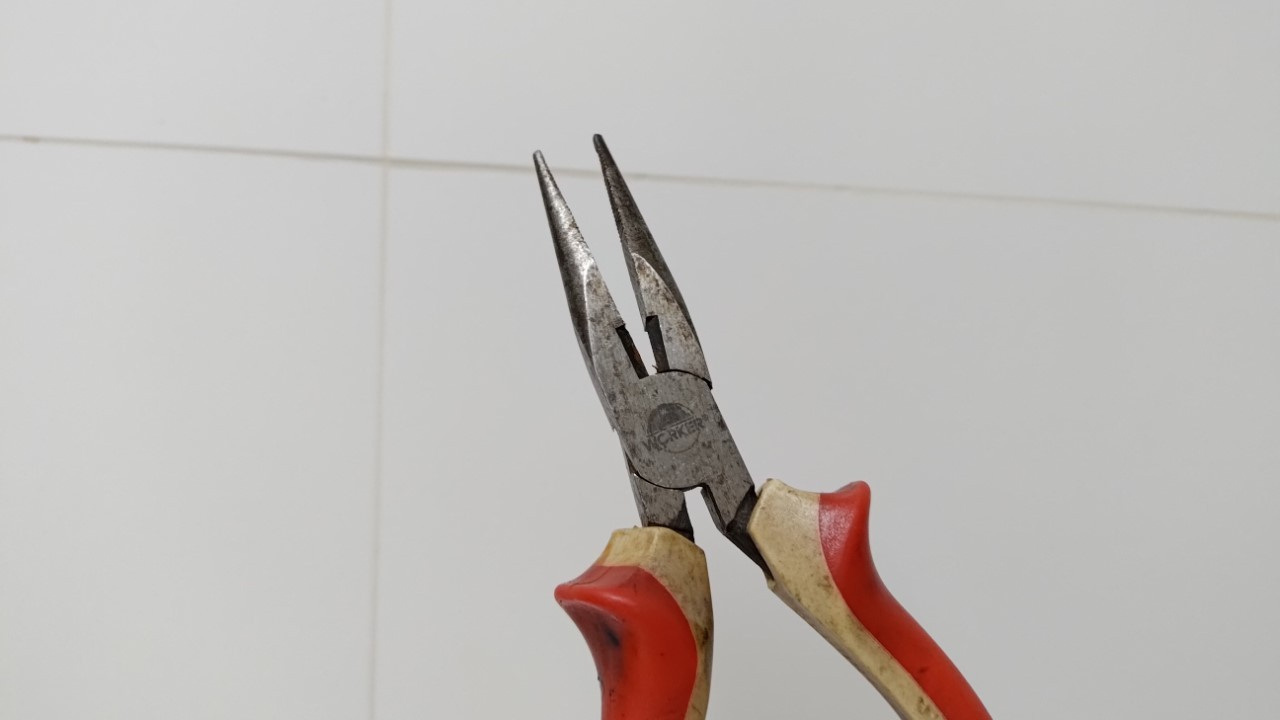
How to fix the loose fit between a 2-pin cable and an in-ear monitor (IEM)
To solve the problem of a loose connection between a 2-pin cable and an in-ear monitor (IEM), follow the step-by-step instructions below.
Step 01: Wrap the pins of the 2-pin connector with the cloth to prevent damage when pressing them with the needle-nose pliers or precision tweezers.
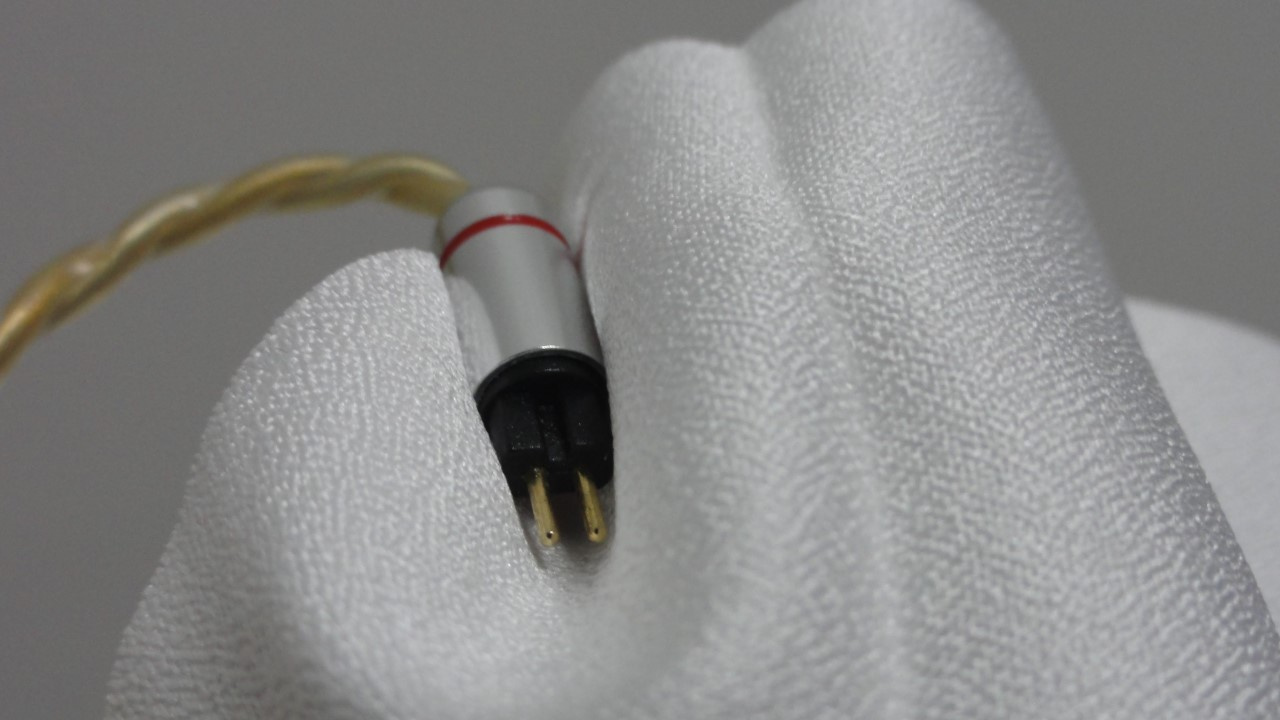
Step 02: Using the precision tweezers or the needle-nose pliers, gently press the tips of the 2-pin connector pins, as if bringing them slightly closer together.
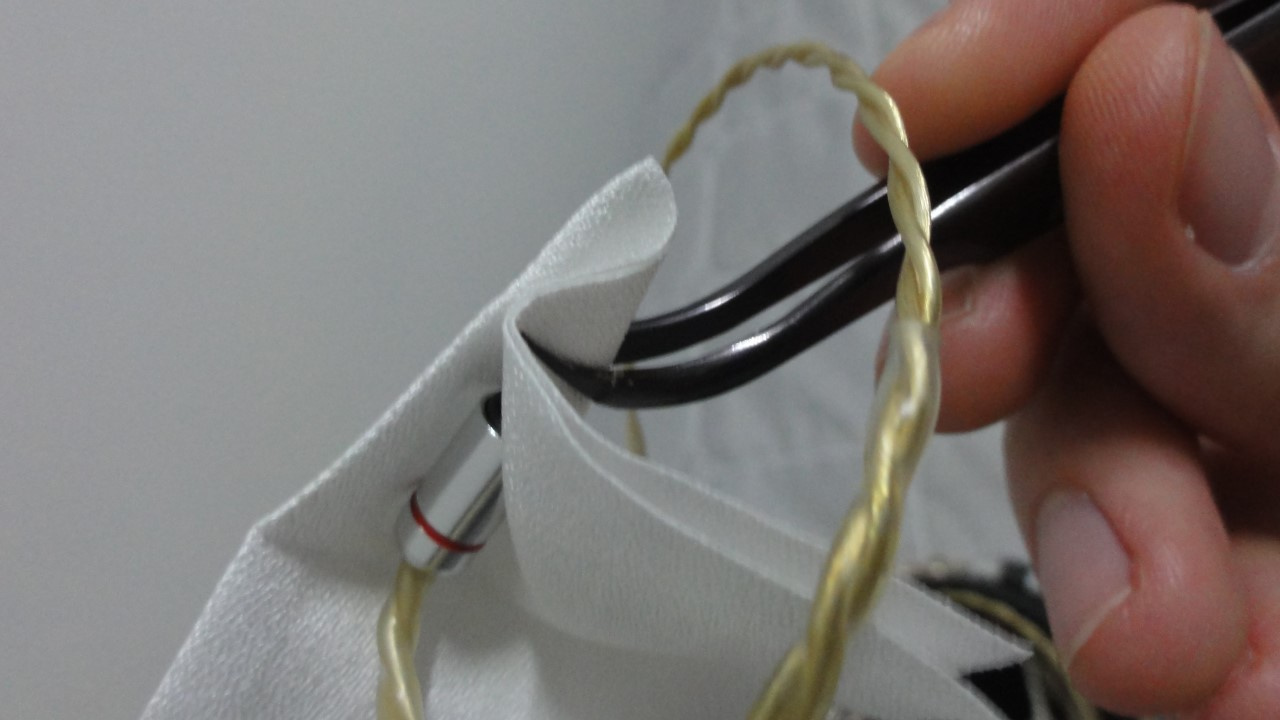
Step 03: After applying light pressure with the tweezers or pliers, check how the 2-pin connector fits into the earphone and repeat the process if necessary until you notice that the connection has become firm.
That is it. You have now solved the problem of the loose connection between the earphone and the 2-pin cable. If you would like to learn how to properly care for your cable so that it lasts for many years, please access the article I wrote on this topic.
Share:


No comments have been made yet, be the first!