

Review: SoundLink Aid 500 Electric Dehumidifier
From: Vitor Valeri
A headphone hobbyist for over 15 years, he founded the Hi-Fi Hub website and is an administrator of the "Fones High-End" and "Fones Low-End" groups on Facebook.


Published in: 19/12/25 at 14:55 - Updated in: 16/01/26 at 14:50
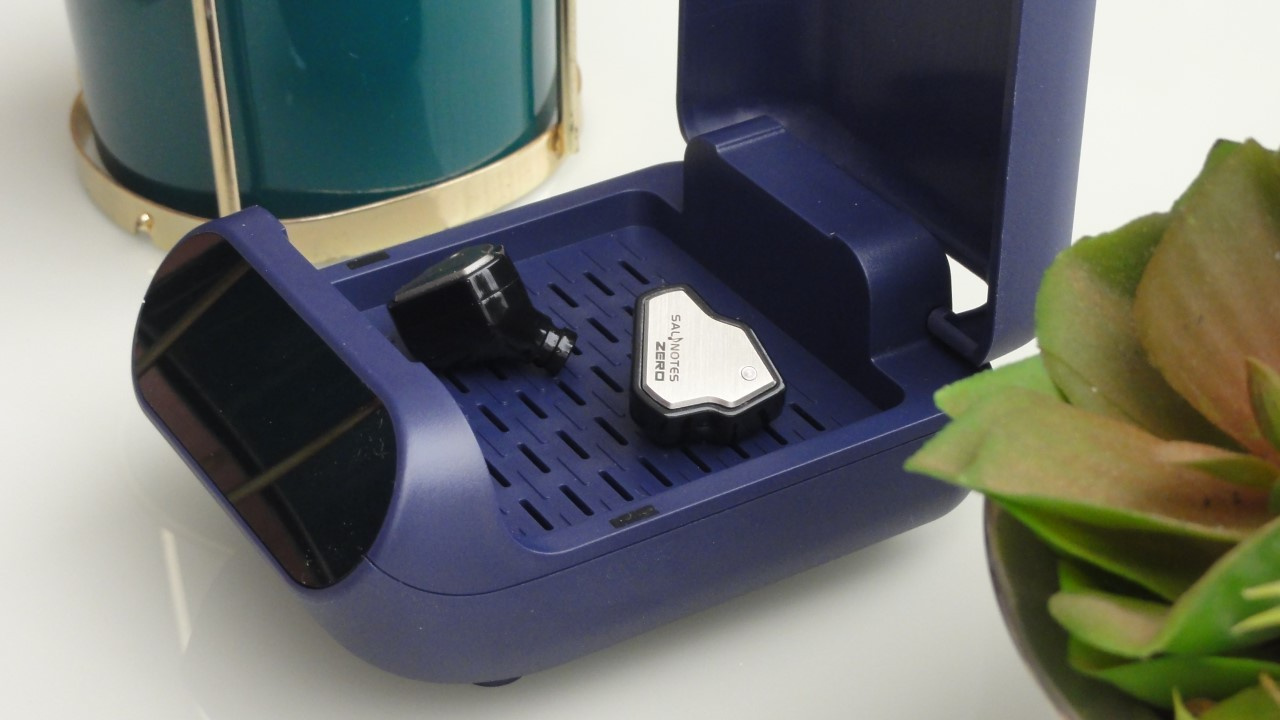 SoundLink Aid 500 electric dehumidifier (Image: Vitor Valeri / Hi-Fi Hub)
The SoundLink Aid 500 electric dehumidifier is a device designed to remove moisture from hearing aids that use batteries. However, electric dehumidifiers can also be useful for solving and preventing moisture-related problems in headphones. In this review of the SoundLink Aid 500, I will report my experience using it with in-ear monitors (IEMs).
Why can using an electric dehumidifier with IEM be a good idea?
By using an electric dehumidifier, it is no longer necessary to rely on silica gel packets to remove moisture from in-ear monitors (IEMs), although they are still required in the case of over-ear headphones due to the size of their structure.
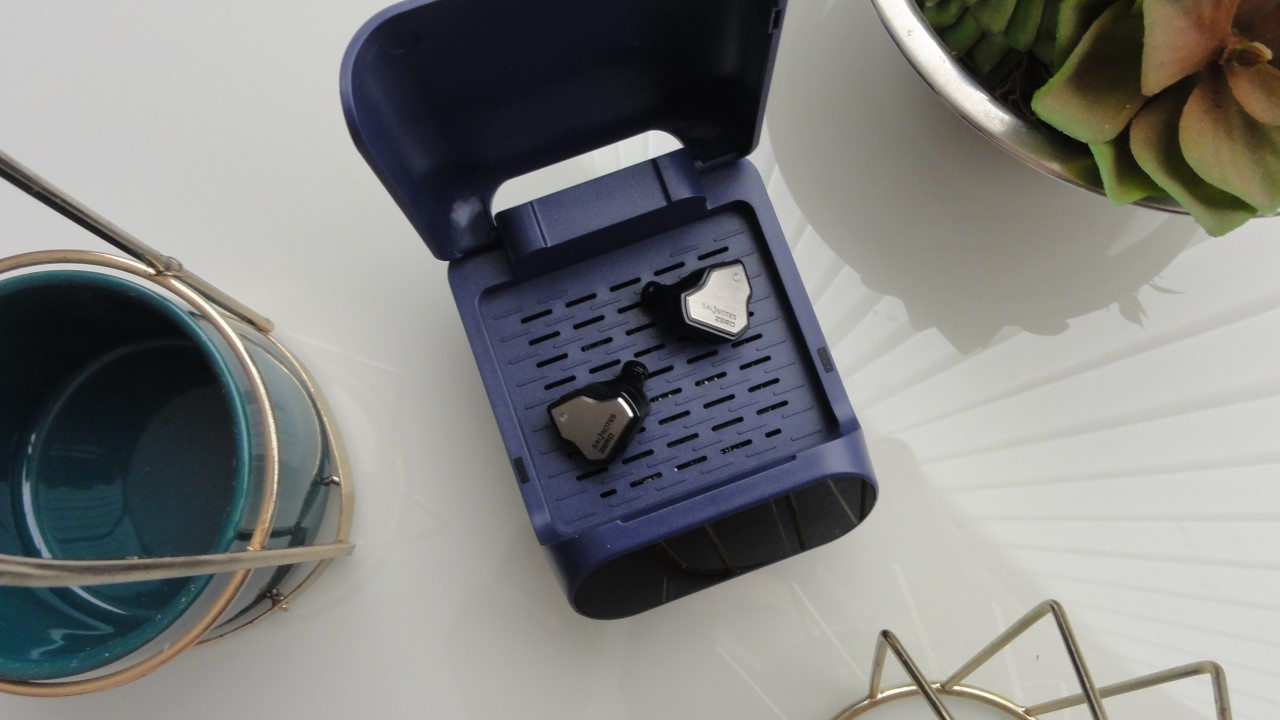
Electric dehumidifiers operate with controlled heating, which may vary from model to model, but the SoundLink Aid 500 works at approximately 35 °C. This allows for more effective moisture removal through the combined action of gentle heat and a small fan embedded in the device’s structure.
Warning: Some cheaper models of electric dehumidifiers do not include an integrated fan.
What benefits were perceived when using an electric dehumidifier with IEMs?
When using an electric dehumidifier to remove trapped moisture from IEMs, I noticed the following benefits:
• Better balance between the right and left channels.
• Improved fit in the ear, as it removes oil residues from the body (shell, housing) of the earphones.
• Enhanced clarity and dynamic performance in music playback.
Use electric dehumidifiers to prevent problems with IEMs and hearing aids
According to SoundLink, the manufacturer of the Aid 500 electric dehumidifier, the device can also help to:
• Prevent distortion and failures in sound reproduction.
• Ensure that hearing aids or in-ear monitors remain dry and functional.
• Reduce potential irritation and discomfort when using hearing aids or IEMs.
A possible solution to the problem of clogged filters in in-ear monitors (IEMs)
Filter clogging in in-ear monitors (IEM) can occur due to excessive dirt (earwax or dust) or due to water condensation in the nozzle (the outlet through which sound is emitted).
Manufacturers use filters both to block the entry of dust and liquids and as part of the sound-tuning process of a in-ear monitor. The problem arises when materials that are prone to promoting condensation of water vapor present in the air are used.
Condensation usually occurs when a metal mesh filter is combined with fabric or dense foam. This results in significant water absorption in the nozzle or in the tubes that guide the sound from the driver (speaker) to the earphone’s outlet.
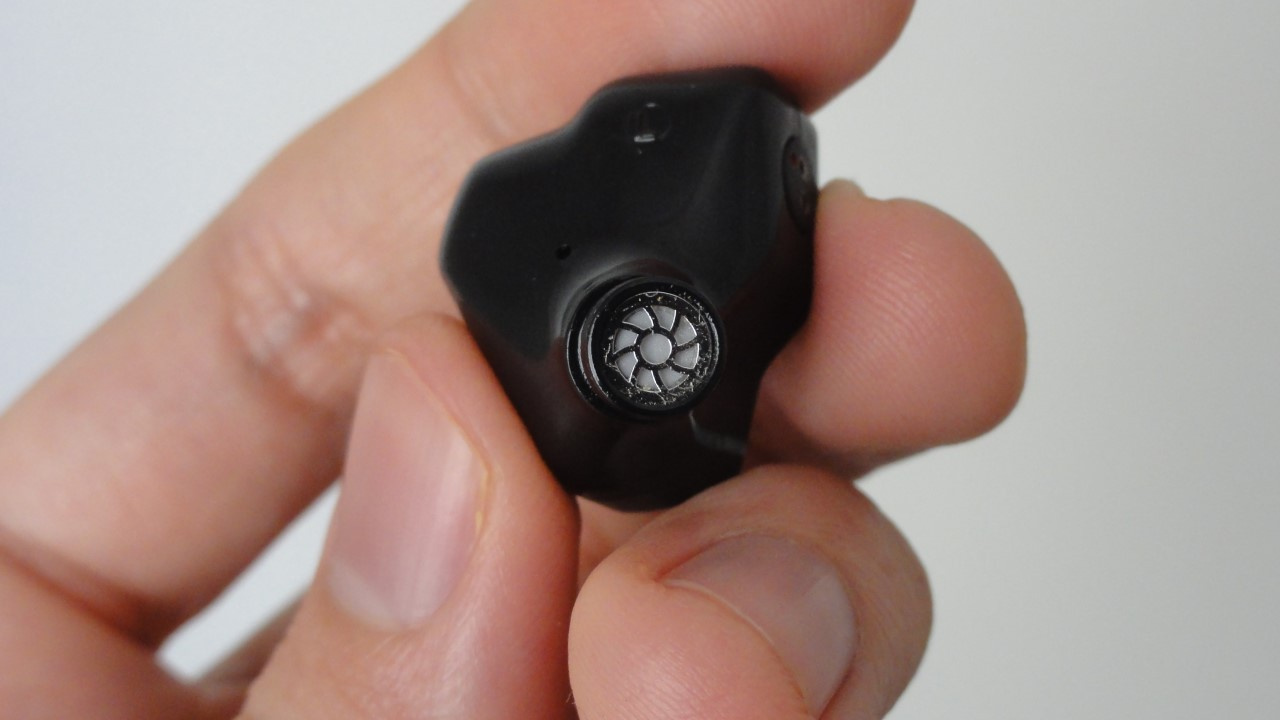
There may also be filters positioned inside the sound tubes, before the sound reaches the nozzle. Both the filters and the drivers of the headphones can be adversely affected by excessive moisture.
Precautions when using an electric dehumidifier
When using an electric dehumidifier with in-ear monitors (IEMs) or hearing aids, it is recommended to:
• Clean the body of the in-ear monitor (IEM) or hearing aid with a microfiber cloth.
• Remove the ear tips from the IEM or hearing aid to prevent drying and degradation.
• Remove the batteries from hearing aids.
• Do not place TWS Bluetooth earphones inside, as their batteries cannot be removed.
• Remove the cables, if possible, to prevent drying and degradation.
How should I use the electric dehumidifier?
If you are a hearing-aid user, it is recommended to use the electric dehumidifier daily, especially if you live in humid climates or if you experienced excessive perspiration throughout the day.
In the case of in-ear monitors (IEMs), daily use of the electric dehumidifier is not necessary if they are used only for a few hours. It is important to evaluate the quality of audio reproduction in order to determine more precisely whether a new dehumidification cycle is needed.
To start the dehumidification process, follow these steps:
Step 01: Open the lid and place the hearing aid or in-ear monitors (IEMs) inside.
Step 02: Tap the power icon (the first from left to right shown in the image below).
Step 03: Tap the clock icon to change the time between 3 h and 6 h.
Step 04: Wait until the power and clock icons turn white.
Step 05: Open the lid of the dehumidifier and remove the hearing aid or IEMs.
It is possible to pause the process by tapping the power icon.
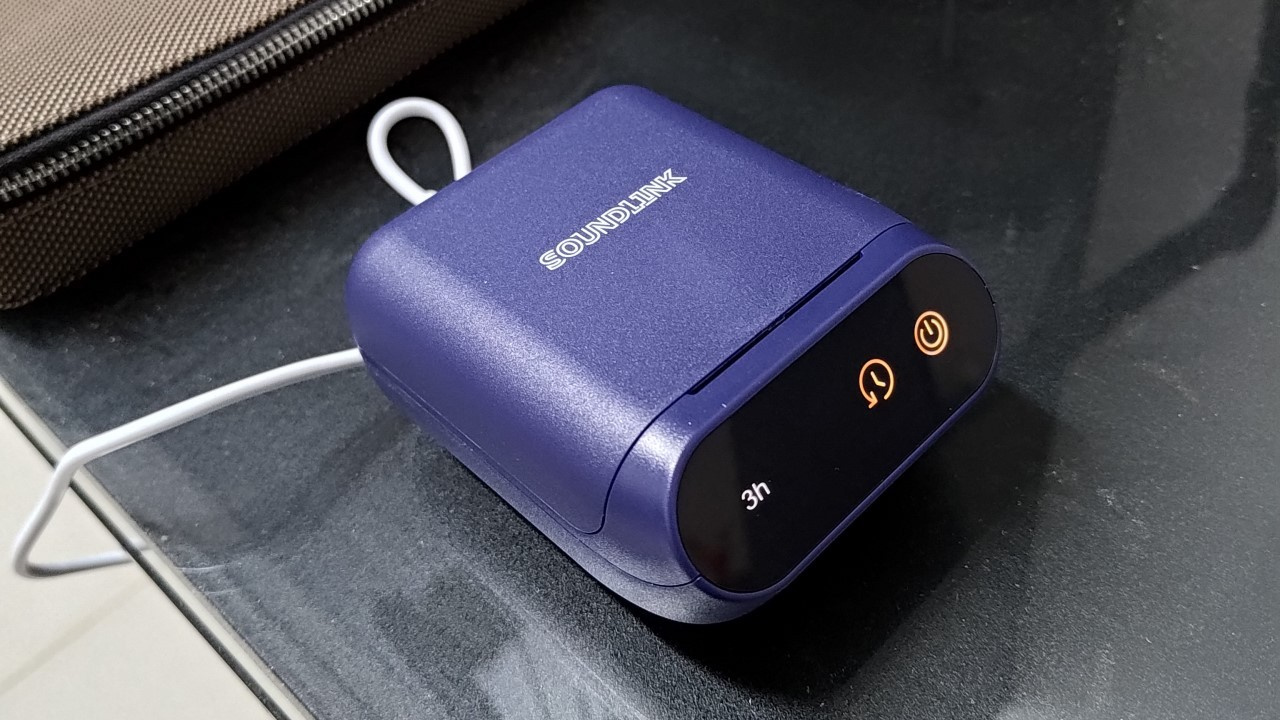
What do you need to know when plugging the electric dehumidifier into a power outlet?
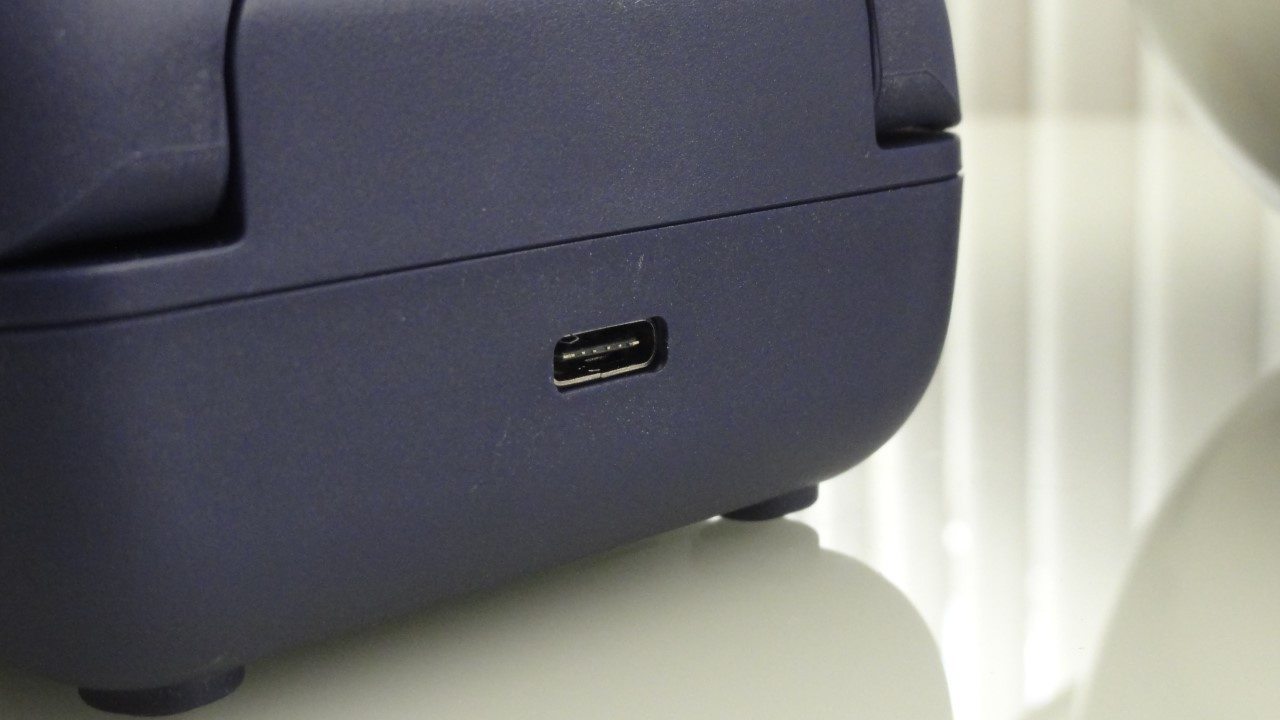
Note that the SoundLink Aid 500 electric dehumidifier operates via a USB-C port and requires a charger with 5 V and at least 1 A (ampere), although higher current ratings are acceptable, since the device regulates its own power consumption. Also note that this device is dual-voltage and supports both “110 V” (127 V) and 220 V power standards.
How much does the SoundLink Aid 500 cost?
The SoundLink Aid 500 dehumidifier is sold in SoundLink’s official AliExpress store for approximately US$ 20, but during promotions it can be found for around US$ 15. Note that the model referred to here is the version without UV (ultraviolet) light, as there is a UV-equipped model that is more expensive.
Choose the version without ultraviolet radiation, because over time the acrylic used in earphones can yellow, crack, and degrade when exposed to UV light.
No comments have been made yet, be the first!