

USB Audio Player Pro (UAPP) on Android Phones and DAPs
From: Vitor Valeri
A headphone hobbyist for over 15 years, he founded the Hi-Fi Hub website and is an administrator of the "Fones High-End" and "Fones Low-End" groups on Facebook.


Published in: 12/01/26 at 14:10 - Updated in: 16/01/26 at 11:04
 Illustrative image of the USB Audio Player Pro application, also known as UAPP (Image: Vitor Valeri/Hi-Fi Hub)
Developed by the Dutch company eXtream Software Development, the Android mobile application called USB Audio Player Pro, better known as UAPP, was created to enable bit-perfect playback, which refers to audio transmission without any interference from the operating system of the device responsible for music reproduction.
What is USB Audio Player Pro (UAPP)?
USB Audio Player Pro (UAPP) is a mobile music player capable of playing files with resolutions of up to 32 bits at any sampling rate, supporting the most popular formats, including MP3, APE, WAV, FLAC, and DSD. Its main distinguishing feature is bit-perfect audio playback, that is, playback without any modifications introduced by the Android operating system.
What can be done with UAPP?
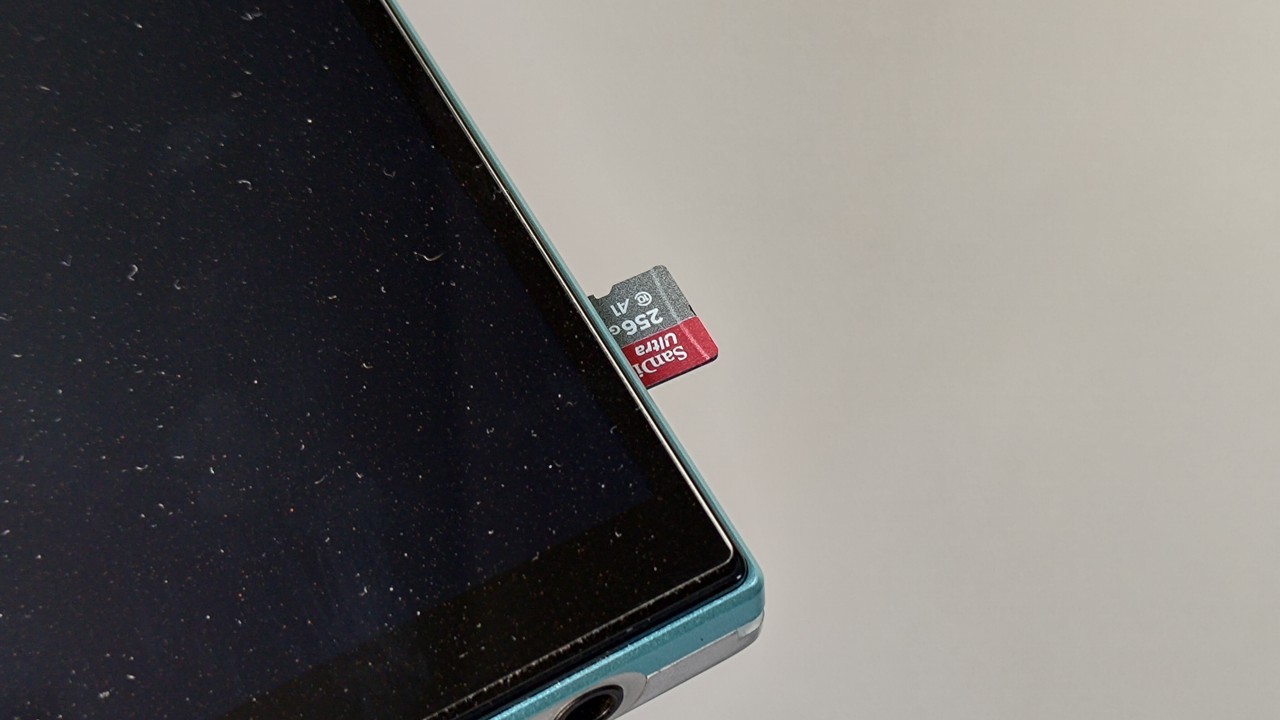
UAPP can play tracks stored on microSD cards and in the internal storage of smartphones, tablets, and DAPs, as well as music from streaming services. It is possible to access Tidal and Qobuz accounts directly within UAPP and obtain bit-perfect music streaming.
Does UAPP allow downloading music from streaming apps for offline listening?
No. Music from the Tidal and Qobuz streaming services cannot be downloaded within UAPP for offline listening (without an internet connection).
Is USB Audio Player Pro a paid app?
USB Audio Player Pro is a paid app and costs US$ 7.99 on the Play Store, the Android app store. However, this amount only needs to be paid once, and you can use the app simultaneously on more than one Android device.
Download USB Audio Player Pro (UAPP) from the Play Store here.
There are two audio drivers in UAPP
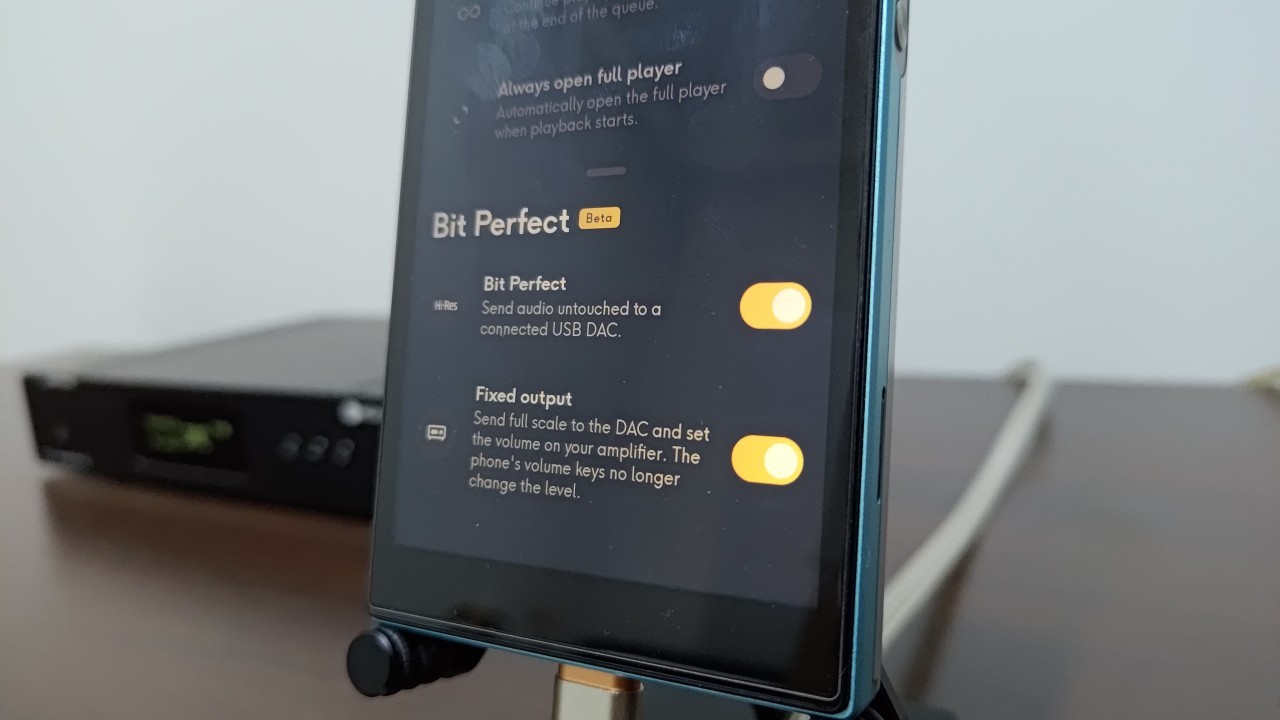
UAPP uses two drivers to provide bit-perfect transmission [1]: the USB audio driver and the HiRes direct driver. Both allow the audio signal to be sent directly either to an external DAC or to the DAC built into the Android device itself, which may be a smartphone, tablet, or Digital Audio Player (DAP).
• HiRes direct driver in UAPP: Designed for Android devices that have headphone outputs, this driver allows bypassing the Android audio APIs (Application Programming Interfaces).
• USB audio driver: Designed for use with external DACs connected via USB to an Android device, this driver also bypasses the Android audio APIs and provides bit-perfect playback.
[1] Bit-perfect refers to a situation in which there is no software-level interference along the audio signal path.
Depending on the Android version, two audio APIs may be used: OpenSL ES (Open Sound Library for Embedded Systems) and AAudio. OpenSL ES is older, whereas AAudio is newer. Both alter the audio sampling rate to 48 kHz, regardless of whether the original file is 44.1 kHz or 192 kHz, for example. This occurs both for audio signals transmitted through the USB port and through the headphone output.
It should be noted that almost all Android devices equipped with a USB-C port are compatible with eXtream’s USB audio driver; however, according to the developer, there are some exceptions. Smartphones and tablets that use UNISOC chipsets (formerly Spreadtrum Communications) present compatibility issues, including devices from Motorola, Nokia, Realme, Samsung, TCL, among other manufacturers.
Recommended articles for further reading:
• What is lossless audio? How music file formats work
• What is high-resolution audio? Understand what “24-bit/192 kHz” means
• Smartphone as a DAP (Digital Audio Player): Is this possible?
How to enable bit-perfect in UAPP
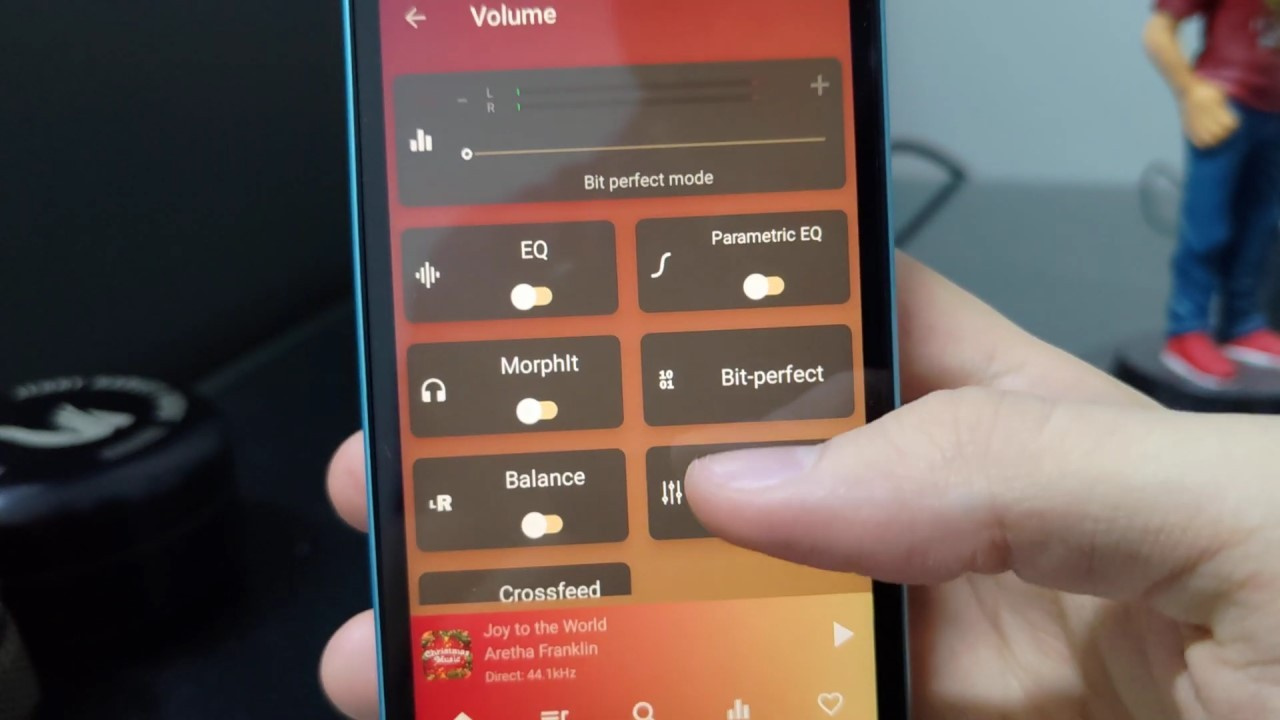
To enable bit-perfect playback in UAPP, follow the steps below:
Step 01: Open the UAPP app and tap the bottom bar to expand the music playback screen.
Step 02: Tap the vertical bar graph icon.
Step 03: Select the “Bit-perfect” card.
Step 04: Tap the “When possible” option.
That’s it. You have now enabled bit-perfect in UAPP. This procedure should be performed both when connecting headphones directly to the Android device’s headphone output and when connecting a DAC to the Android device via USB.
Note: When you connect a DAC to a smartphone, tablet, or DAP, a window will appear asking whether you want to connect to it. Only confirm this choice after opening UAPP, as the same prompt will appear again when doing so.
Share:


No comments have been made yet, be the first!