

Humidity in In-Ear Monitors (IEMs): How to Prevent Future Problems
From: Vitor Valeri
A headphone hobbyist for over 15 years, he founded the Hi-Fi Hub website and is an administrator of the "Fones High-End" and "Fones Low-End" groups on Facebook.


Published in: 07/01/26 at 15:04 - Updated in: 16/01/26 at 12:02
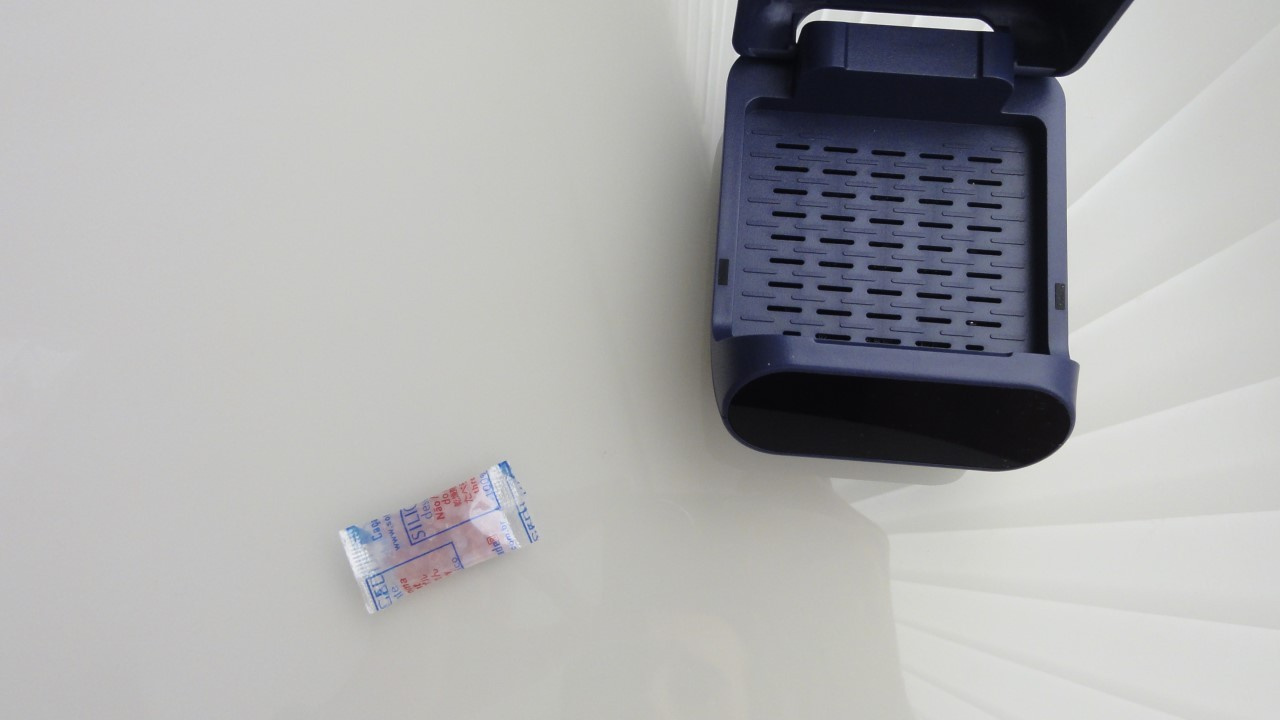 Illustrative image with possible solutions to fix moisture problems in in-ear earphones (Image: Vitor Valeri/Hi-Fi Hub)
Humidity can cause problems in in-ear monitor (IEM) earphones. The components most affected by humidity in IEMs are the physical filters located in the nozzle (sound output bore), the drivers (speakers), and the cables. In this article, I will explain what happens when these parts are affected and how to prevent them from causing undesirable behavior.
What is humidity?
Humidity is the amount of water present in the air, also referred to as “absolute humidity.” On the website of Brazil’s National Institute of Meteorology (INMET), it is possible to check information about the relative humidity of the air at a given moment in a specific municipality. Relative humidity is calculated by dividing the partial pressure of water vapor in the air (g/kg) by the saturation vapor pressure.

When can relative humidity cause damage?
An increase in relative humidity, when it remains at high levels, for example above 60%, for several consecutive days, favors the proliferation of fungi and bacteria, in addition to contributing to corrosion by oxidation in metals.
Are there other situations in which humidity can cause damage?
Yes. When we leave a hot shower, humidity levels are extremely high, and this can be noticed with the naked eye, since water vapor is visible in the air. In this situation, using earphones without waiting for the hair and ears to dry completely can cause inflammation in the ear canal and/or damage the components of the earphones.
How can humidity damage in-ear monitor (IEM) earphones?
Humidity can damage in-ear monitor (IEM) earphones by being absorbed by the filters in the nozzle (sound output bore), by coming into contact with the driver (speaker), or by oxidizing the metal in the cable.
How does humidity affect IEM filters?
When absorbed by the filters of in-ear monitor (IEM) earphones, humidity can significantly attenuate the sound output at the nozzle. As a result, a volume imbalance occurs between the right and left channels of the earphones, with one side sounding lower than the other.
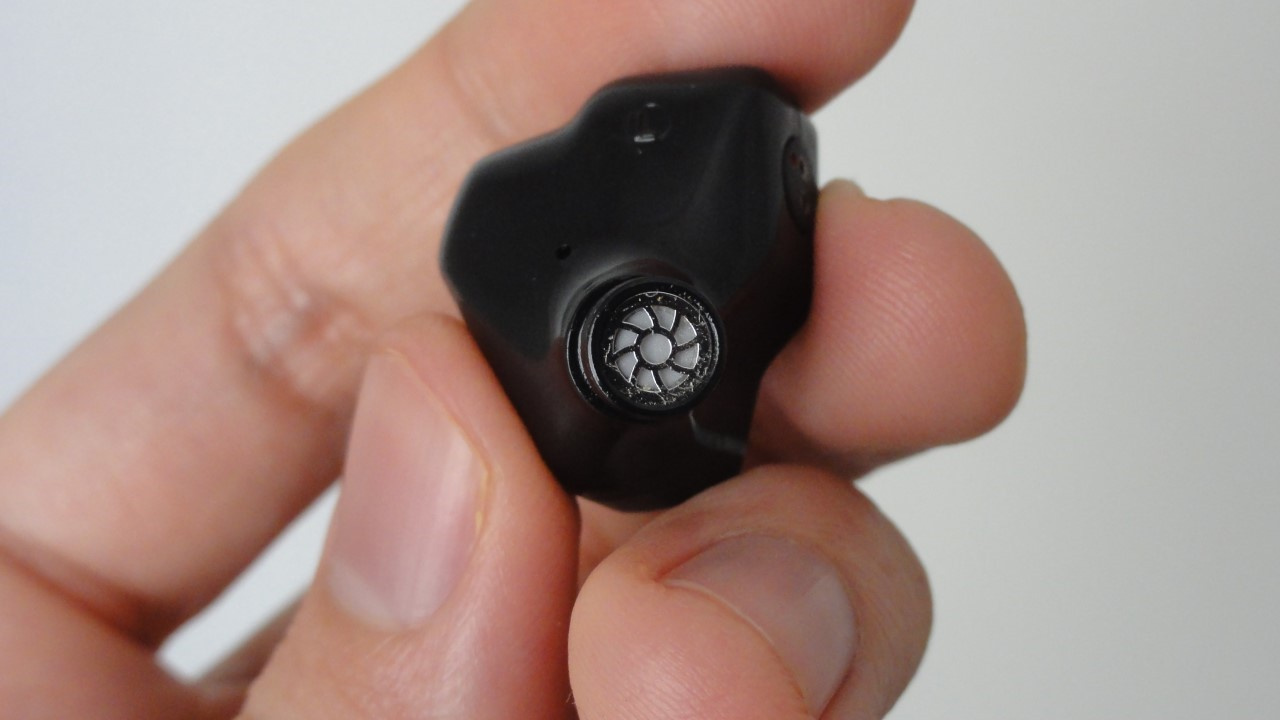
How does humidity influence the driver in IEM earphones?
Excessive humidity can cause the driver (speaker) of in-ear monitors (IEMs) to oxidize, impairing its operation, or it can increase the weight of the diaphragm by being absorbed by the materials that make up the membrane, causing distortions in sound reproduction.
How does humidity oxidize the metal in IEM cables?
Humidity oxidizes the metal in IEM cables when there is a rupture in the jacket that surrounds the metal filaments at some point. The cracks that allow oxygen and moisture to enter arise from twisting or bending of the cable. The process can be accelerated if the rubber insulation of the cable becomes dry and brittle.
How to prevent in-ear monitor (IEM) earphones from being damaged by humidity
There are two ways to prevent in-ear monitor (IEM) earphones from being damaged by variations in relative humidity levels:
• Using silica gel packets inside the case in which the earphones are stored.
• Dehumidification with an electric dehumidifier designed for hearing devices.
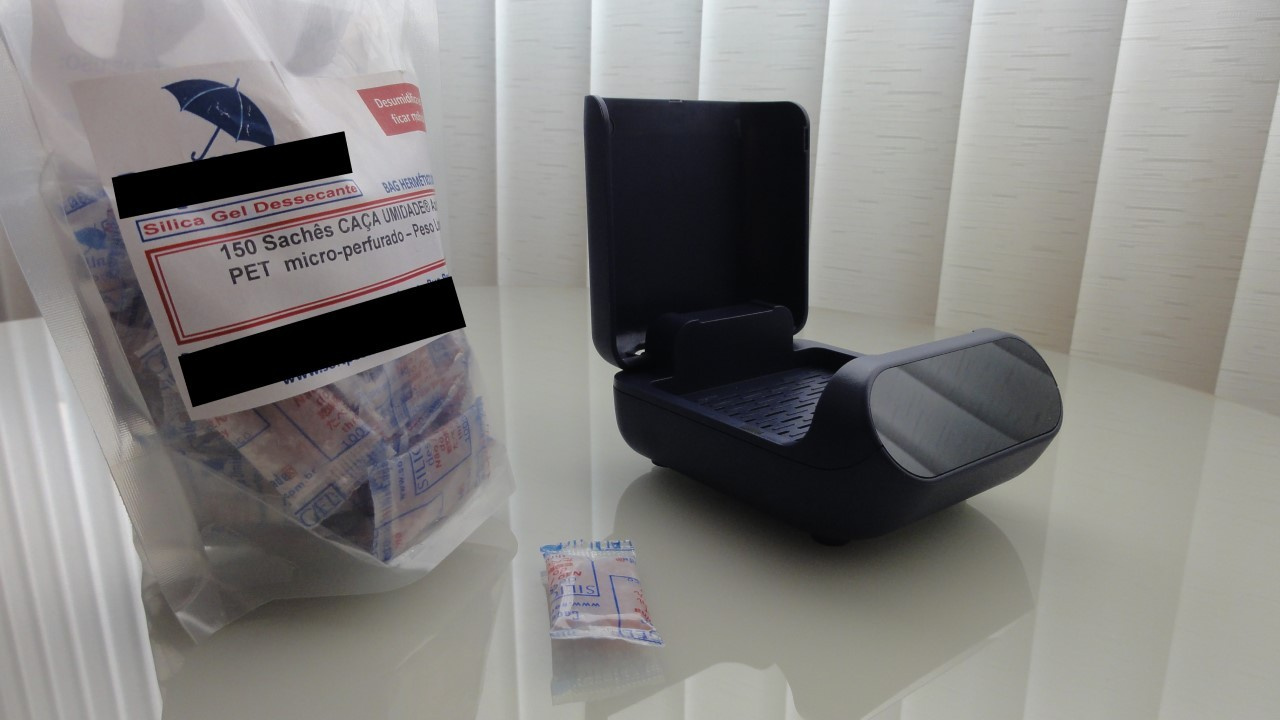
Precautions when using silica gel with in-ear earphones
When using silica gel packets to remove moisture from in-ear earphones, it is recommended to detach the cables from the IEMs to prevent the rubber from drying out. In this way, you avoid the cable insulation becoming stiff and subsequently accelerating the oxidation process of the metal filaments.
Precautions when using an electric dehumidifier with earphones
When using an electric dehumidifier with in-ear monitor (IEM) earphones, you should:
• Choose electric dehumidifiers that do not exceed 40°C (104°F), because above this temperature there is a risk of damaging some earphone components, such as the battery or the soldering of internal wires.
• Avoid turning on ultraviolet (UV) lighting if the model includes this feature, as this helps prevent degradation of the resin used in earphones.
• Clean the earphones with a microfiber cloth and a wax cleaning tool before placing them inside the electric dehumidifier.
• Remove the cables before starting the dehumidification process.
At Hi-Fi Hub, an in-depth review of the SoundLink Aid 500 electric dehumidifier was conducted, in which the use of this type of device with in-ear earphones was discussed in greater detail.
Share:


No comments have been made yet, be the first!