

Tempotec Variations V1 firmware 1.2 causes noise, LDAC issues, and sorting bugs
From: Vitor Valeri
A headphone hobbyist for over 15 years, he founded the Hi-Fi Hub website and is an administrator of the "Fones High-End" and "Fones Low-End" groups on Facebook.


Published in: 25/04/26 at 17:00
 DAP Tempotec Variations V1 (Image: Tempotec/YouTube)
Firmware 1.2 for the Tempotec Variations V1 was released in the first week of April. However, after installing the new update, issues related to noise during music playback and when using Bluetooth with the LDAC codec emerged. In addition, artist sorting is no longer following alphabetical order correctly. Below are the reported issues in the latest update and how to resolve them.
Variations V1 presents playback and additional issues after the 1.2 update
Released at the end of the first week of April, firmware update 1.2 for the Variations V1 introduced noise-related issues during music playback. However, the list of bugs does not end there, as users of the Digital Audio Player (DAP) also reported an error in the alphabetical ordering of artists, as well as a bug when turning the device off and on.
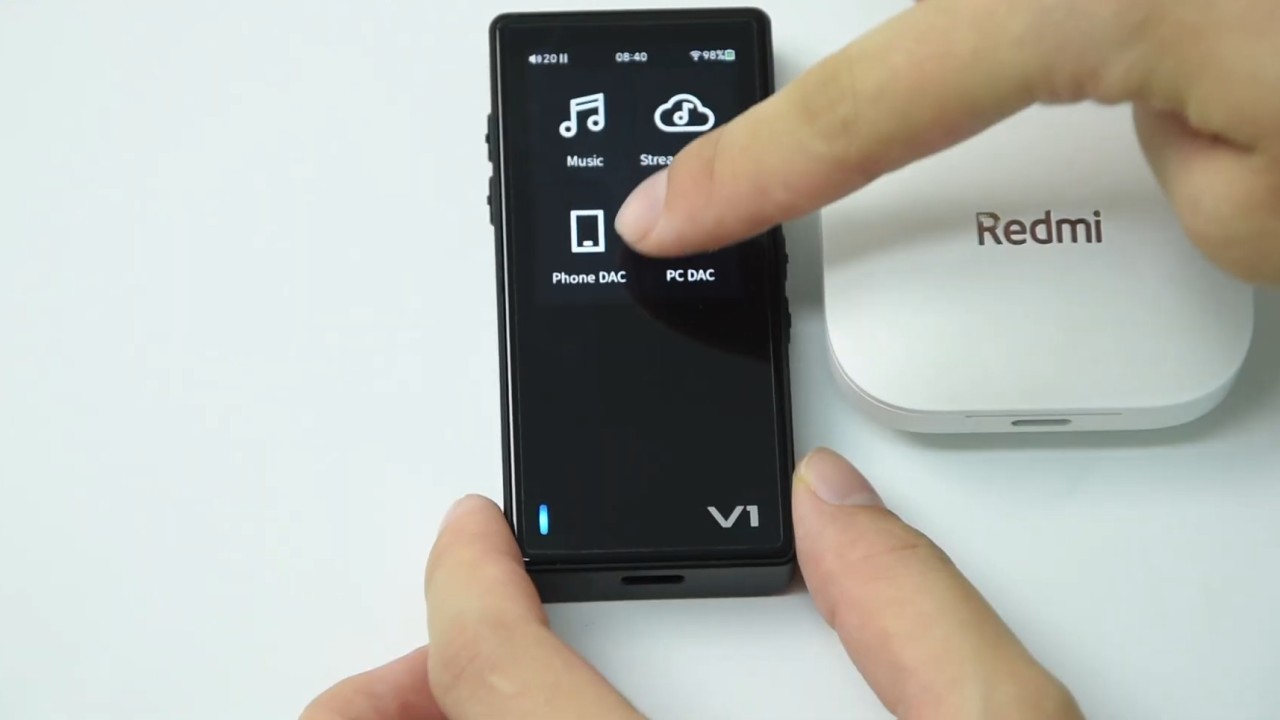
Noise issue during music playback
Several users on the Head-Fi forum reported in the thread “Tempotec Variations V1” that they are experiencing noise-related issues during music playback.
The first to report noise during playback was “Mightygrey,” who stated:
“I’m finding there’s some noticeable noise-floor and hiss at the start and end of tracks since the new update – anyone else experiencing this?”
Shortly thereafter, “Kae0” reported experiencing the same issue as “Mightygrey.” According to him, the problem occurred when listening to music via Bluetooth using the LDAC codec:
“Yeah the new update brings out two issues for me, one is screeching (only on LDAC) when audio pipeline is active but nothing is playing, and also, when audio is playing, there’s hiss, 16-bit dither like distortion on low volume – I’m talking about bluetooth only, cuz i haven’t listened to anything locally.”
User “MrJohnRambo” also confirmed the noise issue when using the LDAC codec, as reported by “Kae0.” According to him, this did not occur in firmware version 1.1:
“Yeah I have it too. And some noise sound in LDAC. This is a new problem since there was no such problem in V1.1.”
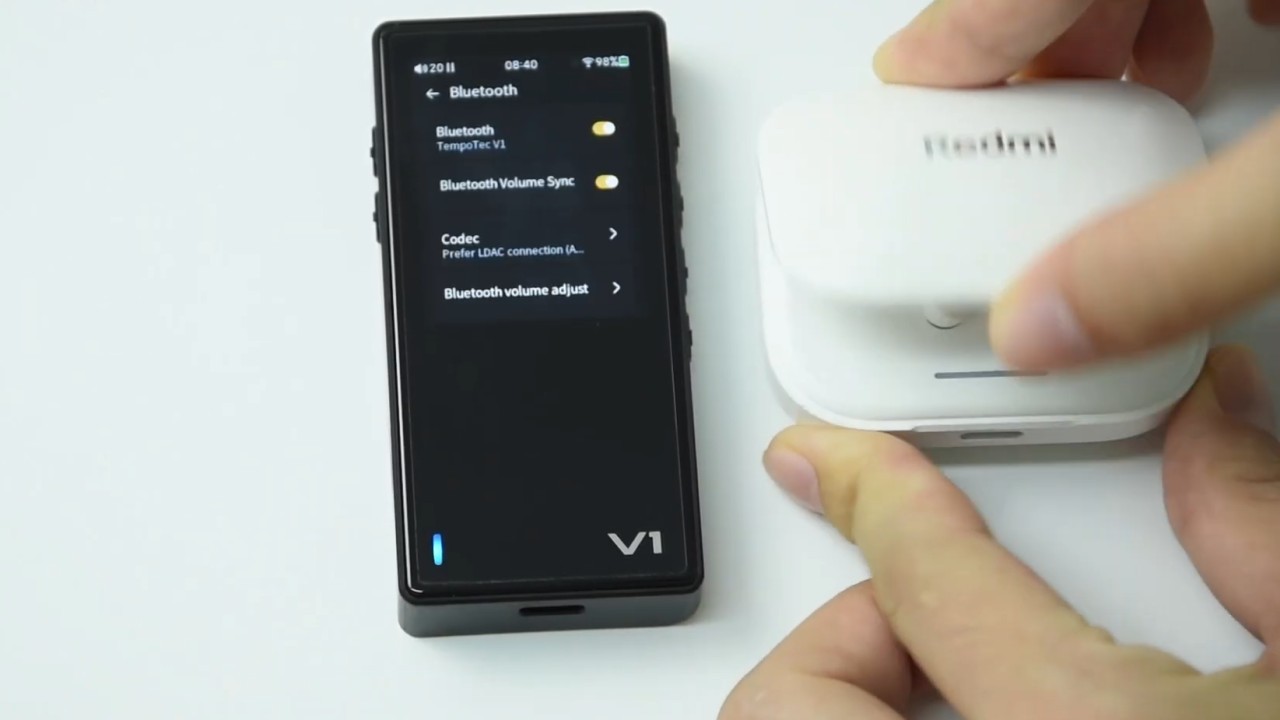
User “Montree” also reported experiencing noise-related issues, although not during music playback. According to him, a sharp crack sound occurs when turning off the Variations V1. In addition, when turning the DAP back on, a file list appears that is unrelated to what had previously been playing:
“I’ve also returned to version 1.1 as my V1 kept shutting down with a sharp “crack” sound and then the startup logo would reappear and a file list would appear unconnected to what I had been listening to. If that didn’t happened I would get a message that the V1 was waiting for a Database update.”
Following the comment above, user “hari873” reported experiencing the same issue described by “Montree.” However, despite this, he chose not to downgrade to firmware version 1.1, as PEQ is essential for his use case:
“It happens randomly for me, if it starts happening it’ll happen on a spree else it won’t. But for my current iem, peq is a must so keeping this fw.”
Bug in alphabetical artist sorting
After updating to firmware version 1.2, Variations V1 users reported a bug in the sorting of the artist list. According to reports published on the Head-Fi forum, alphabetical organization stopped functioning correctly with the new firmware.
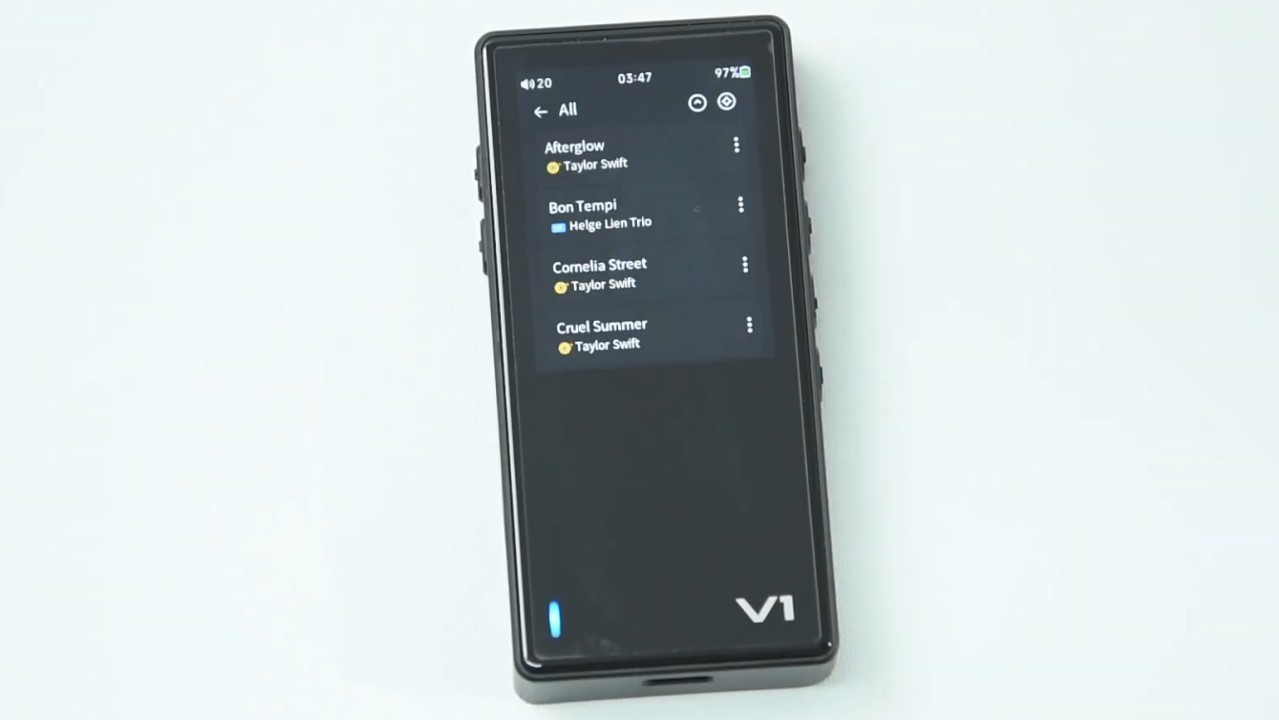
According to “StivVid,” the Variations V1 no longer sorts artists correctly. He states that while scrolling through the list, alphabetical order is followed correctly only at the beginning, but then reverts back to the letter “A”:
“My V1 doesn’t sort by artist correctly since the update. I can scroll down to artists that start with the letter “s”, then after that the list goes back to artists beginning with the letter “a” even though it shows that it’s scrolling through the alphabet all the way to “z”, the artists at the bottom of the list are artists that start with “f”. Hope that makes sense. Anyway… it’s not right.”
In response to “StivVid,” user “Mightygrey” stated that he is experiencing a similar issue:
“I’m getting a similar problem. When I sort via ‘files’, everything after “T” reverts back to “A” again.”
Shortly thereafter, “Ecki” also stated that he observed the same bug reported by “StivVid”:
“No, you aren’t. Have the same issue with sorting artists: “A” – “K” ok; then jumps back to “A”; again after “K” jumps to “T”. All artists with letters in between are not available. Did a factory reset, rebuild database several times. Nothing helps. With FW 1.1 it’s all ok.”
In response to “Ecki,” user “Iipxls” reported experiencing an identical problem and expressed frustration with the delay in releasing new firmware updates for the Variations V1:
Same issue wt sorting. Ideas? Tempotec was “creating” fix from the 1.1 to 1.2 about half of the year. Next fw update is about october 2026.
It is worth noting that the interval between firmware versions 1.1 and 1.2 for the Variations V1 was not merely six months. Version 1.1 was released in August 2025, and Tempotec only released firmware V1.2 eight months later. If the manufacturer follows this pattern, firmware version 1.3 may only be released in December 2026.
Temporary solution to resolve issues caused by firmware 1.2
To temporarily resolve the issues introduced after installing firmware version 1.2, it is recommended to downgrade to the previous version. To revert to the earlier firmware version, follow the steps below:
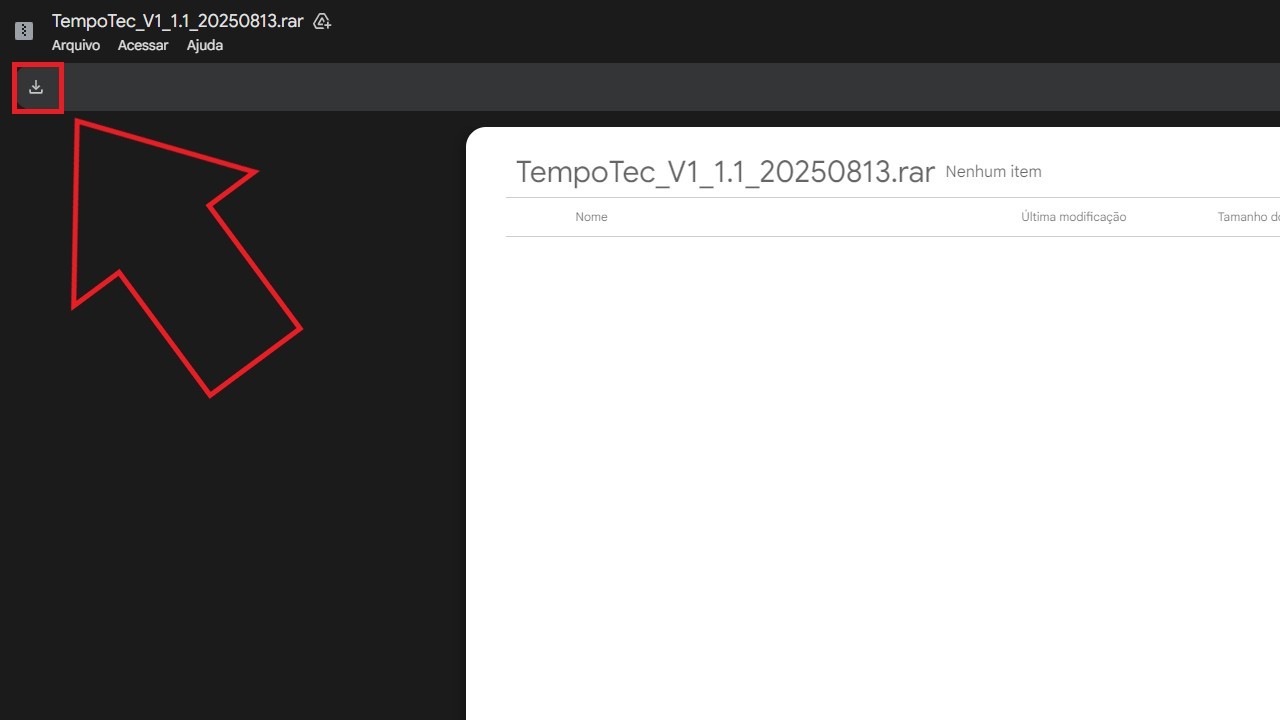
Step 01: Download firmware V1.1 using the provided link by clicking on the symbol indicated in the image below.
Step 02: Extract the compressed file.
Step 03: Connect the Tempotec Variations V1 to a computer via USB and copy the files “v1.upt” and “v1_m5d” to the storage drive that appears in the file explorer.
Step 04: On the Variations V1, select the following options in order: “Settings” > “System” > “Firmware update” > “Via SD-card” > “Ok.”
Step 05: The Variations V1 will restart automatically and the firmware installation will begin. Wait until the process is completed and the message “Updater Succeed” is displayed.
Step 06: Wait for the Variations V1 to restart again before using the DAP.
Share:


Product launches
YBA VIBE P1: Portable R2R DAC/Amp Announced
Product launches
FiiO FT15 Launches With New Planar Driver and Lighter Build
Product launches
No comments have been made yet, be the first!