

Snowsky Echo, Echo Mini and Echo Nano Get M3U Playlists
From: Vitor Valeri
A headphone hobbyist for over 15 years, he founded the Hi-Fi Hub website and is an administrator of the "Fones High-End" and "Fones Low-End" groups on Facebook.


Published in: 30/10/26 at 14:27
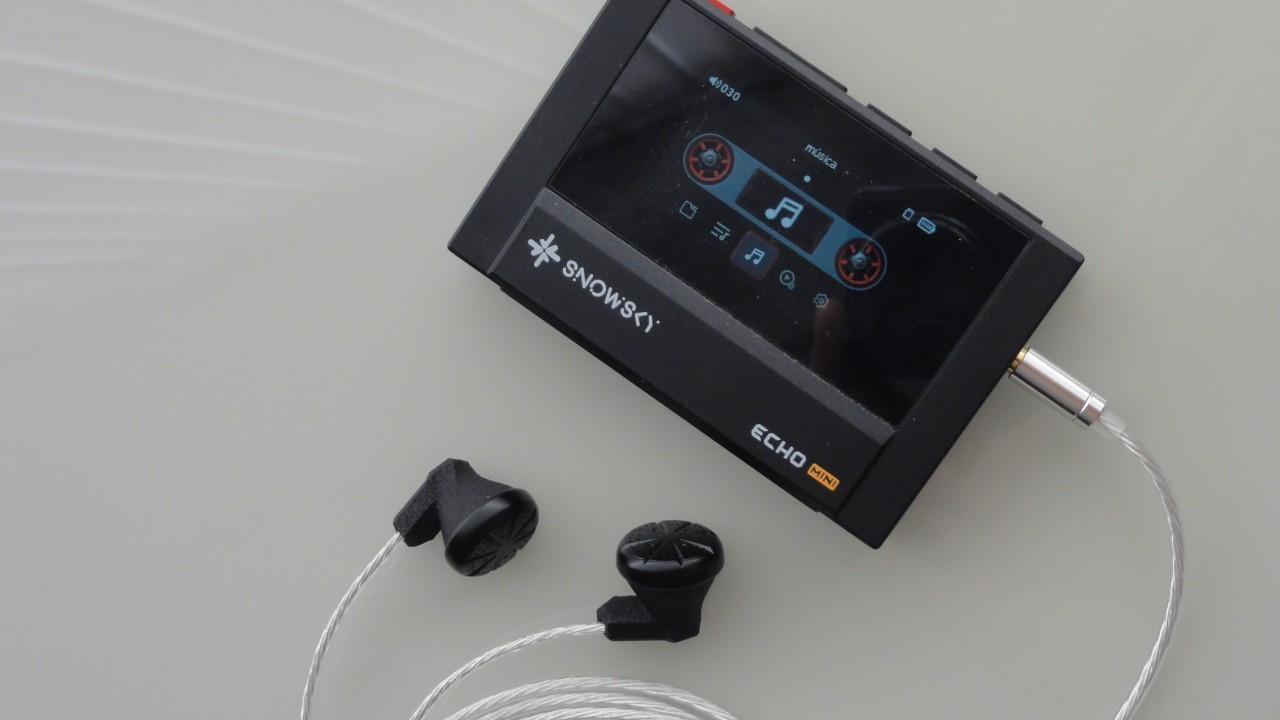 Snowsky Echo Mini digital audio player (DAP) (Image: Vitor Valeri/Hi-Fi Hub)
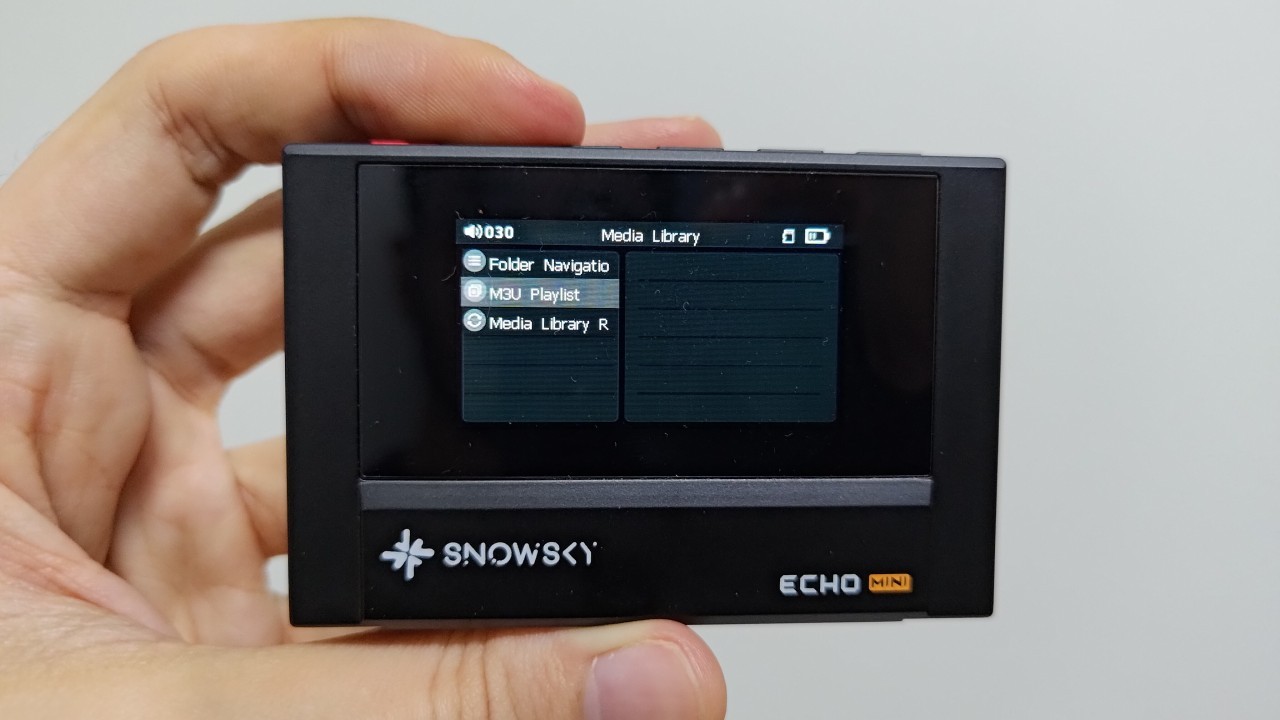
The new firmware releases for the Snowsky Echo, Echo Mini, and Echo Nano added support for M3U files, enabling the use of music playlists. Released in late October, these updates allow users to add their favorite playlists to Snowsky’s Echo series of digital audio players (DAPs). Many fans of FiiO’s sub-brand had been awaiting this feature, as the Snowsky DISC received playlist support in September.
Echo, Echo Mini, and Echo Nano gain playlist support
Firmware version 2.0.0 for the Echo Nano and Echo DAPs was released today (October 30), introducing support for playlist files in the M3U (MP3 URL) format. Approximately one week earlier, firmware version 4.0.0 was released for the Echo Mini with the same playlist feature. This feature, widely requested by digital audio player users, is now available across Snowsky’s entire player lineup.
Album sorting bug fixed
Albums with identical titles but different artists, such as “Greatest Hits,” were being merged into a single album. This bug has now been fixed in firmware version 2.0.0 for the Echo and Echo Nano and firmware version 4.0 for the Echo Mini.
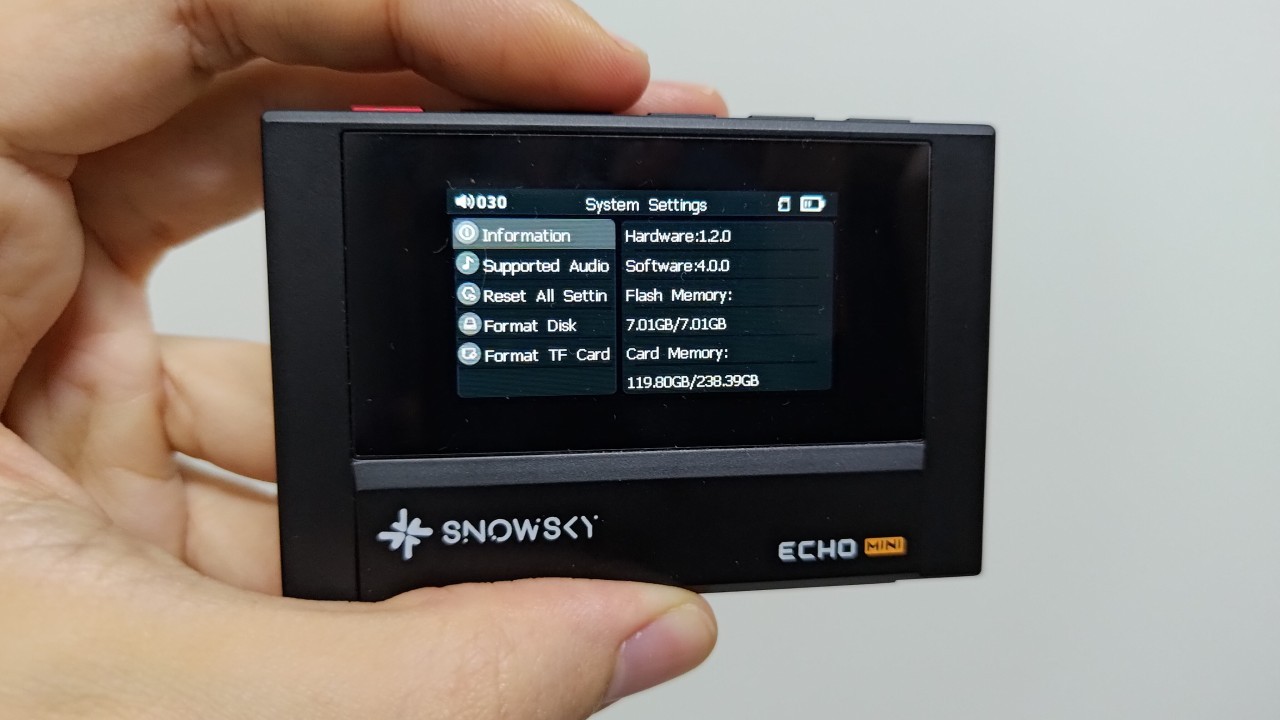
Snowsky Echo Mini: Firmware 4.0.0 changelog
The changelog for Snowsky Echo Mini firmware V4.0.0 is provided below.
• Added support for reading custom playlists, including importing and exporting M3U playlists.
• Fixed incorrect album sorting.
• Improved playback response speed.
• Applied other system optimizations.
Snowsky Echo and Snowsky Echo Nano: Firmware 2.0.0 changelog
The changelog for Snowsky Echo and Snowsky Echo Nano firmware V2.0.0 is provided below.
• Added support for reading custom playlists, including importing and exporting M3U playlists.
• Fixed incorrect album sorting.
• Improved playback response speed.
• Applied other system optimizations.
Where to provide feedback on the Echo, Echo Mini, or Echo Nano
The Head-Fi forum is the best place to report issues, suggest features, or propose improvements for the Echo, Echo Mini, or Echo Nano. Each product has a dedicated thread where FiiO/Snowsky representatives facilitate communication between users and the company. The relevant threads and the FiiO representative assisting users are listed below.
• Snowsky Echo thread on the Head-Fi forum – FiiO representative: FiiO Kang
• Snowsky Echo Mini thread on the Head-Fi forum – FiiO representative: FiiO Kang
• Snowsky Echo Nano thread on the Head-Fi forum – FiiO representative: FiiO Kang
How to update the firmware on the Snowsky Echo, Snowsky Echo Mini, and Snowsky Echo Nano
To update the firmware on the Echo, Echo Mini, or Echo Nano, you will need to download the update file, as these DAPs do not have Wi-Fi connectivity. Follow the steps below to perform the update.
Step 01 – Download the firmware file using the following links:
• Firmware 4.0.0 download link for the Echo Mini
• Firmware 2.0.0 download link for the Echo
• Firmware 2.0.0 download link for the Echo Nano
Note: For the Echo Mini firmware, copy the HFIEC file for the 8 GB version and the MINI file for the 512 MB version.
Step 02 – Remove the microSD card from the Echo, Echo Mini, or Echo Nano, and connect the player to your computer using a USB cable.
Step 03 – After connecting the DAP, select “USB DATA” instead of “USB DAC.”
Step 04 – Extract the downloaded archive and copy the HIFIECxxx.img file to the Echo, Echo Mini, or Echo Nano’s storage drive.
Step 05 – Eject the Echo, Echo Mini, or Echo Nano from your computer.
Step 06 – Disconnect the USB cable from the Echo, Echo Mini, or Echo Nano.
Step 07 – Turn the Echo, Echo Mini, or Echo Nano off and then back on to initiate the update process.
About the Snowsky Echo and Snowsky Echo Mini
The Snowsky Echo Mini and Snowsky Echo became popular because of their cassette-player-inspired design and non-Android operating system. The success of these digital audio players (DAPs), also referred to as “MP3 players,” stems from their low price, making them accessible to users seeking a break from smartphone notifications.
As noted above, the Echo Mini and Echo are inexpensive. The Echo Mini costs approximately US$50, while the Echo sells for around US$70. Both use physical buttons for controls and lack a touchscreen.
The main difference between the Echo and Echo Mini is their housing: the former is made of aluminum alloy, whereas the latter is made of plastic. Both DAPs can be purchased from FiiO’s official AliExpress store through this link and this link.
About the Snowsky Echo Nano
The Snowsky Echo Nano is the brand’s most compact digital audio player (DAP), or “MP3 player,” and features premium aluminum-magnesium alloy construction. For comparison, the Echo Nano is the same length as the Echo Mini (8 cm) but is thinner, measuring just 2 cm thick.
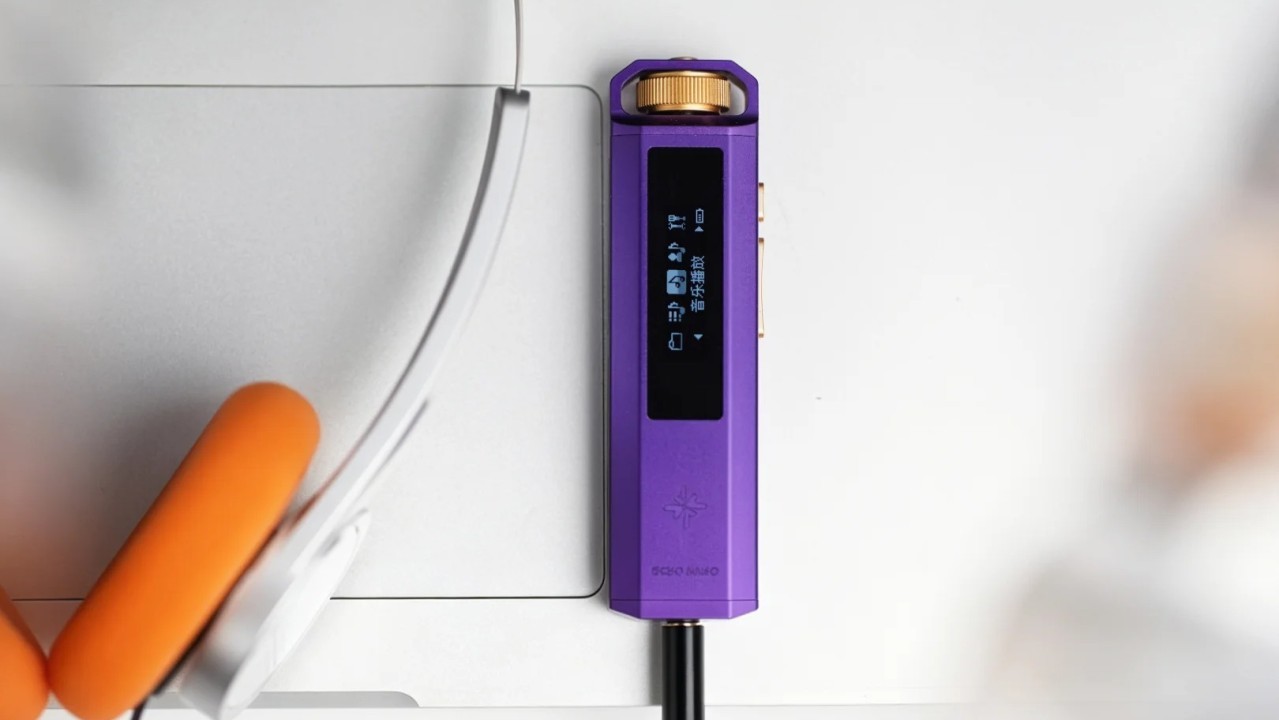
The Echo Nano’s main features are its knob for volume adjustment and menu navigation, combined with its extremely lightweight body (33.5 g). A case featuring a clip for attaching the player to clothing is also available separately, making it easier to use during activities such as exercise.
The Snowsky Echo Nano can be purchased from FiiO’s official AliExpress store through this link.
Note: The Snowsky Echo, Echo Mini, and Echo Nano only support microSD cards with capacities of up to 256 GB. In addition, the maximum number of supported tracks is 8,192.
Share:


Product launches
SNOWSKY MAGE: Gaming USB DAC With Mic Input at US$ 20
Product launches
ddHiFi × Moondrop Blue Rose: 500mW Magnetic DAC/Amp
Product launches
No comments have been made yet, be the first!