

Snowsky DISC firmware 1.95 still has track order bugs, roadmap revealed
From: Vitor Valeri
A headphone hobbyist for over 15 years, he founded the Hi-Fi Hub website and is an administrator of the "Fones High-End" and "Fones Low-End" groups on Facebook.


Published in: 11/05/26 at 21:31
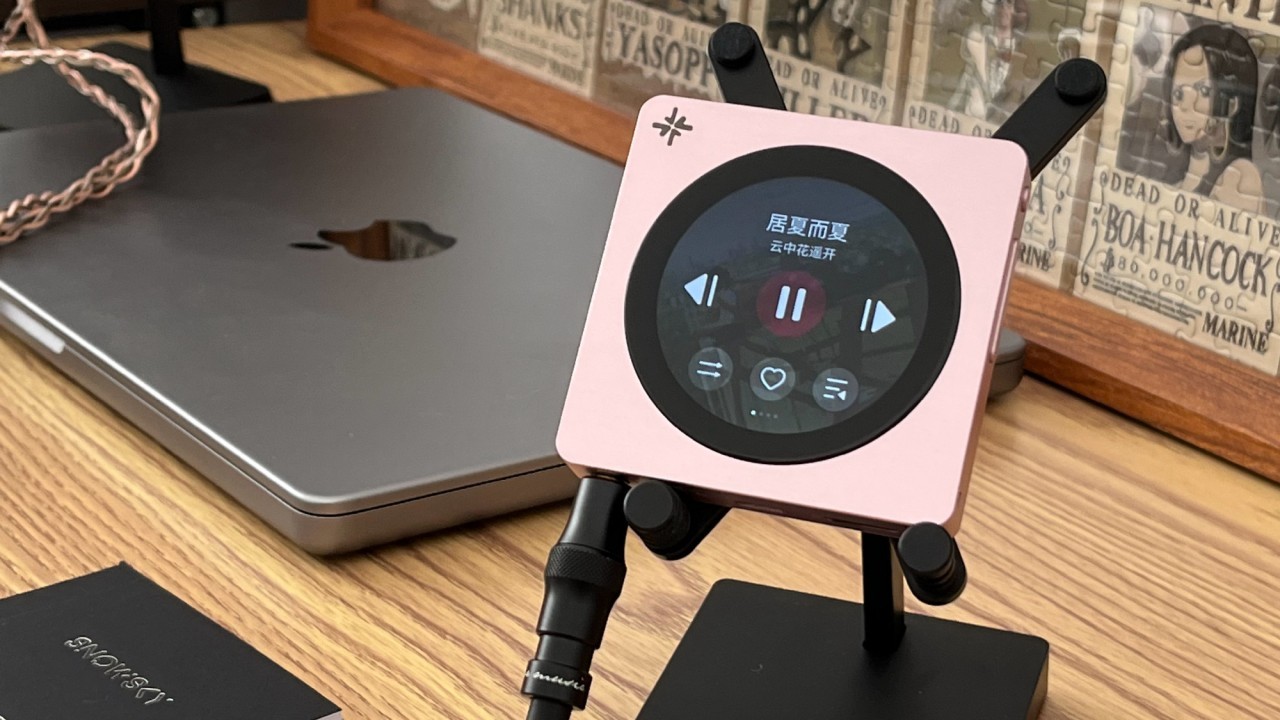 Snowsky DISC Digital Audio Player (DAP) (Image: Jiajia Headphones/Weibo)
The new firmware 1.95 for the Snowsky DISC was officially announced last Saturday (May 9). However, the new update still contains bugs related to track ordering. Nevertheless, the release of fixes and new features by FiiO’s development team has remained consistent. To provide users with greater confidence, a company representative revealed an update roadmap for the DISC. Below are the upcoming improvements planned for Snowsky’s Digital Audio Player (DAP).
Snowsky DISC receives new volume memory feature, Bluetooth fixes, and more
Firmware update 1.95 for the Snowsky DISC enables the device to resume the previously used volume level in USB DAC mode. In addition, FiiO’s development team implemented fixes for Bluetooth compatibility issues.
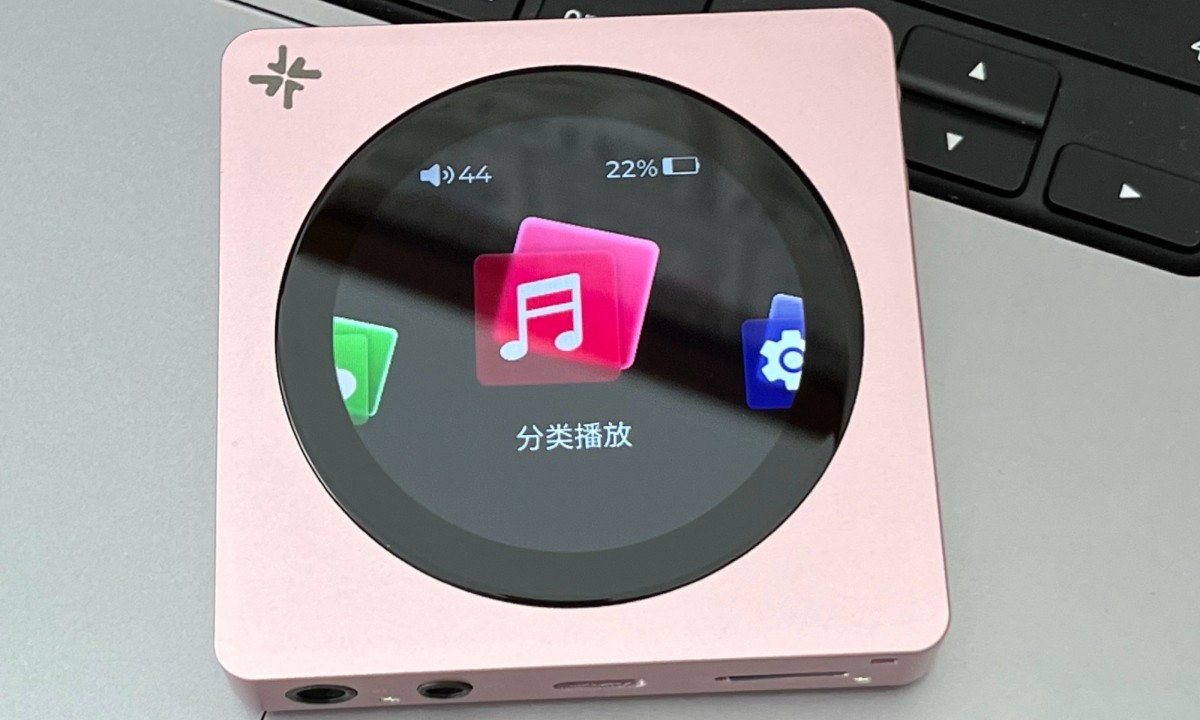
Below is the changelog for Snowsky DISC firmware 1.95.
1 – Added a volume memory feature for USB AUDIO mode.
2 – Fixed Bluetooth compatibility issues.
3 – Resolved an issue involving the rotating display of default album artwork.
4 – Optimized power consumption when using the GIF lock screen.
5 – Various performance optimizations and bug fixes.
Track ordering issue persists in Snowsky DISC firmware 1.95
In the dedicated Snowsky DISC thread on the Head-Fi forum, user “Mack V” reported that firmware 1.95 became available on May 8. In other words, the DAP update was already accessible one day before FiiO’s official announcement on its website. However, “Mack V” stated that after updating the firmware, his Snowsky DISC continued to exhibit track ordering issues.
“Discovered there was a new update today. V1.95
Disk updated online with no issues in about 3-5 minutes.
Also discovered that the album tracks are still sorted by name and not track number. This is such a disappointment, especially considering that it was sorted correctly in the first few firmware versions.
@FIIO ALAN , Please fix this as soon as possible. This was an issue caused by one of the firmware updates, and has still not been corrected.”
In a screenshot, “Mack V” showed that the metadata for all tracks, as well as the numbering in each track filename, were correctly configured.
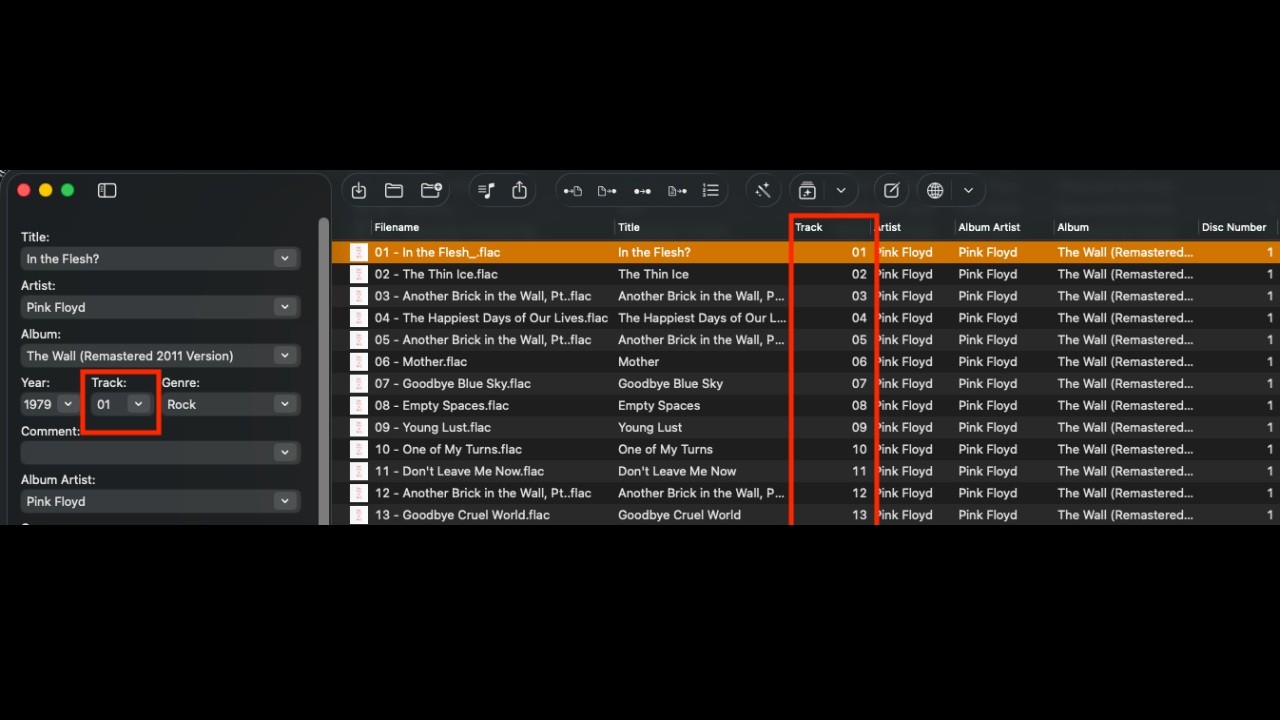
However, the DISC ignores the track numbers and displays the tracks alphabetically.
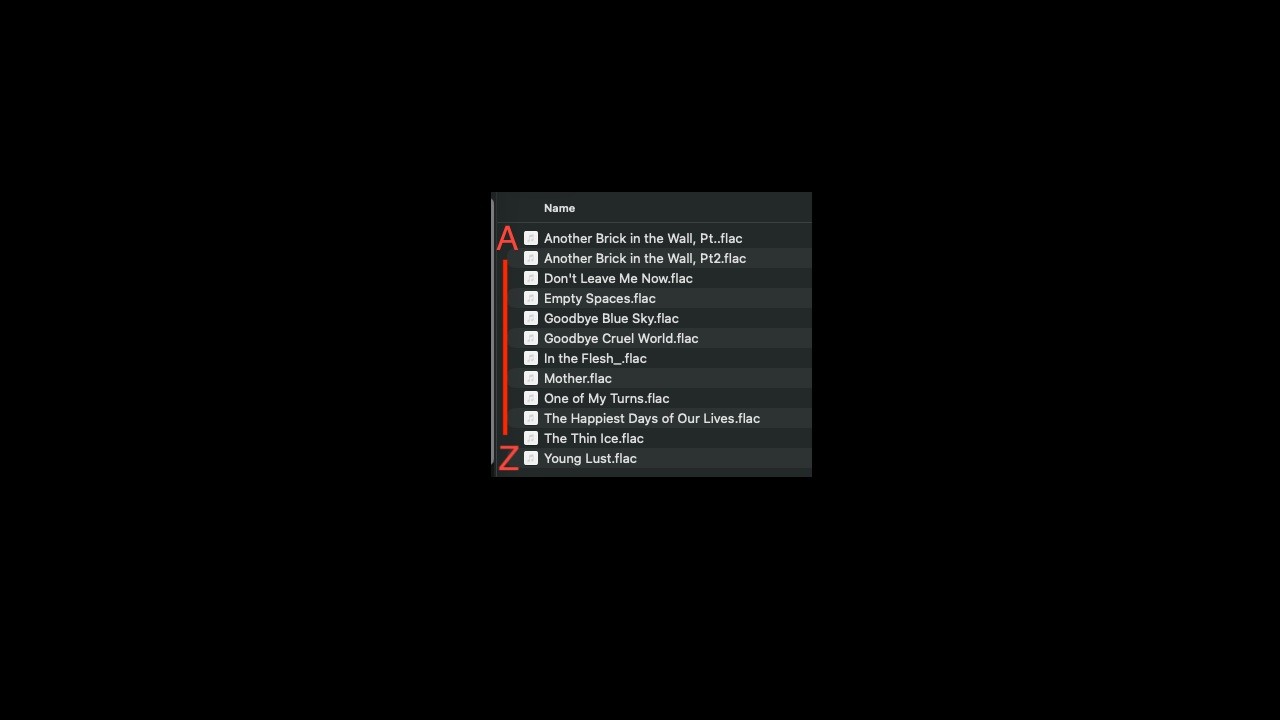
FiiO representative “ALAN” then responded to “Mack V” with the following statement:
“Hi Mark
I have checked that the album tracks are sorted by track number. Additionally, you need to display the track number. Currently, we display the song title as standard. If you have this need, please give a like to show your support. Let’s count the quantity of the demands.”
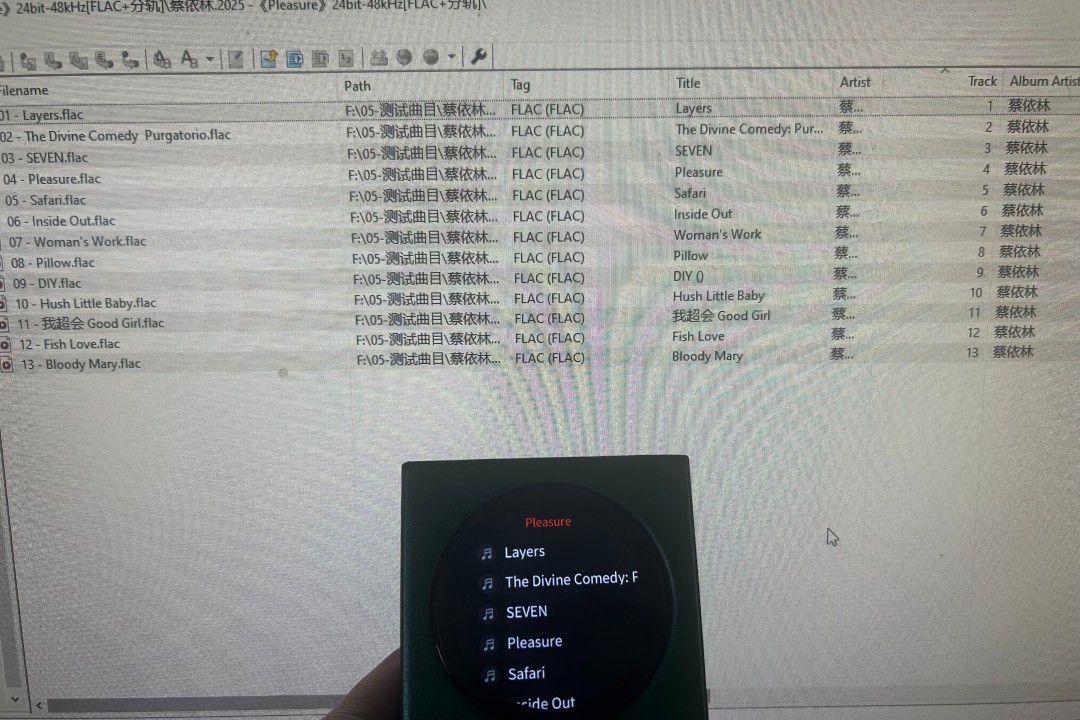
Some time later, “Mack V” replied to “ALAN,” stating that he had tested multiple solutions but was unable to achieve the same results.
“Hi Allen,
So far, I have not been able to achieve the same results you show in the image. No matter what I do, my tracks are always sorted by the track title.
I have done the following after the V1.95 update:
1) reset disc to factory defaults
2) rescan the library
3) format the sd card
4) removed leading zeros of the track number, like you show in your image (using Mp3tag)”
Later that morning, “Mack V” posted another update in the DISC thread:
“Ok, so I have been trying everything that I can think of today to get the track sorting to work, since Alan was obviously able to do so.
I think I might have it “sorted” out
I downgraded the disk all the way back to V1.56, reformatted the sd card for like the 10th time, copied the album back to the card, and rescanned the library. the track sorting was correct again.
Then, I re-upgraded to V1.95, and the track sorting is still sorted correctly.
I don’t know what happened with the updates, but somewhere along the line the sorting was messed up on my disc, and only by reverting back to an older version, was able to restore it.”
Following the comment above, user “Hi-Fi Oasis” reported experiencing the same issue, although he was unable to resolve it.
“I’m also having issues with the track order. I tried your suggestions, and none of them worked (even going back to V1.56, the track order was wrong). All of my metadata is correct as well, and it works on literally every other device I have (HiBy OS, MTouch OS, Android).”
Some time later, “Mack V” returned to the thread to report that the track ordering issue had reappeared.
“Update on the sorting issues:
Before loading my entire library again to the disc, I wanted to try and see what breaks the sorting. Using the single album, which was sorted correctly after a fresh download, I set the disc working mode to storage mode, plugged into the PC and opened Mp3tag. I did absolutely nothing, but click save. Afterwards the track sorting is again broken and sorts by track title. Nothing I do fixes the issue until I download another copy from my NAS.
Apparently the updates did not break the sorting, but at some point I used Mp3tag to do something and the disc magically started sorting by track title.
This would explain why a fresh download of the album was sorted correctly, as it has not been run through a tagging application.
Same like @HiFi Oasis, who is using Mp3tag, my metadata is correct and works properly in every device besides the disc.
So, I am back to square one, where the disc is basically unusable for me.
At this point, I really wish that my return window had not closed. It briefly worked as expected (knowing there were some limitations), but has been a paperweight for a few weeks now.
I like to tinker and DIY things, so it is perfectly acceptable for me to use a device in beta mode, or knowing that there are bugs that will eventually be fixed. This simple sorting issue, however, is unacceptable. I cannot even play an album as it is intended. This is such a basic feature.
I also did try SDSorter, and it did not correct the sorting issue. Was at least hoping that this would be a workaround.”
FiiO representative reveals update roadmap for the Snowsky DISC
Amid complaints regarding track ordering on the Snowsky DISC, FiiO representative “ALAN” revealed an update roadmap for the DAP. The planned improvements are listed below.
1 – The top priority remains the stability of the system and the user experience. Such as Artist album settings , functional defect
2 – GAPLESS, Currently, this feature is nearing completion. There are still a few minor bugs that need to be addressed. It can be expected to appear in the next version.
3 – Bluetooth receiving function, Maybe it can be done in the end of May or the beginning of June.
4 – Customize the PEQ , maybe in June
5 – FIIO LINK
6 – ROON
7 – New theme, such as VU, Spectrum
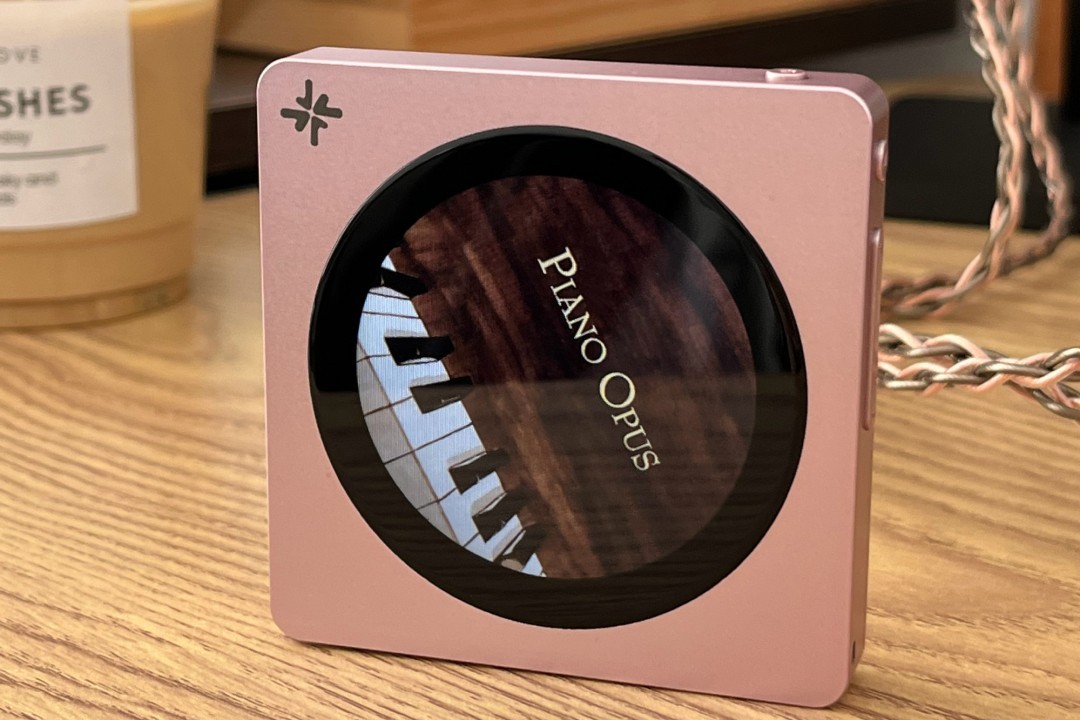
At the end of the message, Alan added:
“The DISC team is currently continuing to work hard on optimizing and updating, hoping to provide everyone with a better experience.”
Share:


Product launches
FiiO BTR25 Launches With aptX Lossless and Magnetic Clip
Product launches
SNOWSKY MAGE: Gaming USB DAC With Mic Input at US$ 20
Product launches
No comments have been made yet, be the first!