

FiiO SnowSky Retro Nano: Firmware Update 6.0 Brings New Features, Fixes, and Optimizations
From: Vitor Valeri
A headphone hobbyist for over 15 years, he founded the Hi-Fi Hub website and is an administrator of the "Fones High-End" and "Fones Low-End" groups on Facebook.


Published in: 05/01/26 at 12:01
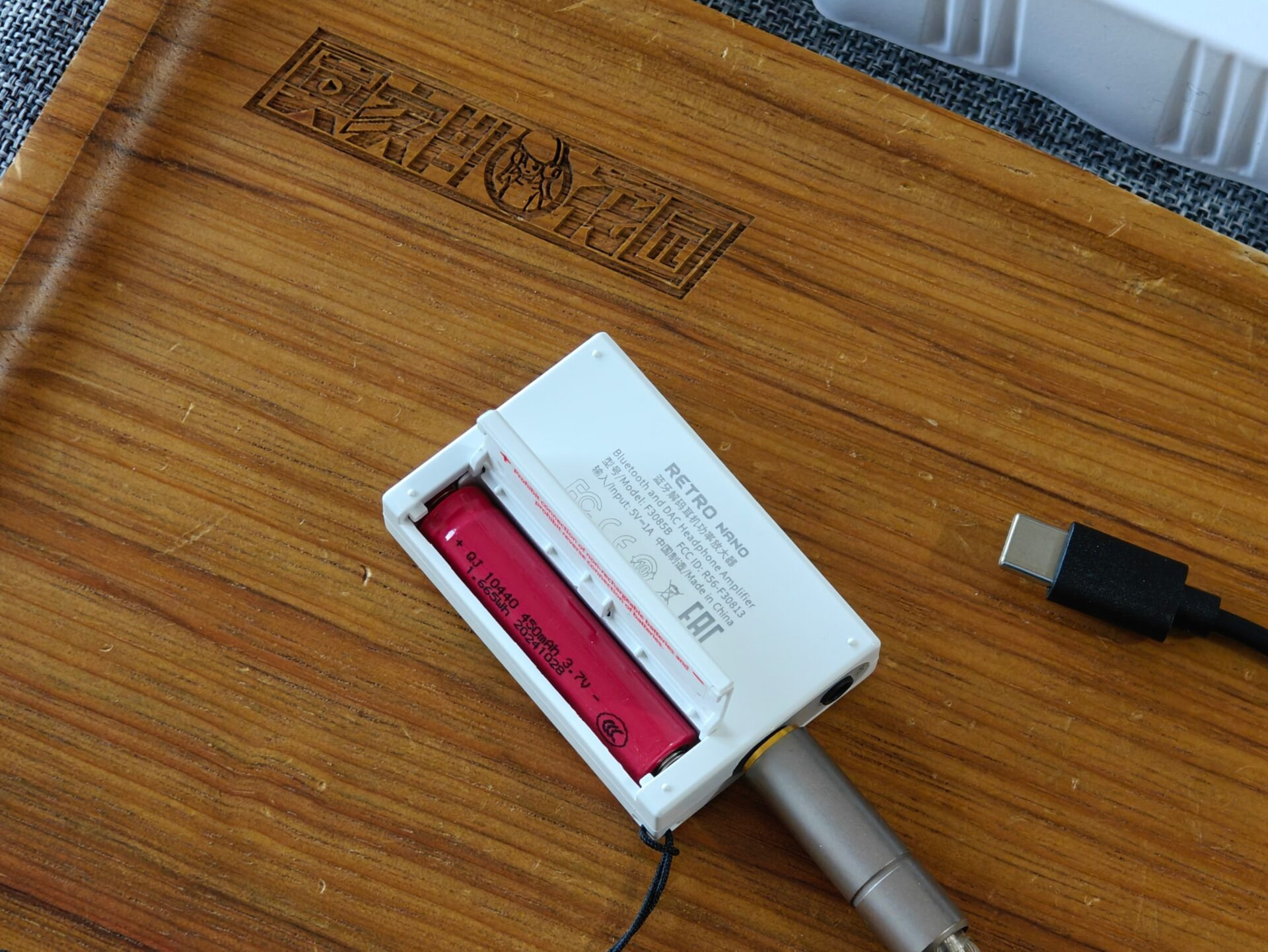
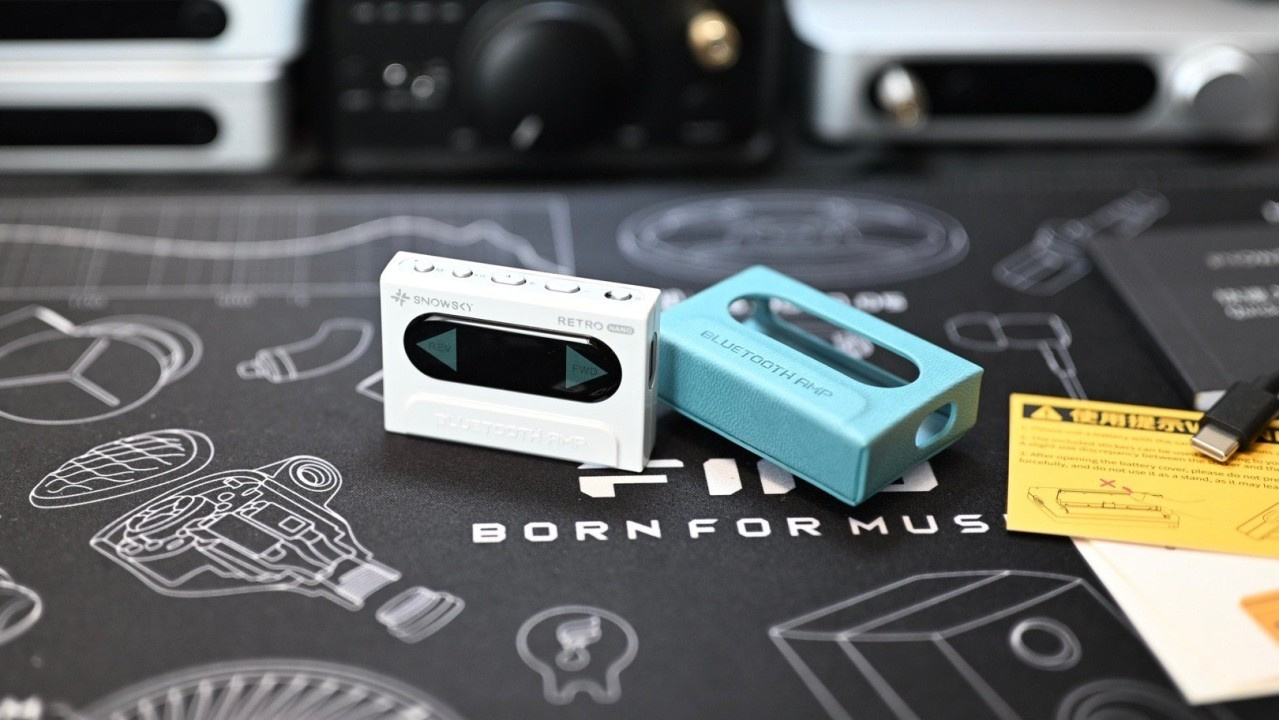 Bluetooth DAC/Amp FiiO SnowSky Retro Nano (Image: EARL_LifestyleDX/weibo)
The FiiO SnowSky Retro Nano firmware update 6.0 was released today (05). Launched on December 31, 2024, shortly before the Echo Mini arrived in January 2025, the portable DAC/amp with Bluetooth reception has now received its second update, which includes a new feature, a fix, and an optimization. See below for the changes implemented.
Retro Nano receives option to disable DRE
Almost seven months after receiving its first firmware update, the SnowSky Retro Nano received new improvements this Monday.
The new SnowSky Retro Nano firmware 6.0 brings the following changes:
- Button to enable or disable DRE (Dynamic Range Enhancement).
- Fixed the popping sound issue when receiving phone calls after adjusting channel balance.
- Optimized the Bluetooth multipoint function.
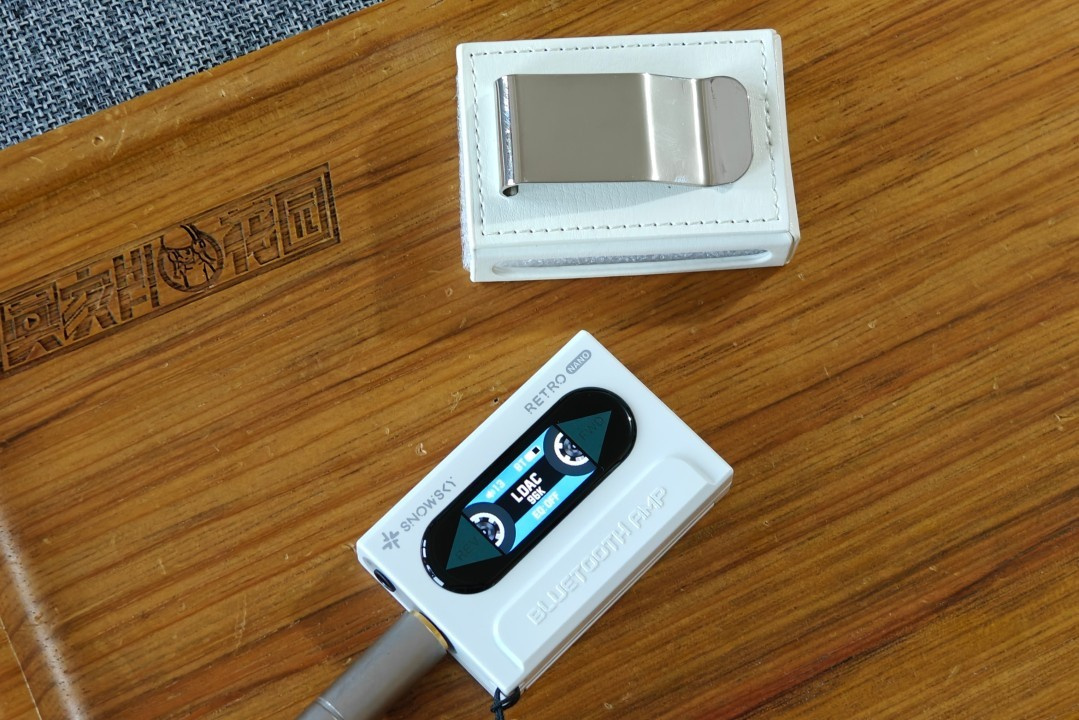
What is DRE?
DRE stands for “Dynamic Range Enhancement” and is a software-applied feature designed to “improve the DR” (Dynamic Range) [1] of music. At first, increasing the Dynamic Range may seem appealing, but this can introduce coloration and distortion to sound reproduction.
[1] DR (Dynamic Range) is the difference between the loudest and quietest sounds in music. When it is low, a track tends to become tiring and dull to listen to, since many sounds remain at the same volume and the perception of instruments or specific voices becomes less noticeable.
What is Bluetooth Multipoint?
Bluetooth multipoint is a feature found in wireless headphones and speakers that allows the user to connect to two devices at the same time, such as a smartphone and a computer, for example.
Note that Bluetooth multipoint does not allow audio to be transmitted simultaneously to both devices. You can only switch between them, which makes it easier, for example, to answer a phone call on your smartphone while listening to music on your laptop.
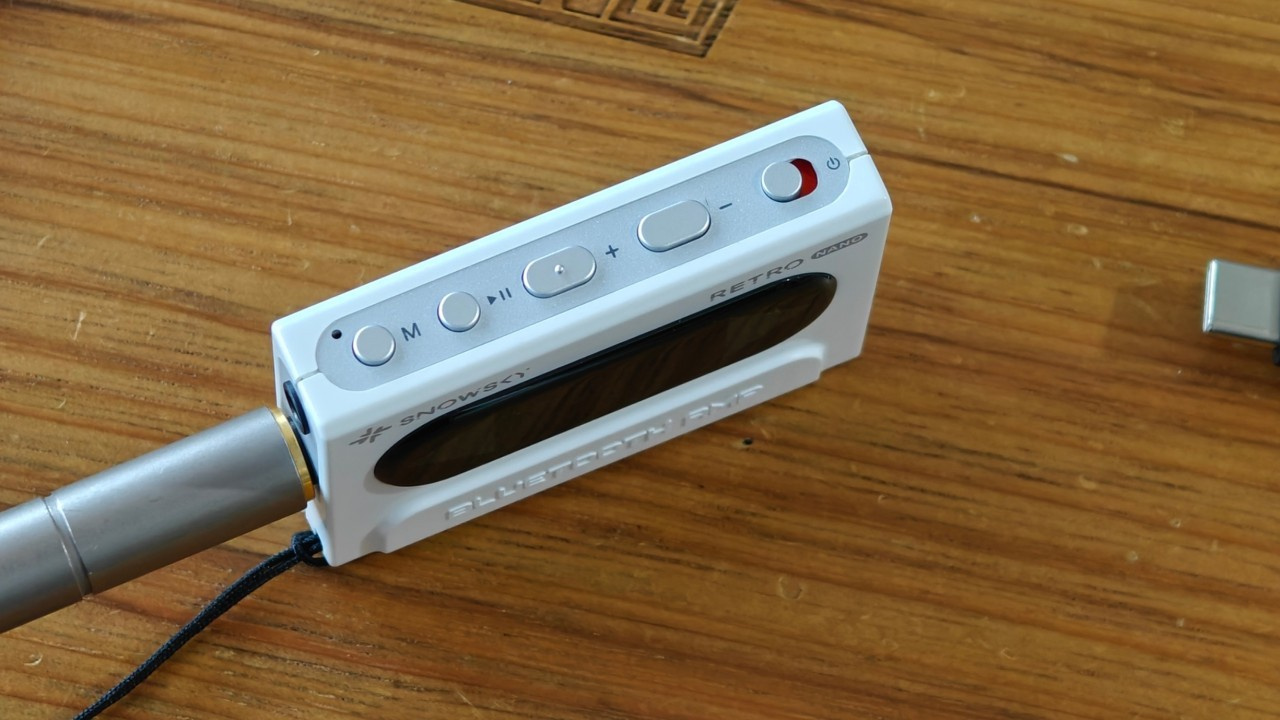
How to update the Retro Nano firmware?
There are two ways to update the SnowSky Retro Nano firmware: online and locally. Note that once the process begins, it is important not to leave the firmware update screen in the FiiO Control app.
– Online update
Step 01: Enable Wi-Fi and Bluetooth on your smartphone to install the FiiO Control app and connect the SnowSky Retro Nano.
Step 02: On the Retro Nano page in the FiiO Control app, tap the icon in the upper-right corner to access the settings.
Step 03: Tap “Firmware upgrade”, select “Online upgrade”, and start the process.
Step 04: If an update is available, a pop-up window will appear. Simply select “OK” to proceed.
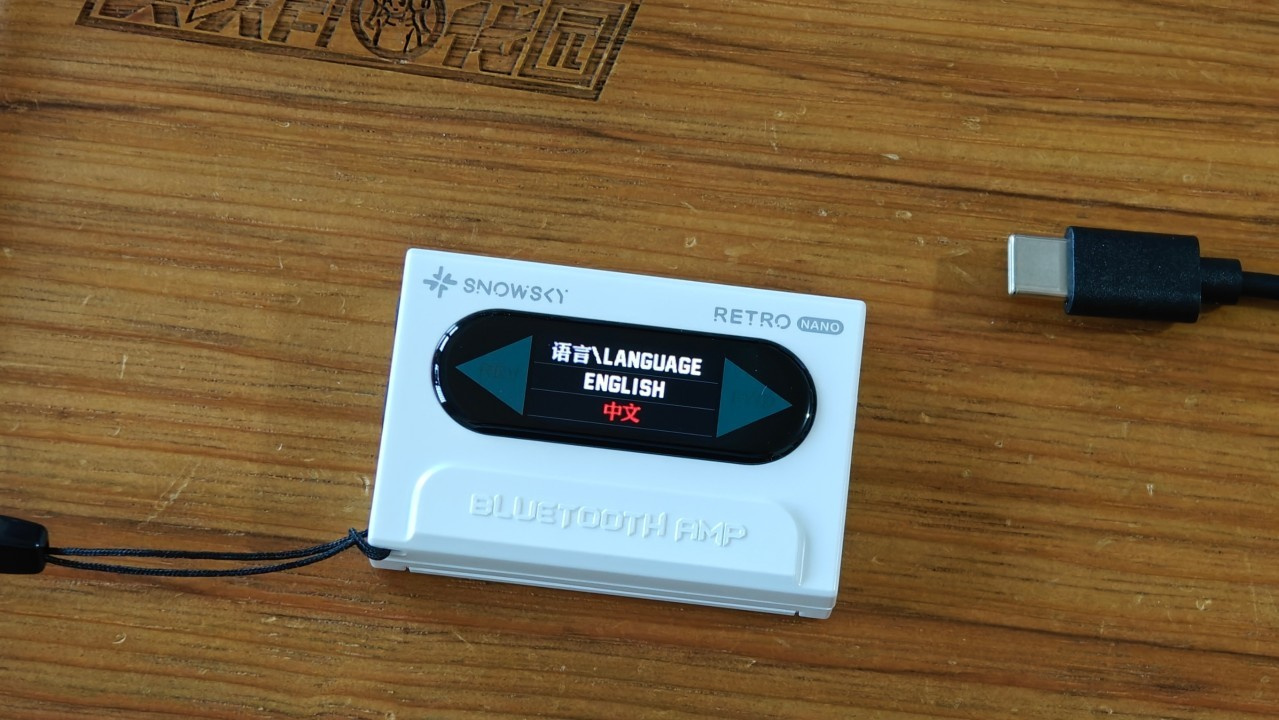
– Local update
Step 01: Download the firmware file using this link.
Step 02: Copy the “RETRO NANO_Vxxx.bin” file to your smartphone.
Step 03: Download the FiiO Control app and connect the SnowSky Retro Nano to your smartphone via Bluetooth.
Step 04: On the Retro Nano page in the FiiO Control app, tap the icon in the upper-right corner to access the settings.
Step 05: Tap “Firmware upgrade”, select “Local upgrade”, and choose the file you copied to your smartphone.
About the SnowSky Retro Nano
The SnowSky Retro Nano is a portable Bluetooth DAC/amp with a removable battery. The design follows the style of a cassette-tape player. Its body is compact (5.5 cm x 3.7 cm x 1.3 cm), and it weighs only 28 g.
Specifications – SnowSky Retro Nano
- Bluetooth chip: QCC5125
- DAC: 2x Cirrus Logic CS43131
- Bluetooth 5.1
- Supported Bluetooth codecs: SBC, AAC, aptX, aptX Low Latency, aptX Adaptive, aptX HD, LDAC
- USB DAC: driver-free, supports PCM up to 96 kHz
- Display: 0.96″ IPS
- In-line control support: Yes (microphone, volume control, and play/pause via CTIA protocol)
- Charging parameters: 5V/1A
- Battery: 3.7V rechargeable lithium battery, not compatible with 1.5V AAA batteries
- Charging time: approx. 2 hours
- Battery life: 7.5 hours
- Single-ended output power (3.5 mm): 100 mW at 32 ohms
- Balanced output power (4.4 mm): 220 mW at 32 ohms
- Output impedance: 0.3 ohms
- Dimensions: 5.5 cm x 3.7 cm x 1.3 cm
- Weight: 28 g
About SnowSky
Founded in December 2024, SnowSky is a sub-brand of FiiO. The subsidiary’s positioning is described by FiiO founder and CEO James Chung as follows:
“Targeted at young users who value aesthetics, positioned as a stylish and personalized Hi-Fi equipment brand. It emphasizes appearance and individuality. The products are simple, with sound quality suited for regular users. It adopts a mixed model of direct sales and distributor sales.”
Share:


Product launches
YBA VIBE P1: Portable R2R DAC/Amp Announced
Product launches
FiiO FT15 Launches With New Planar Driver and Lighter Build
Product launches
No comments have been made yet, be the first!