

Shanling Q2 update adds Click Wheel navigation
From: Vitor Valeri
A headphone hobbyist for over 15 years, he founded the Hi-Fi Hub website and is an administrator of the "Fones High-End" and "Fones Low-End" groups on Facebook.


Published in: 16/11/26 at 16:47 - Updated in: 16/11/26 at 16:48
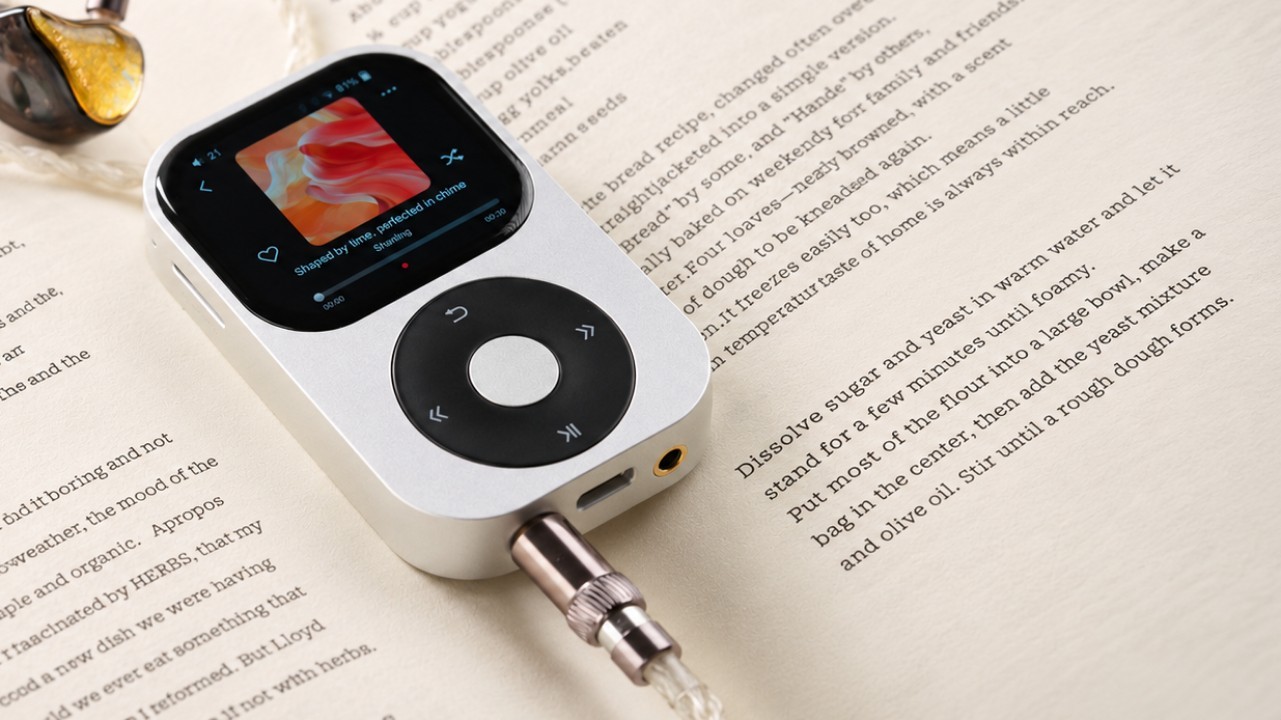
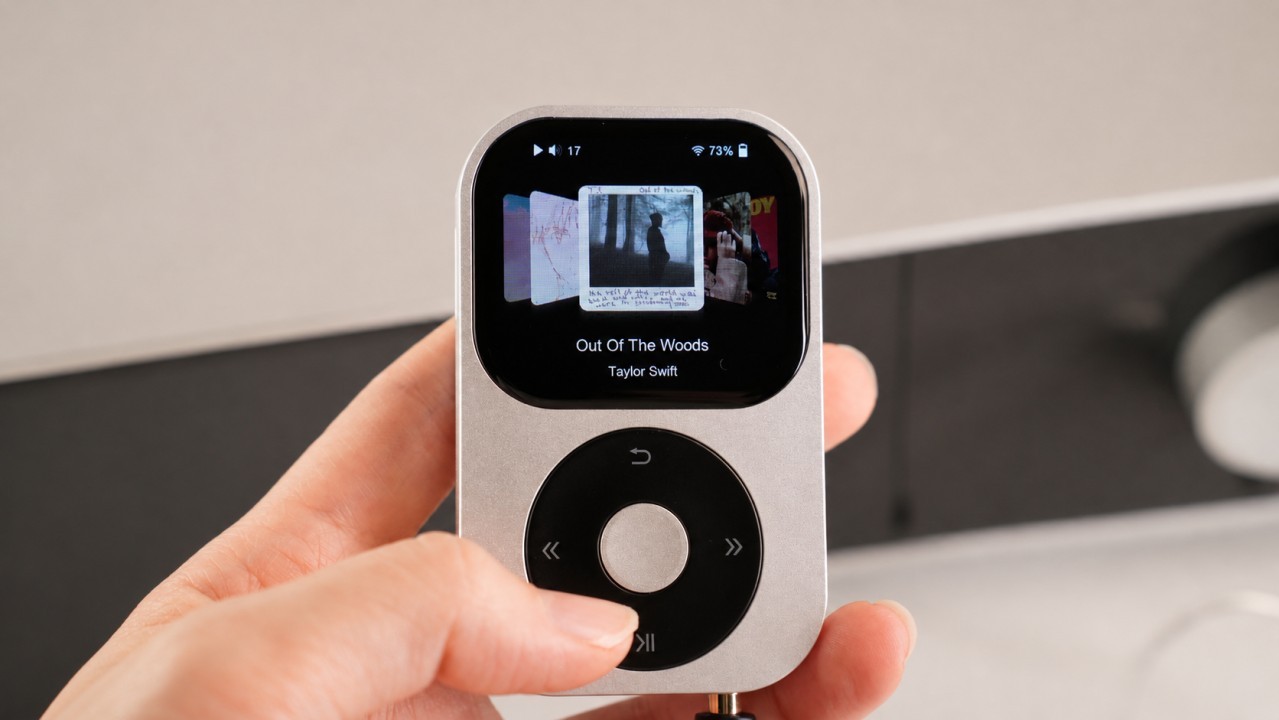 Browsing albums using the Click Wheel on the Shanling Q2 after the firmware update (Image: Shanling/weibo)
The new V1.36 firmware update for the Shanling Q2 was released last Thursday (the 12th) and introduces navigation using the “Click Wheel.” At launch, the Q2 only supported volume adjustment through its wheel-shaped control, inspired by the iPod Classic. Now, thanks to DiamondBond’s initiative in developing custom firmware for the Q2, Shanling has decided to implement several new features in the DAP (Digital Audio Player). See below for full details.
Q2-Pod: Custom firmware for the Shanling Q2 developed by DiamondBond
On October 10, DiamondBond, the developer of the Q2-Pod custom firmware for the Shanling Q2, contacted Hi-Fi Hub. I admit that I was hesitant to publicize something that could eventually cause problems for users. My concern stemmed from regularly reading about bugs in new DAP firmware released by the manufacturers themselves.
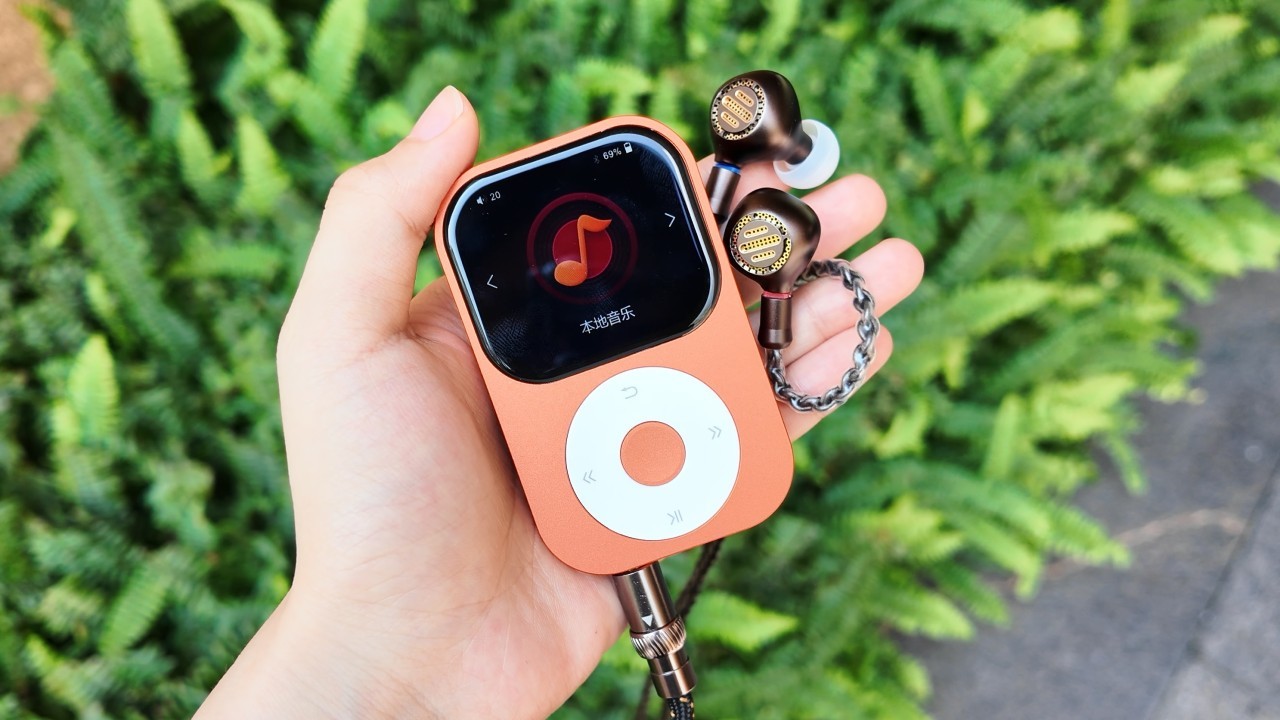
I acknowledge that I was mistaken, as DiamondBond’s work was so impressive that it attracted the attention of Shanling’s software team. In recognition of the developer’s work, the DAP manufacturer posted the following statement on its forum:
“Shanling would like to acknowledge the excellent work of DiamondBond and his team in developing Q2-Pod, the community-developed firmware for the Q2.
Q2-Pod served as inspiration for our software team, helping them implement wheel navigation, remove the file count limit that had persisted for years, and thoroughly optimize several other parts of the system.
With the V1.36 update, we have incorporated these changes into the official firmware.”
For those interested in exploring DiamondBond’s work, the Q2-Pod custom firmware is available on GitHub and continues to receive updates.
Shanling Q2: Firmware V1.36 changelog
The changelog for the Shanling Q2 V1.36 firmware is provided below.
1 – Added the option to use the wheel for system navigation (System → Wheel Navigation).
2 – Added the “Album Wall” browsing mode, accessible directly from the main menu.
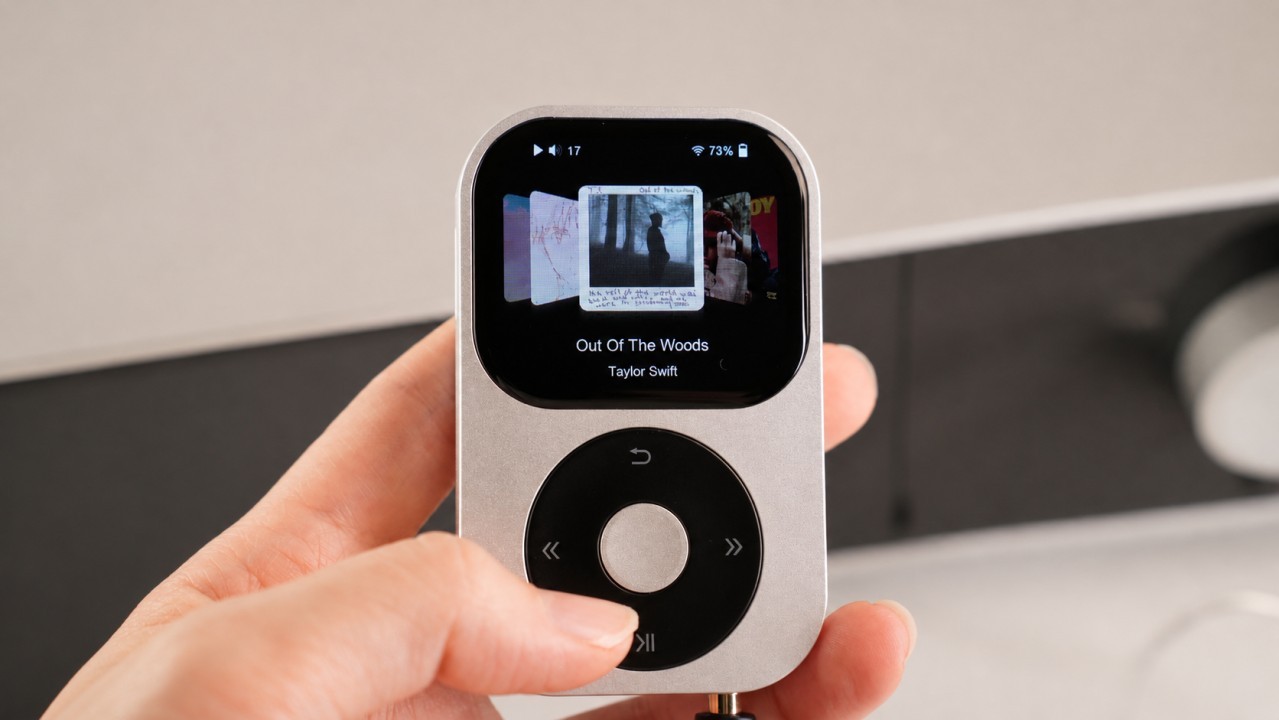
3 – Removed the file limit for music library scanning.
4 – Optimized several background processes to extend battery life.
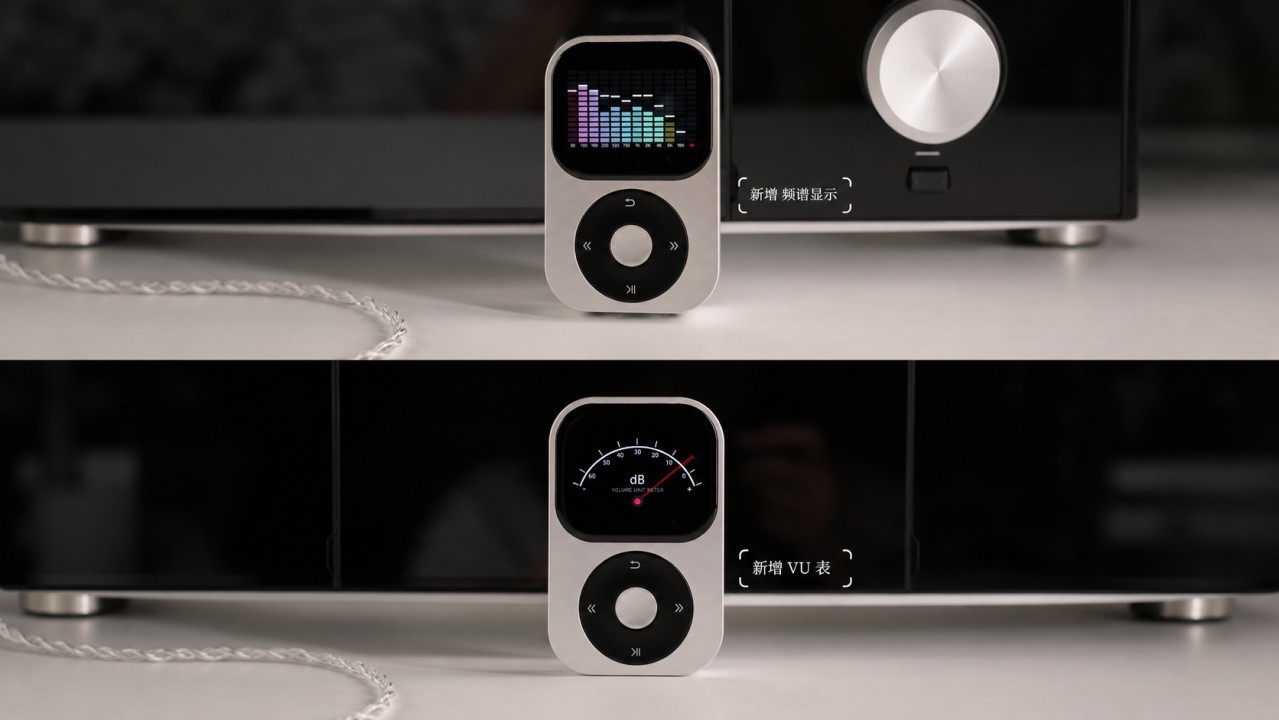
5 – Added a VU meter and a spectrum analyzer to the playback screen. Tap the icons on the sides to activate them.
6 – Added the option to prevent playback when no headphones are connected. This option is available in the playback settings.
7 – Added the option to sort songs alphabetically within a playlist. The sorting order can be changed within the playlist itself.
8 – Added the option to hide the top navigation bar to display more lines in the interface (System → Display setting → Show Navigation Bar).
9 – Fixed an issue that prevented Bluetooth headphones from sending control commands to the Q2.
10 – Fixed an issue that caused playback interruptions in USB DAC mode.
11 – Improved the equalizer interface to simplify adjustments.
12 – Other fixes and improvements.
How to update the Shanling Q2 firmware
The Shanling Q2 supports firmware updates over Wi-Fi, but you can also download the firmware file and update the DAP locally. The manufacturer recommends performing the procedure with a fully charged battery.
How to update over Wi-Fi
Step 01: Connect the Shanling Q2 to a Wi-Fi network with internet access.
Step 02: Select “System settings,” then tap “System Update.”
Step 03: Select “Network update” and confirm.
Wait for the firmware file to finish downloading. Installation will then proceed automatically. Once the installation is complete, the Shanling Q2 will restart automatically.
Local update: How to update by downloading the firmware file
Step 01: Download the file using this Google Drive link by clicking the downward arrow icon in the upper-left corner.
Step 02: Extract the downloaded archive and copy the update.bin file to the Shanling Q2’s microSD card.
Step 03: Go to “System settings” → “System Update,” select “TF card update,” and confirm.
After following these steps, wait for the firmware installation and device restart to complete the process.
About the Shanling Q2
Released on August 9, 2026, the Shanling Q2 entered the international market at a suggested retail price of US$259 / €279. Inspired by the iPod Classic, the Q2 is a compact, lightweight DAP that runs MTouch, an operating system developed by Shanling.
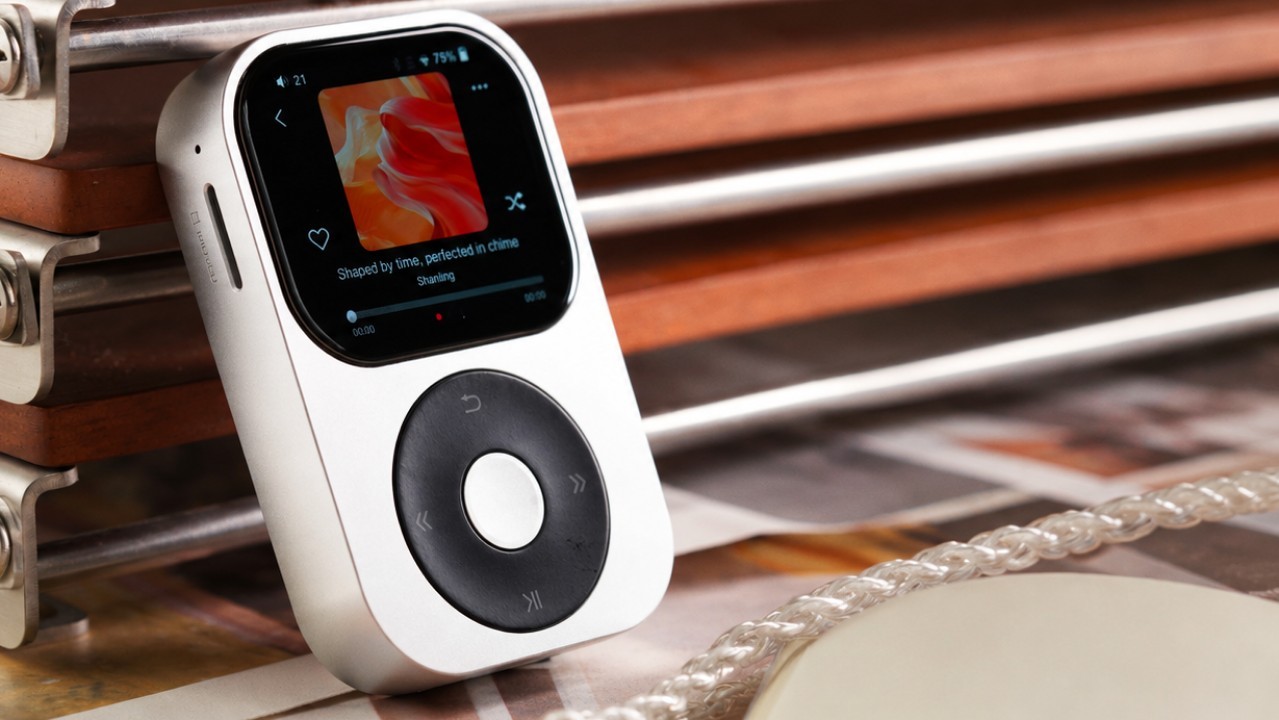
The Q2 plays music files locally, with audio files stored on a microSD card. It does not support music streaming or app installation as Android-based DAPs do.
The most frequent criticisms of the Q2 concerned its price, which many considered high, and the limited functionality of the wheel, which only allowed volume adjustment. Users had to navigate the DAP’s menus through its touchscreen.
Fortunately, Shanling added support for menu navigation using the wheel with firmware 1.36. In addition, as part of the November 2026 promotions, the Q2 is being offered for US$217.56 at the Woodes store on AliExpress.
Share:



Product launches
Tangzu Du Fu Sage of Poetry Launches With 2DD + 2BA
Product launches
Radius HP-NE40C: USB-C IEMs with Hybrid ANC
Product launches
No comments have been made yet, be the first!