

Snowsky Disc Firmware 2.21 Breaks Gapless Playback
From: Vitor Valeri
A headphone hobbyist for over 15 years, he founded the Hi-Fi Hub website and is an administrator of the "Fones High-End" and "Fones Low-End" groups on Facebook.


Published in: 14/07/26 at 12:23 - Updated in: 15/07/26 at 15:17
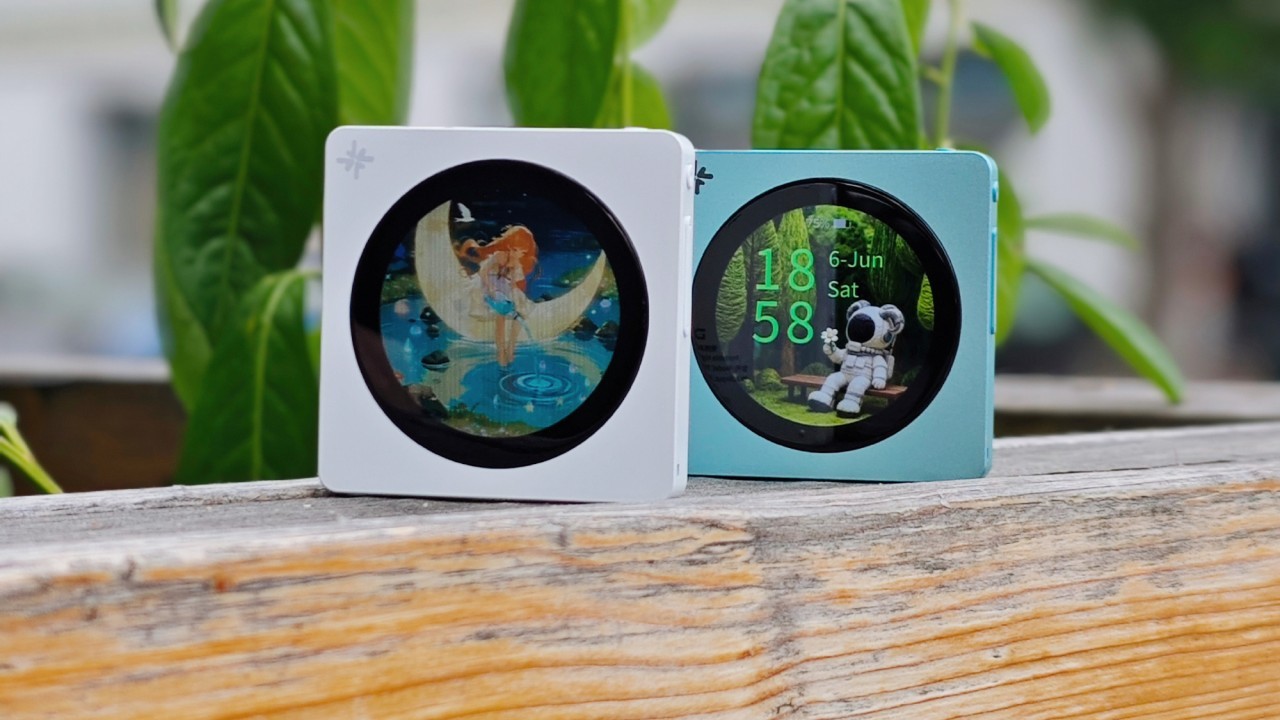
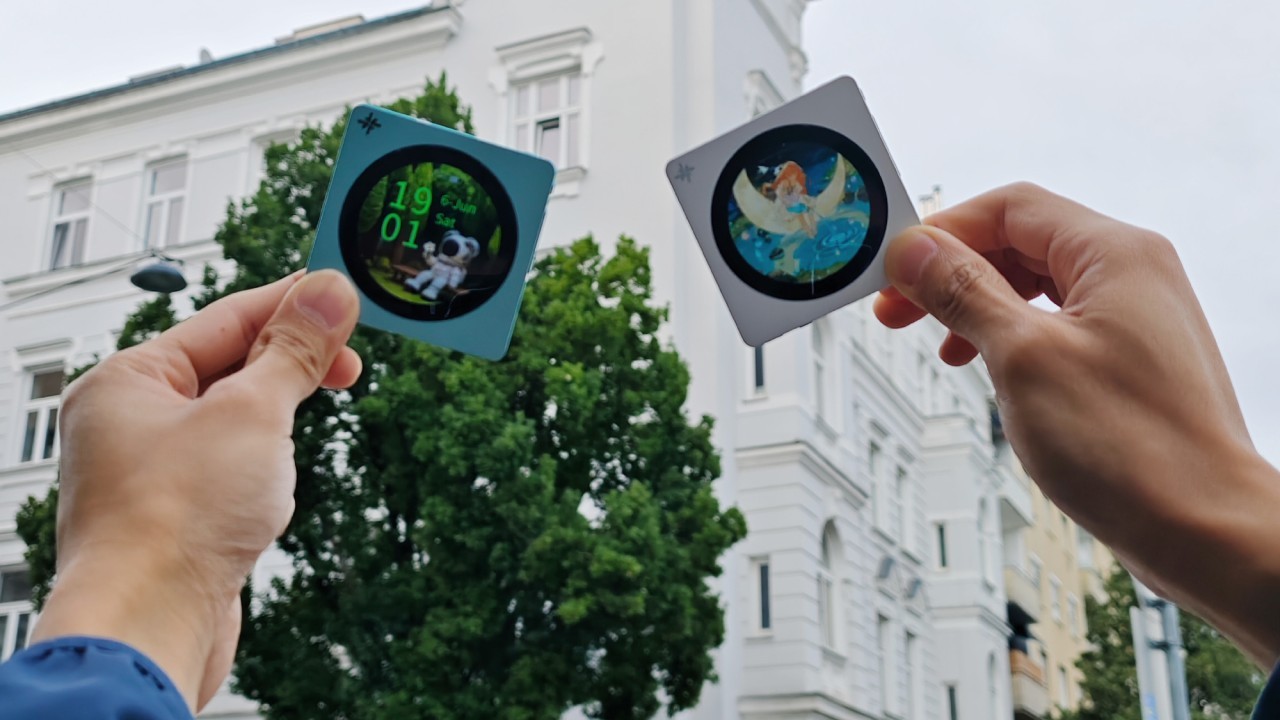
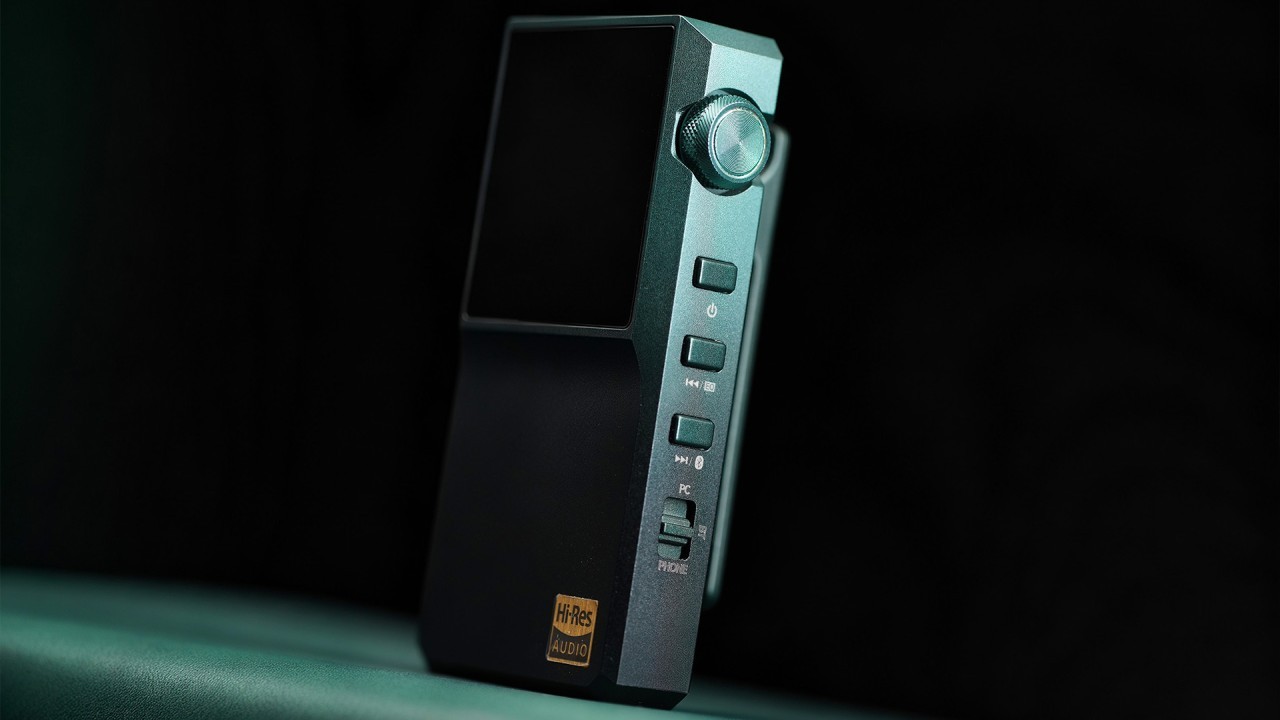
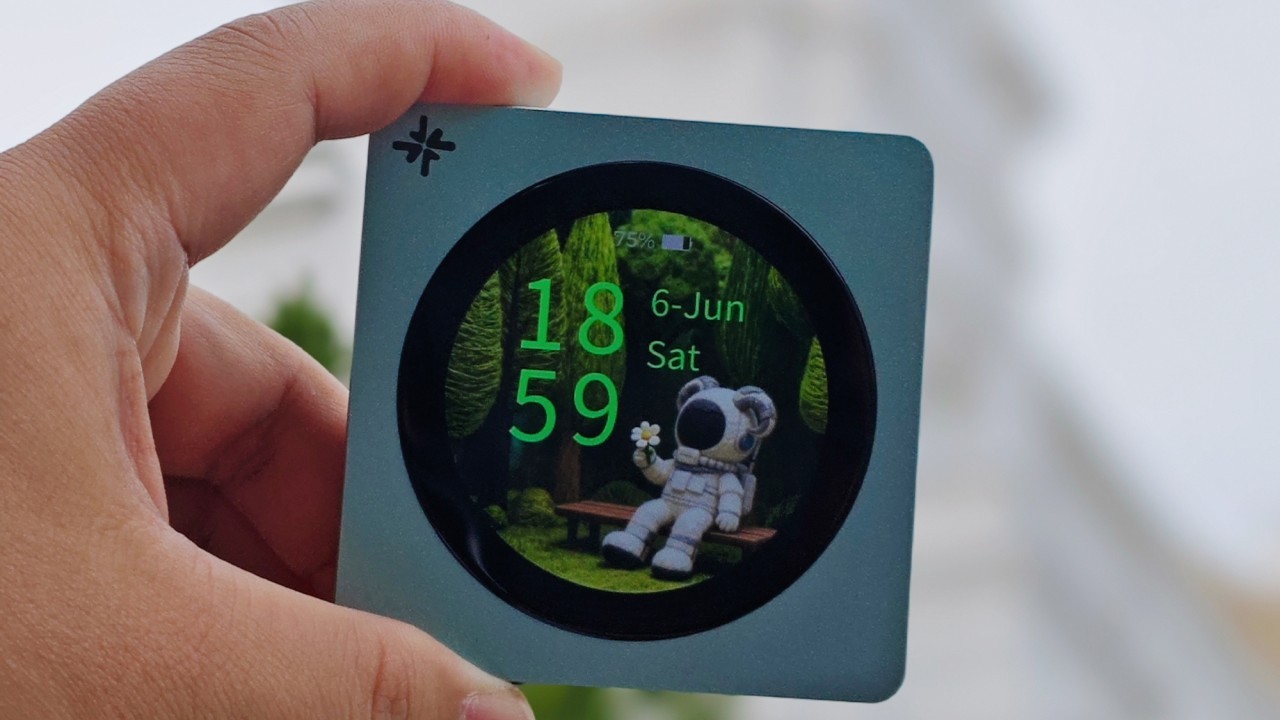 Snowsky Disc Digital Audio Player (DAP) (Image: Snowsky/Weibo)
Firmware version 2.21 for the Snowsky Disc is causing a bug that breaks gapless playback. The new update for the DISC was announced yesterday (July 13) on FiiO’s website and introduces two new features, two bug fixes, and two optimizations. On the same day, users on the Head-Fi forum reported that after updating the DAP (Digital Audio Player), gapless playback stopped working. See the user reports below and learn how to temporarily resolve the issue.
Update (July 15): The FiiO team has identified the cause of the gapless playback issue in firmware V2.21 and will release a new update later this week. This article has been updated to include the specific conditions under which the bug occurs.
Update (July 14): Additional user reports have been added covering bugs beyond the broken gapless playback issue that were discovered after the Snowsky Disc firmware update.
Disclaimer: The reports below are based on a limited sample and may not reflect your own experience with the product. Every user uses a DAP differently, and an issue encountered by one person may not occur for another. The causes may vary, including software, settings, usage patterns, and even hardware differences. The manufacturer is expected to investigate these reported issues, reproduce them under testing, and address them in a future firmware update.
Snowsky Disc Becomes Unable to Perform Gapless Playback After Firmware 2.21 Update
Released on July 13, firmware V2.21 for the Snowsky Disc introduced issues affecting gapless playback. The problem was reported in the dedicated DISC thread on the Head-Fi forum.
On the same day the firmware became available, Head-Fi user “guyo” posted the following in the thread “Echoes of Time: SNOWSKY DISC Pure Audio Player Is Officially Released!”:
“Yeah… Sorry (believe me, VERY sorry) to have to say – you broke gapless playback (AAAARRRRRGGGGGHHHHH!).
Edit: I tested multiple albums that played well, with smooth gapless playback, on firmware 2.09. ALL, without exception, failed miserably on 2.21. I downgraded back to 2.09 for now. This is simply depressing.”
One day later, another user, “Impidimp,” confirmed the issue, reporting that after updating the DISC, the DAP began skipping the final seconds of each track.
“i just updated mine and the first song i tried listening to just skipped the whole last 5 seconds of the song”
On July 15, FiiO representative “FIIO ALAN” responded to reports of the gapless playback bug, stating:
“The issue of the gapless function not working in version 2.21 firmware is due to the team’s oversight. The main reason is that there are some bugs in the play through folders. If the play through folders is enabled simultaneously, the gapless function will fail. We will fix this problem this week. Please also try to experience the gapless function when the play through folders is turned off.”
Snowsky Disc Users Report Volume, Lock Screen, and DSD Playback Bugs
After updating to the new V2.21 firmware, Garfield Winchester reported in the “ChiFi Audio Reviews” Facebook group that his Snowsky Disc began experiencing issues when adjusting the volume using the on-screen controls.
“Sometimes touch volume control dont work , Sometimes restart ifself.
Its happen after update latest firmware.”
In the same Facebook group mentioned above, user “New Ryu Ze Kai” reported that after updating his Snowsky Disc to the latest firmware, the device could no longer play DSD and ISO files.
“I can’t play , .ISO , DSD file
And sometime restart itself.
Before the firmware update, I was able to play those files, but after the update, I can no longer play them.”
User “Joshua Santoso” commented on a post on the Snowsky Facebook page, reporting several bugs he encountered after updating to firmware V2.21.
“There’s a bug when i change the custom volume setting, it wil revert back to the default setting every time the device turned off and on again. Except the long press function.
Another bug found. When using animated gif as lockscreen the device keep crashing. Already use 360×360 and under 2mb gif file.”
Snowsky Disc Firmware 2.21 Changelog
Below is the official changelog for Snowsky Disc firmware V2.21.
• Added the ability to delete music files in “Browse Files.”
• Added highlighting for the currently playing track in the “Category” section.
• Fixed an issue where some microSD card files could be accidentally deleted while copying files with the device connected to a computer in Storage Mode.
• Fixed an issue where enabling gapless playback for an extended period could cause playback to pause unexpectedly or fail to transition properly between tracks.
• Optimized album art display in AirPlay mode.
• Improved the return navigation logic.
• Other performance optimizations and bug fixes.
Where to Report Feedback About the Snowsky Disc
If you would like to report bugs, request new features, or suggest improvements for the Snowsky Disc, the best place to do so is the Head-Fi forum. There is a dedicated discussion thread for the DAP where a FiiO/Snowsky representative serves as the liaison between users and the company. Support for the DISC on Head-Fi is handled by “FIIO ALAN,” and you can access the discussion thread through this link.
Temporary Workaround for the Firmware 2.21 Issue
To temporarily restore gapless playback on the Snowsky Disc after installing firmware V2.21, you should downgrade the DAP to the previous firmware version, V2.09. Interestingly, firmware 2.09 was also the release that first introduced gapless playback support, as previously reported by Hi-Fi Hub.
Before starting the downgrade process, make sure the DISC’s battery level is above 30%. Then follow the steps below.
Step 1: On your computer, download the firmware file using this link.
Step 2: On the DISC, go to Settings, select Working mode, and tap Storage mode.
Step 3: Connect the DISC to your computer using a USB cable.
Step 4: Copy the firmware file to the DISC’s internal storage. Do not place it inside any folder.
Step 5: Disconnect the USB cable and exit Storage mode.
Step 6: Go to Settings and select System settings.
Step 7: Scroll down, tap System updates, and select Local upgrade.
Step 8: Confirm the upgrade and wait for the process to complete.
Once the installation is finished, the DISC will automatically restart with the downgraded firmware installed.
Share:


Product launches
FiiO BTR25 Launches With aptX Lossless and Magnetic Clip
Product launches
SNOWSKY MAGE: Gaming USB DAC With Mic Input at US$ 20
Product launches
No comments have been made yet, be the first!