FiiO Brings Pod Mode and Cassette Mode to Older DAPs
From: Vitor Valeri
A headphone hobbyist for over 15 years, he founded the Hi-Fi Hub website and is an administrator of the "Fones High-End" and "Fones Low-End" groups on Facebook.
Published in: 30/06/26 at 13:49 - Updated in: 30/06/26 at 13:50
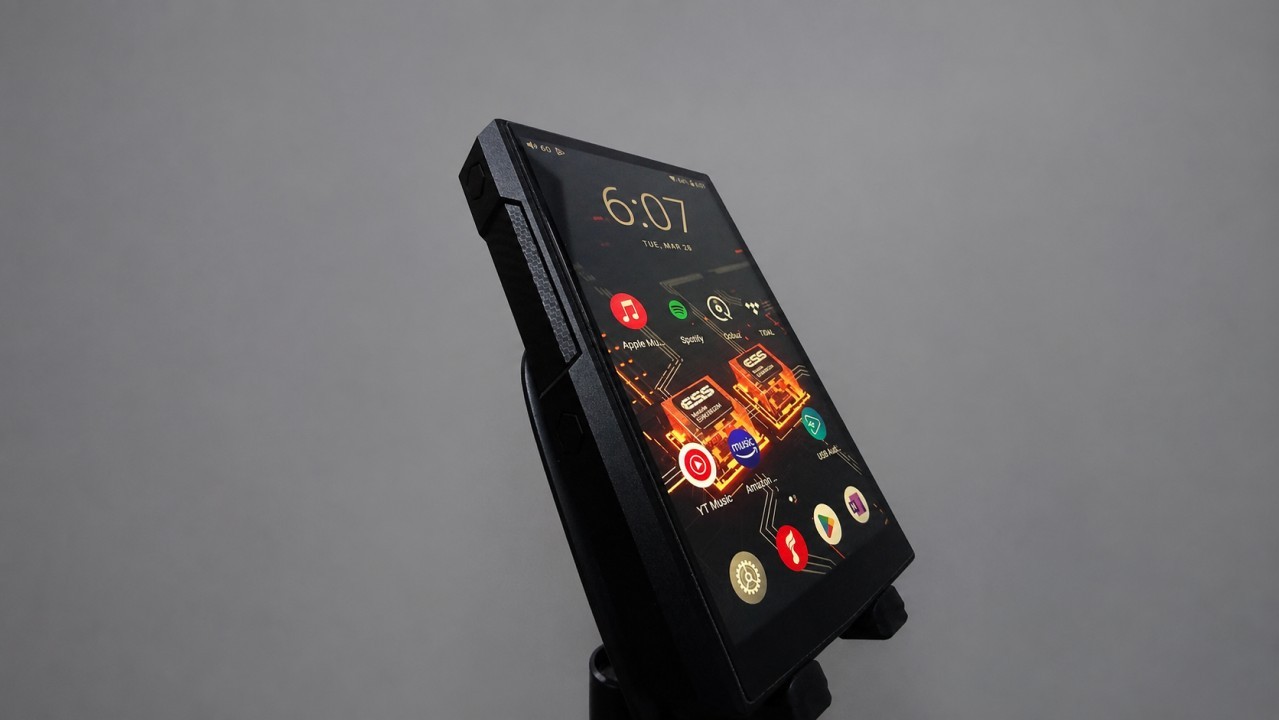
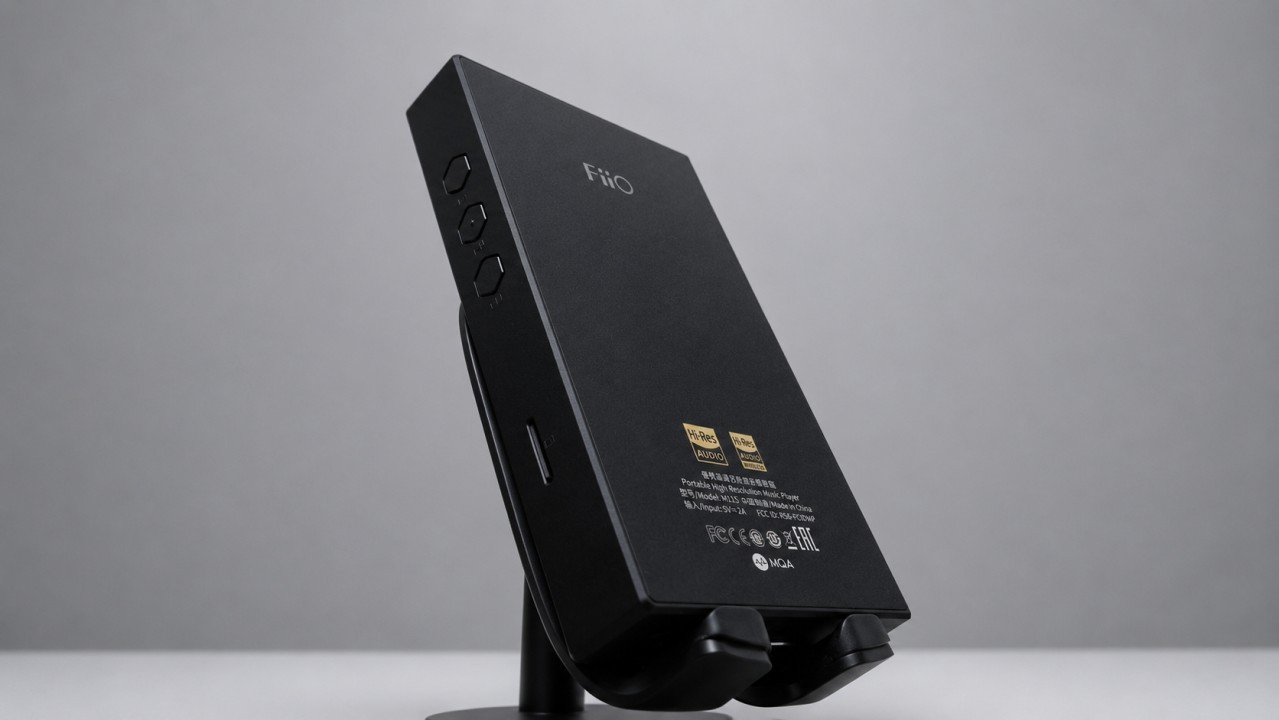
FiiO M11S Digital Audio Player (DAP) (Image: Vitor Valeri/Hi-Fi Hub)
FiiO has introduced the Tape Mode and Pod Mode apps to several of its older Digital Audio Players (DAPs), including the M11 Plus and M17, among other models. The latest firmware update also adds noteworthy features such as System EQ, Auto EQ, and community EQ profile sharing. This release demonstrates FiiO’s commitment not only to providing maintenance updates for previous-generation DAPs but also to delivering meaningful new functionality.
Five-Year-Old FiiO DAPs Receive New Features
Models such as the FiiO M11 Plus and M17, originally released in 2021, are receiving new software features five years after their debut. Until now, these functionalities were available only on the company’s newer players, including the JM21, M21, and M33 R2R.
The FiiO DAPs covered by this firmware update are based on the Qualcomm Snapdragon 660 System-on-a-Chip (SoC) and run Android 10. By comparison, FiiO’s latest DAPs feature the Snapdragon 680 platform and Android 13.
FiiO M11S Digital Audio Player (DAP) (Image: Vitor Valeri/Hi-Fi Hub)
Which FiiO DAPs Received the New Firmware Update?
The table below lists the FiiO DAPs that received the latest firmware update, along with their respective launch years.
Model
Launch year
FiiO M11 Plus LTD
2021
FiiO M11 Plus (ESS)
2021
FiiO M17
2021
FiiO M11S
2022
FiiO R7
2022
FiiO M15S
2023
FiiO R9
2023
FiiO M23
2024
What New Features Were Added to FiiO DAPs?
The latest firmware introduces the following features to the supported FiiO DAPs:
• Tape Mode app • Pod Mode app • Equalizer app featuring Auto EQ and community EQ profile sharing
All of these features are implemented as standalone apps and appear directly on the device’s home screen.
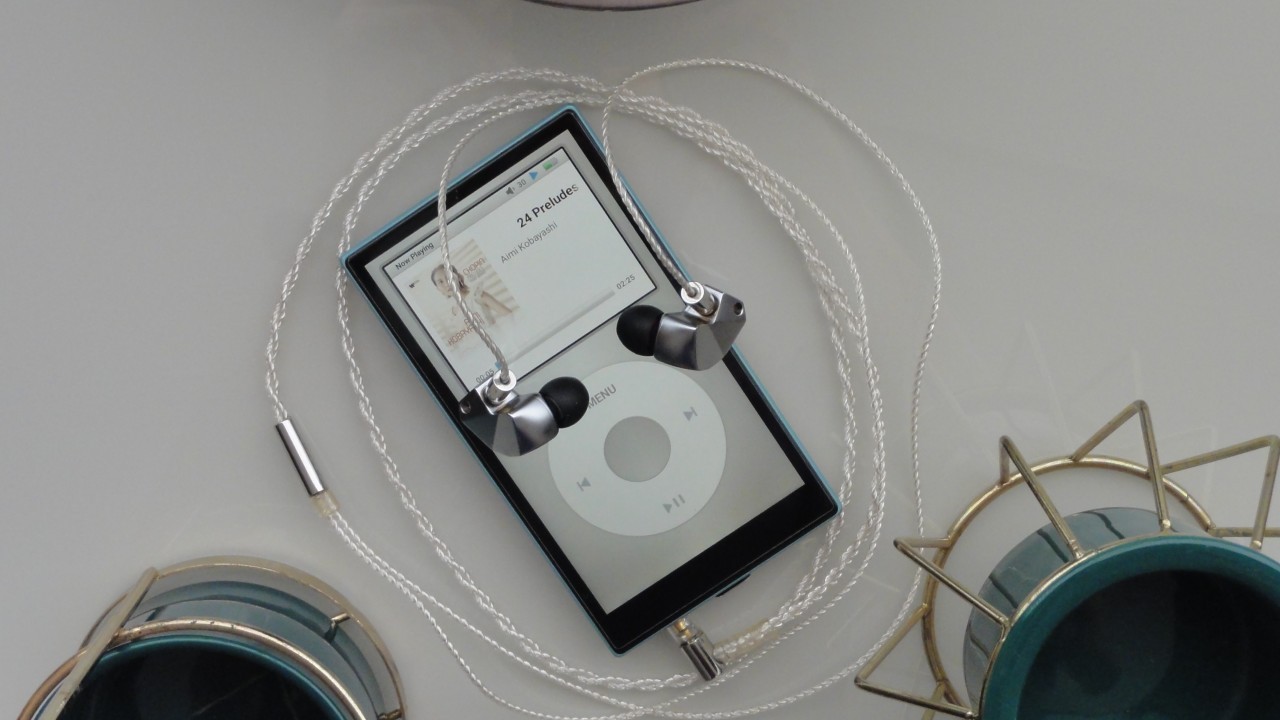
FiiO JM21 Digital Audio Player (DAP) running Tape Mode (Image: Vitor Valeri/Hi-Fi Hub)
How to Use Tape Mode and Pod Mode
To ensure that Tape Mode and Pod Mode function correctly, follow the steps below:
Step 1: Start music playback using FiiO Music or any supported music streaming app.
Step 2: Open either the Tape Mode or Pod Mode app.
It is important to follow this sequence exactly. Otherwise, the cassette animation in Tape Mode will not play correctly, and the currently playing track may not be displayed properly in Pod Mode.
FiiO JM21 Digital Audio Player (DAP) running Pod Mode (Image: Vitor Valeri/Hi-Fi Hub)
What Is the Equalizer App and How Does It Work?
The Equalizer app applies equalization settings system-wide across all applications installed on the DAP. For this reason, many users refer to this feature as Global EQ.
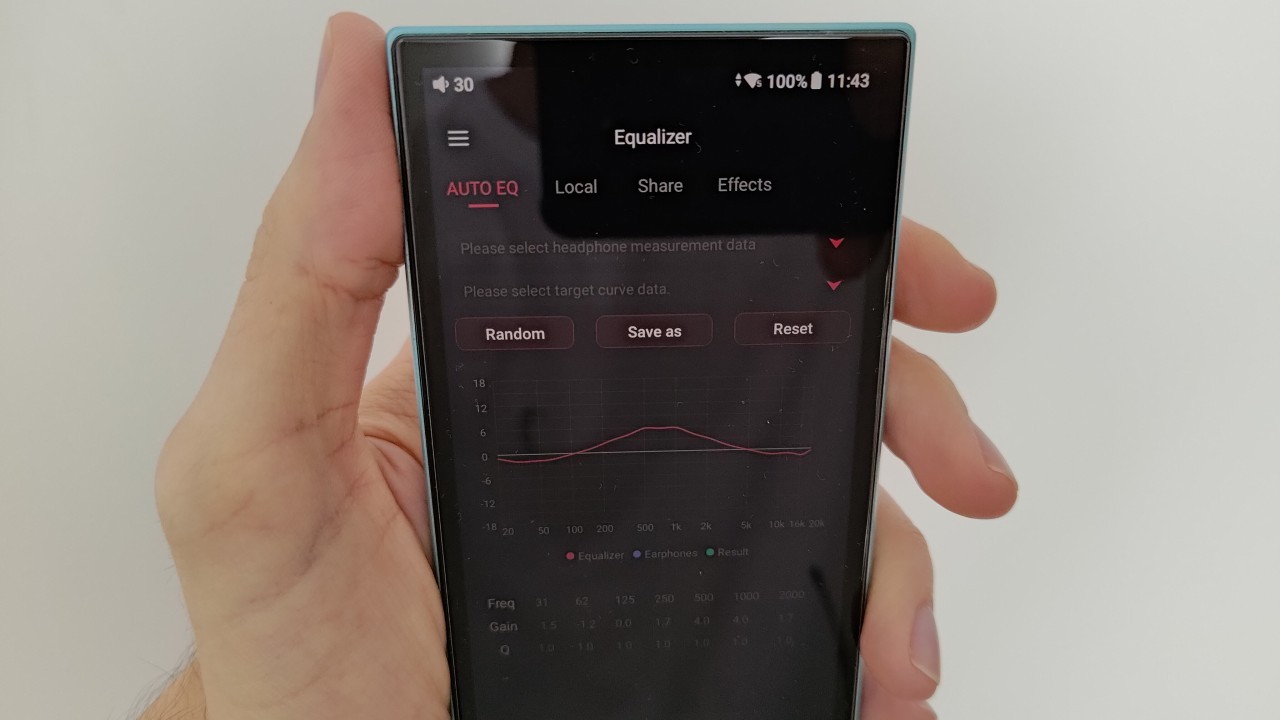
Equalizer app on the FiiO JM21 (Image: Vitor Valeri/Hi-Fi Hub)
The latest version of the Equalizer app introduces both Auto EQ and community EQ profile sharing. These features require an active Wi-Fi connection to access EQ profiles stored in the cloud.
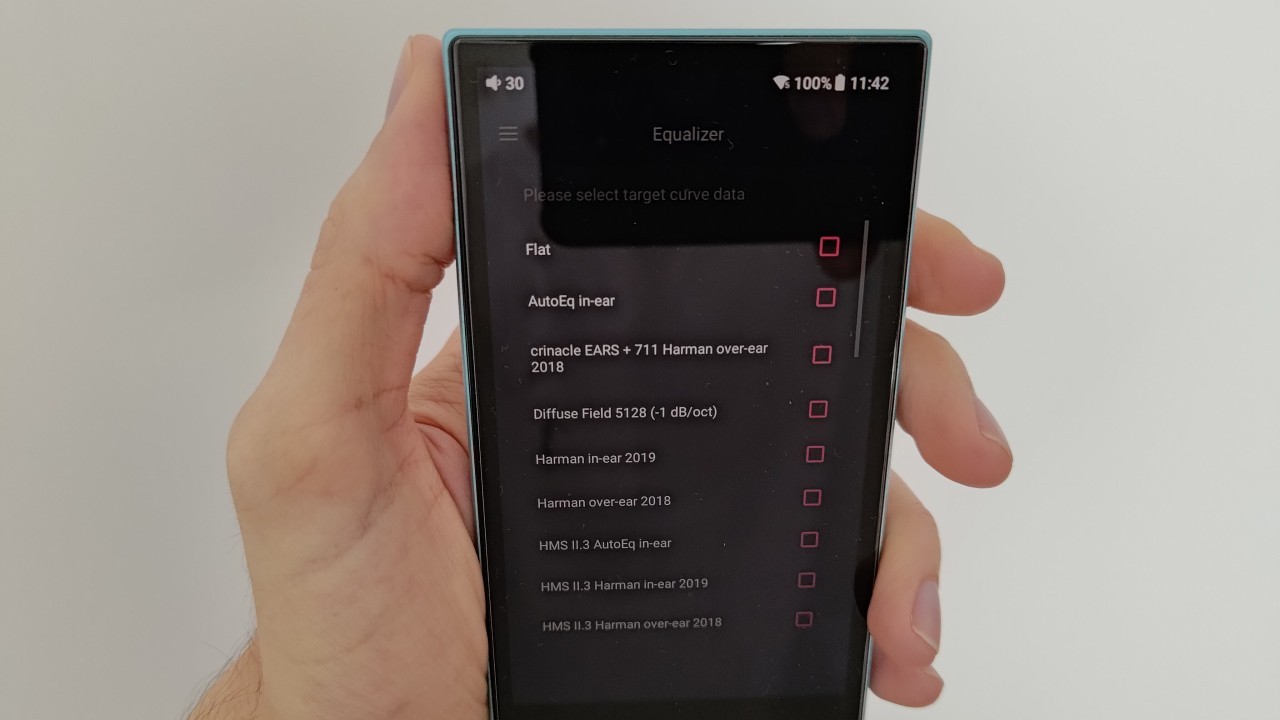
Auto EQ allows users to automatically generate equalization settings by selecting either a target frequency response curve or measured headphone frequency response data. Users may further fine-tune the generated EQ settings manually if desired.
Auto EQ options in the Equalizer app on the FiiO JM21 (Image: Vitor Valeri/Hi-Fi Hub)
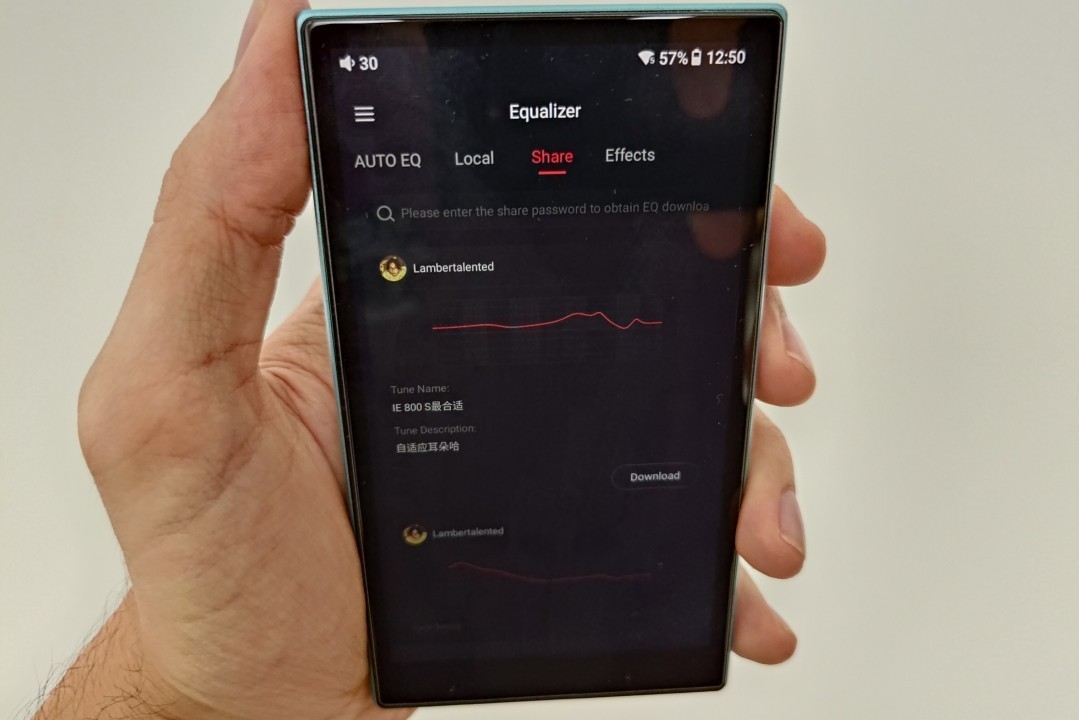
The community EQ sharing feature functions as a social platform for publishing and downloading equalization profiles. Users can upload their own EQ presets for others to use or search and download profiles created by the community.
Community EQ profile sharing in the Equalizer app on the FiiO JM21 (Image: Vitor Valeri/Hi-Fi Hub)
Firmware Changelog
Below is the official changelog for the latest firmware released for the FiiO M11 Plus, M11 Plus LTD, M17, M11S, M15S, M23, R7, and R9.
• Added the Pod Mode app. • Added the Tape Mode app. • Added the Equalizer app with Auto EQ and community EQ profile sharing. • Optimized download speed in the FiiO Market app. • Improved remote control stability and responsiveness. • Fixed an occasional Bluetooth transmission issue. • Implemented additional performance optimizations and bug fixes.
According to FiiO, the R7 and R9 will not have Pod Mode and Tape Mode installed by default after updating the firmware. However, users can manually install both apps through FiiO Market, the company’s app store, which serves a role similar to the Google Play Store.
How to Update the Firmware
There are two methods for updating FiiO DAPs. The recommended approach is to connect the player to a Wi-Fi network. Once connected, an update notification will appear automatically, allowing the installation process to begin with a single tap.
Alternatively, users may perform a local firmware update by downloading the appropriate firmware package for their device.
While I do thank you for the notice and the information. But the real question becomes why? Why the extra "feature" it makes me think they did not want to address issues but threw a feature out instead.