

Snowsky Echo Nano Gets Firmware 1.4.0 With Battery Fix
From: Vitor Valeri
A headphone hobbyist for over 15 years, he founded the Hi-Fi Hub website and is an administrator of the "Fones High-End" and "Fones Low-End" groups on Facebook.


Published in: 24/06/26 at 12:32
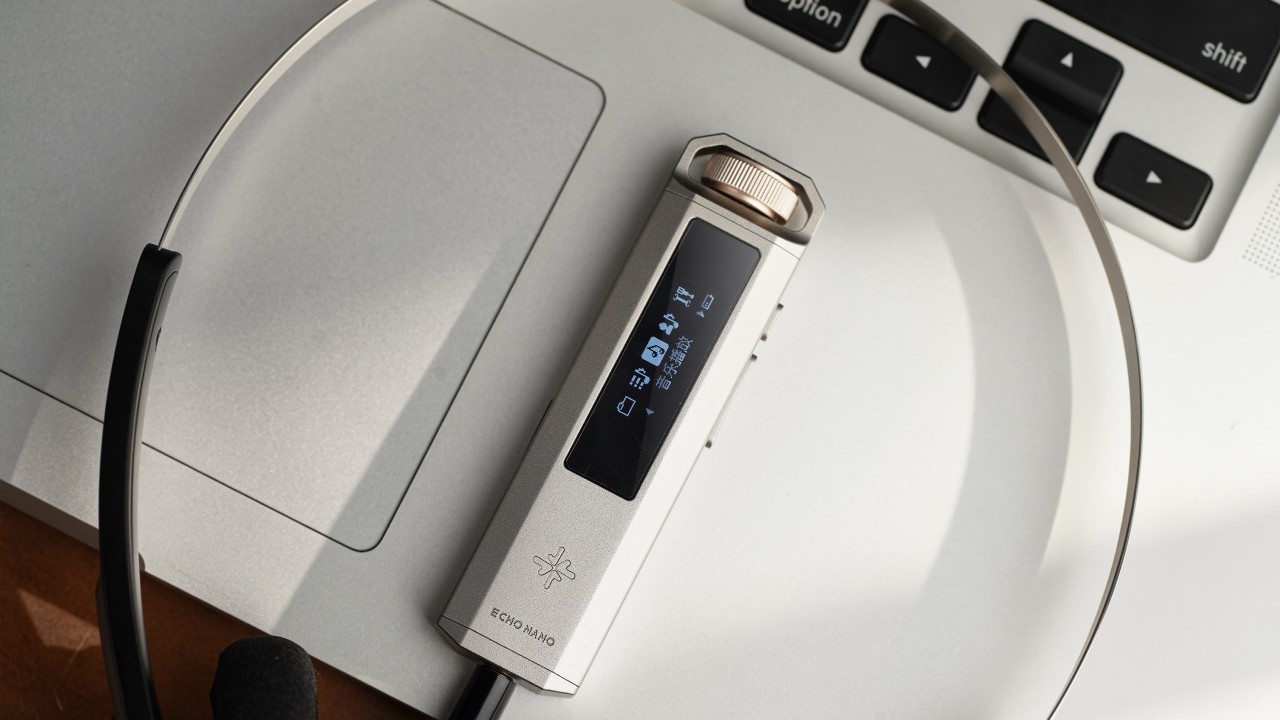 Snowsky Echo Nano Digital Audio Player (DAP) (Image: FiiO Kang/Head-Fi)
The V1.4.0 firmware for the Snowsky Echo Nano was released today (24) and brings one bug fix and two optimizations. This new update is the third since the launch of the Echo Nano, which took place on May 8, 2026. Below, you can find the changes that were implemented and learn where to submit your feedback to FiiO.
Echo Nano receives battery indicator fix and improved track navigation
With the update to firmware V1.4.0, Echo Nano users will now see all four battery bars instead of only three when the DAP is fully charged. In addition, the behavior of the previous-track function has been improved.
Now, if you press the previous-track button before the current track reaches 3 seconds of playback, the Echo Nano will return to the actual previous song. However, if the command is given after 3 seconds of playback, the current track will restart from the beginning.
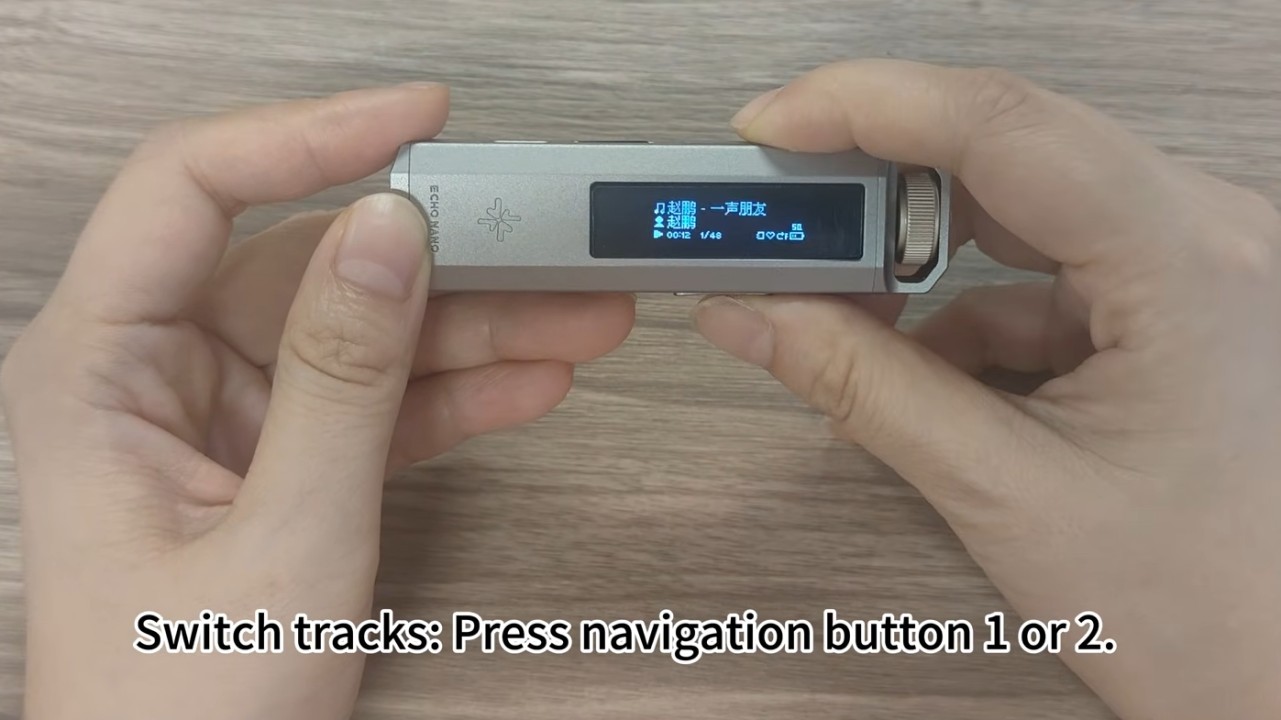
In addition to the changes above, the music library loading speed has also been improved.
Snowsky Echo Nano: Firmware 1.4.0 changelog
Below is the changelog for Snowsky Echo Nano firmware V1.4.0.
• Fixed an issue where the battery indicator displayed only three bars after the device was fully charged and powered on.
• Optimized the logic for switching to the previous track.
• Increased the media library loading speed.
• Other operating system optimizations.
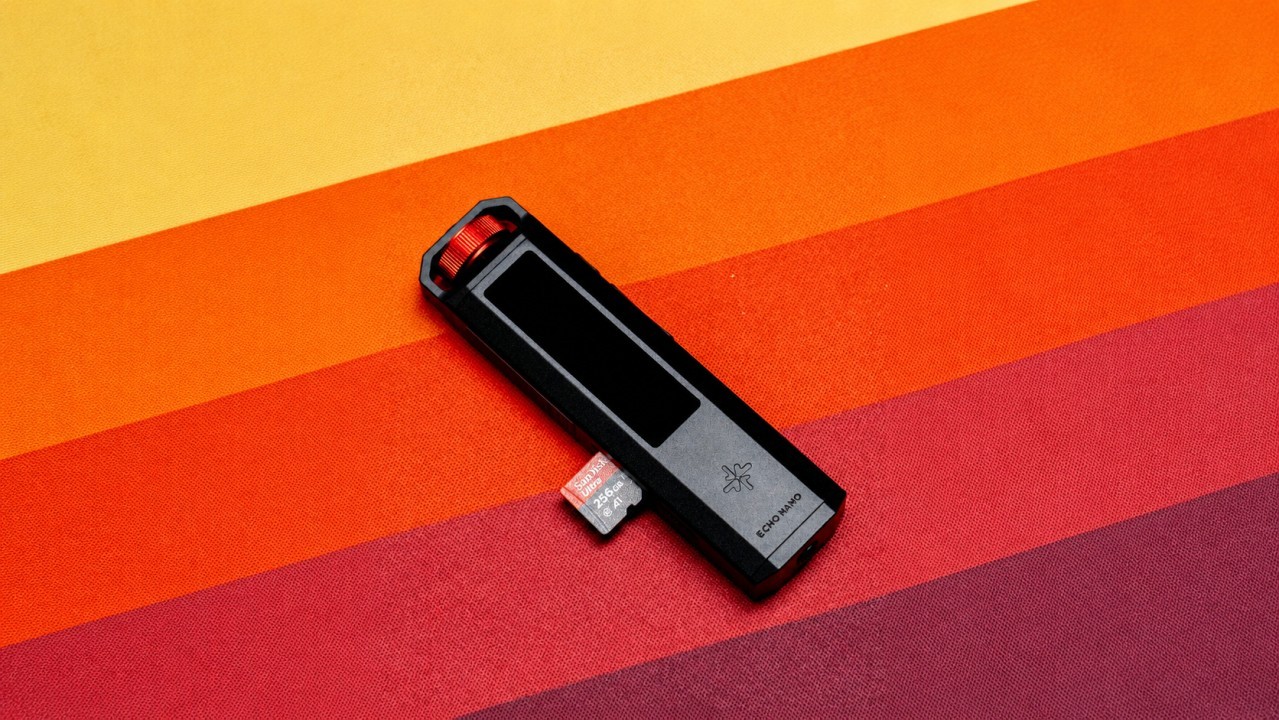
Where to submit your Echo Nano feedback
To report problems, suggest features, or request improvements for the Echo Nano, the best place to do so is the thread dedicated to the DAP on the Head-Fi forum. Through this link, you can access the thread and interact with the representative “FiiO Kang.”
How to update the Snowsky Echo Nano firmware
Before starting the update process, it is recommended that you remove the microSD card from the Echo Nano. After doing so, follow the step-by-step instructions below.
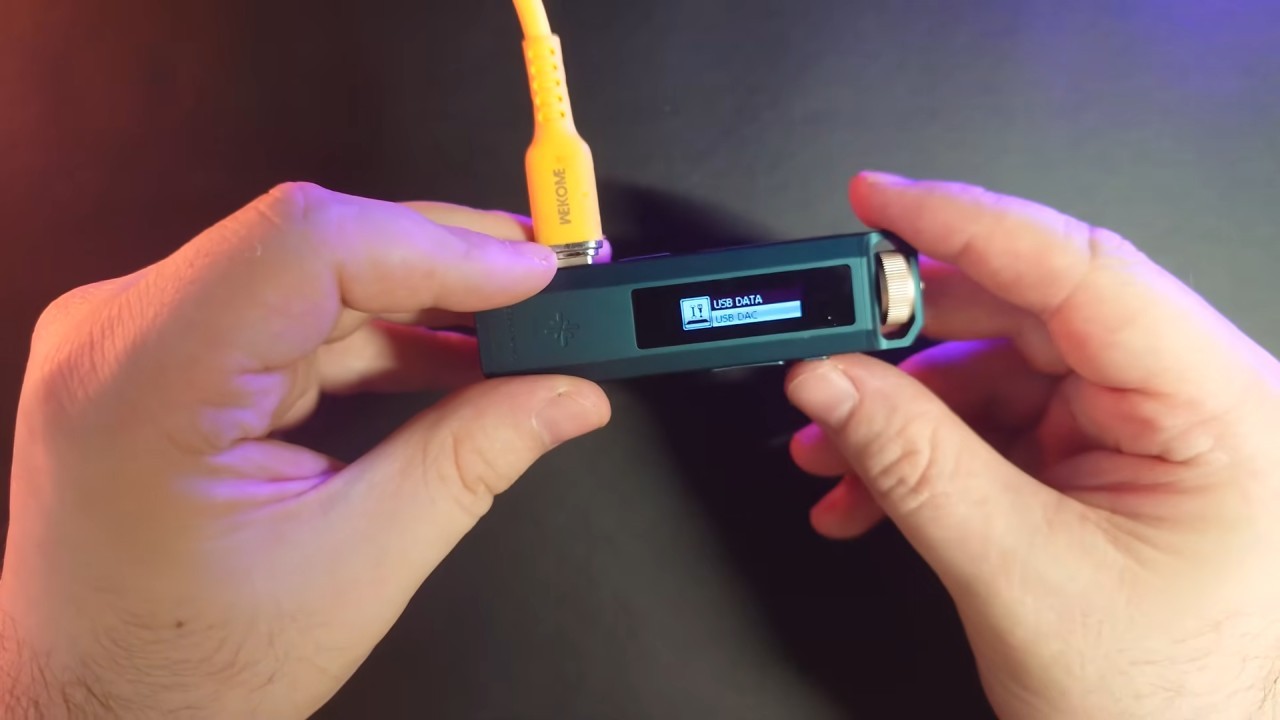
Step 01: Connect the Echo Nano to a computer using a USB cable. Immediately afterward, the DAP screen will display the options “USB DATA” and “USB DAC.” Select the “USB DATA” option by rotating the volume knob.
Step 02: Download firmware version 1.4.0 for the Echo Nano through this link.
Step 03: Extract the firmware file, open the folder, and copy the file “NANOV140.IMG” to the Echo Nano’s internal storage.
Step 04: Eject the Echo Nano from the computer and disconnect the USB cable.
Step 05: Power the Echo Nano off and then back on to start the firmware update process.
Once this is done, simply wait for the update process to finish before using the Echo Nano normally.
Share:


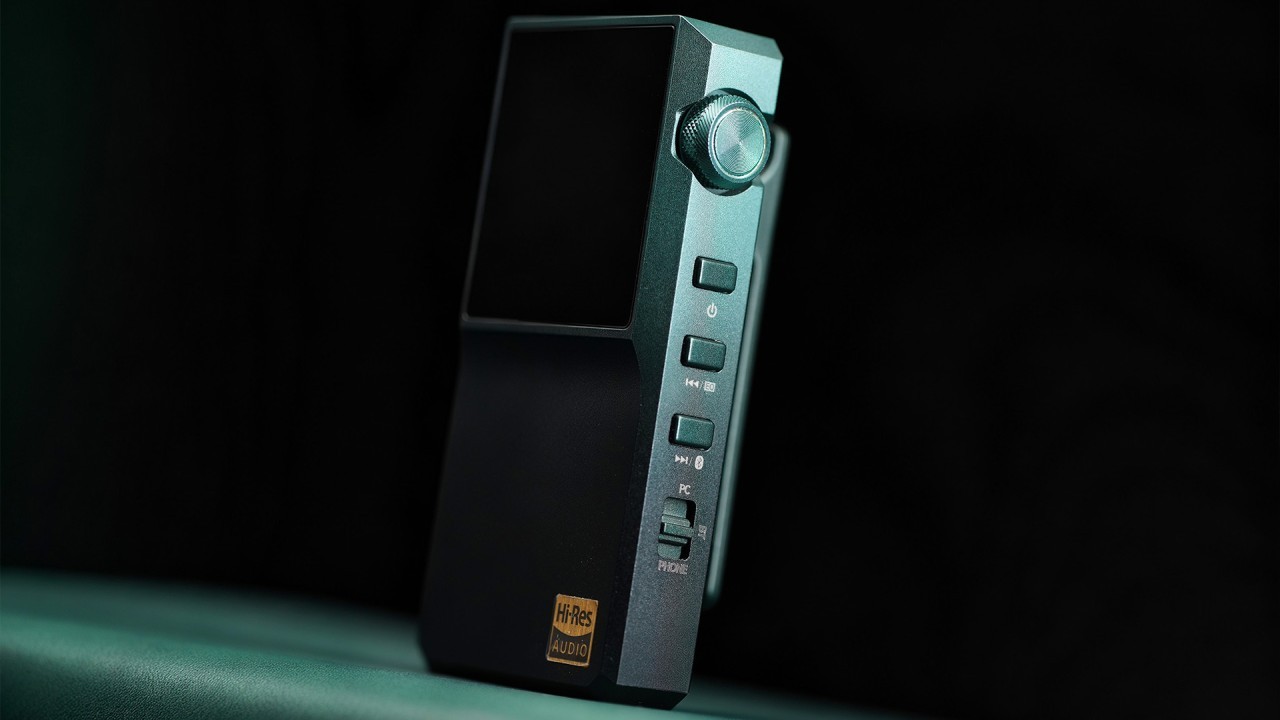
Product launches
FiiO BTR25 Launches With aptX Lossless and Magnetic Clip
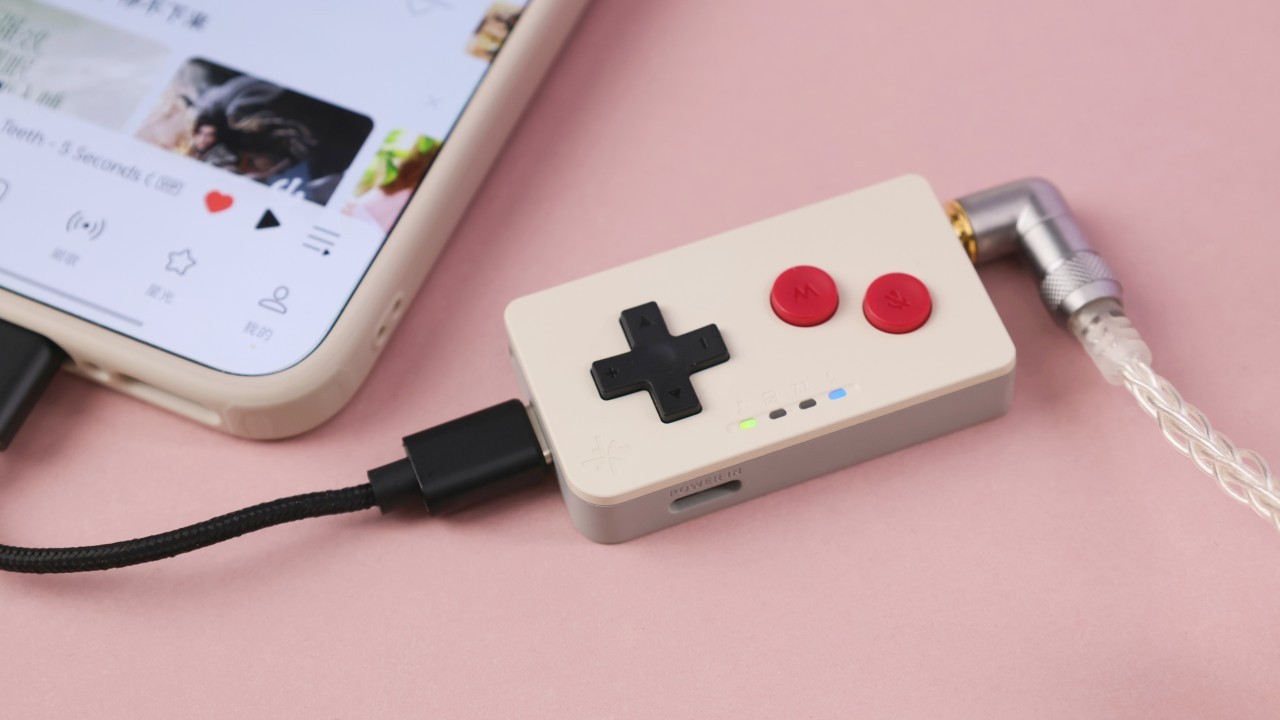
Product launches
SNOWSKY MAGE: Gaming USB DAC With Mic Input at US$ 20
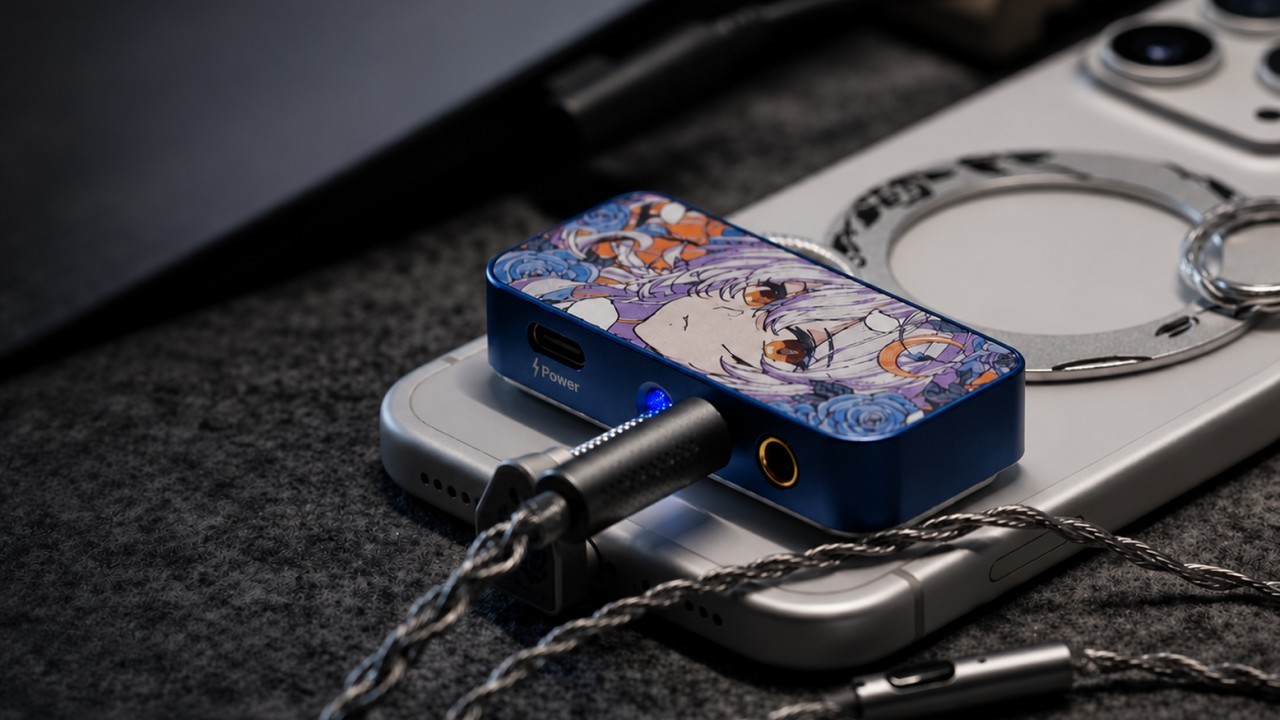
Product launches
No comments have been made yet, be the first!