

Android DAP vs Non-Android DAP: Which Should You Buy?
From: Vitor Valeri
A headphone hobbyist for over 15 years, he founded the Hi-Fi Hub website and is an administrator of the "Fones High-End" and "Fones Low-End" groups on Facebook.


Published in: 03/06/26 at 16:50
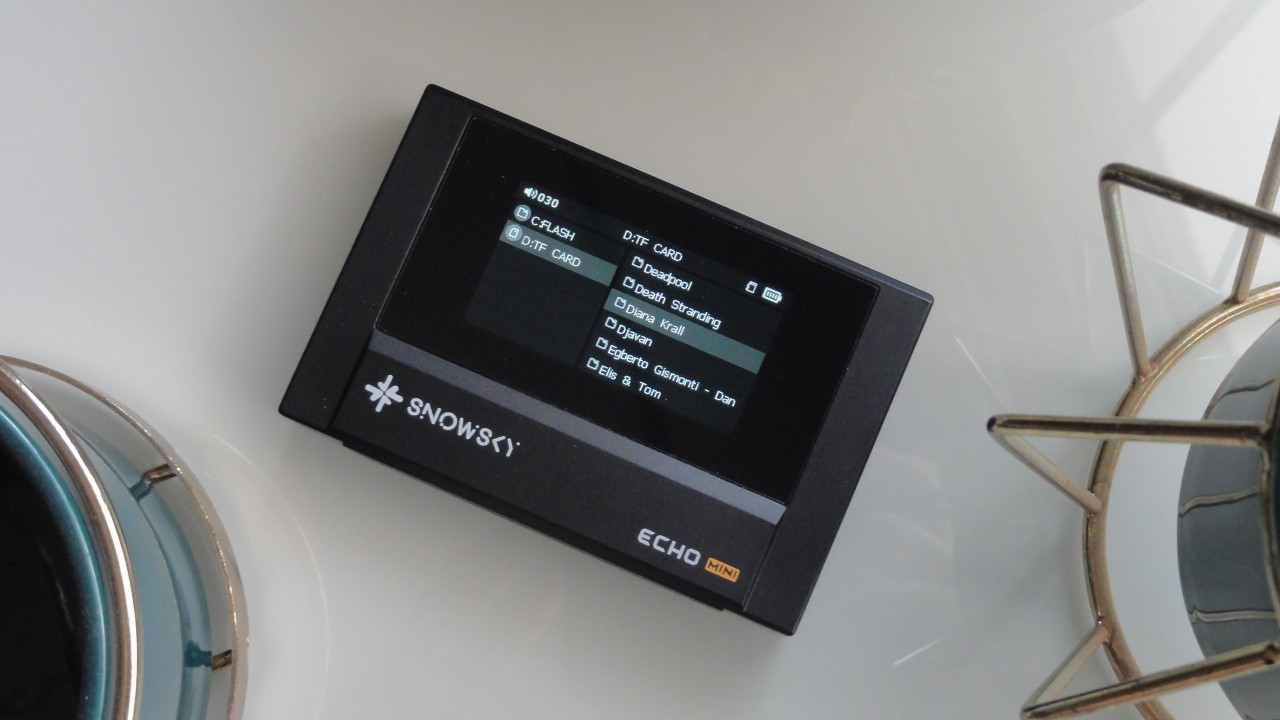
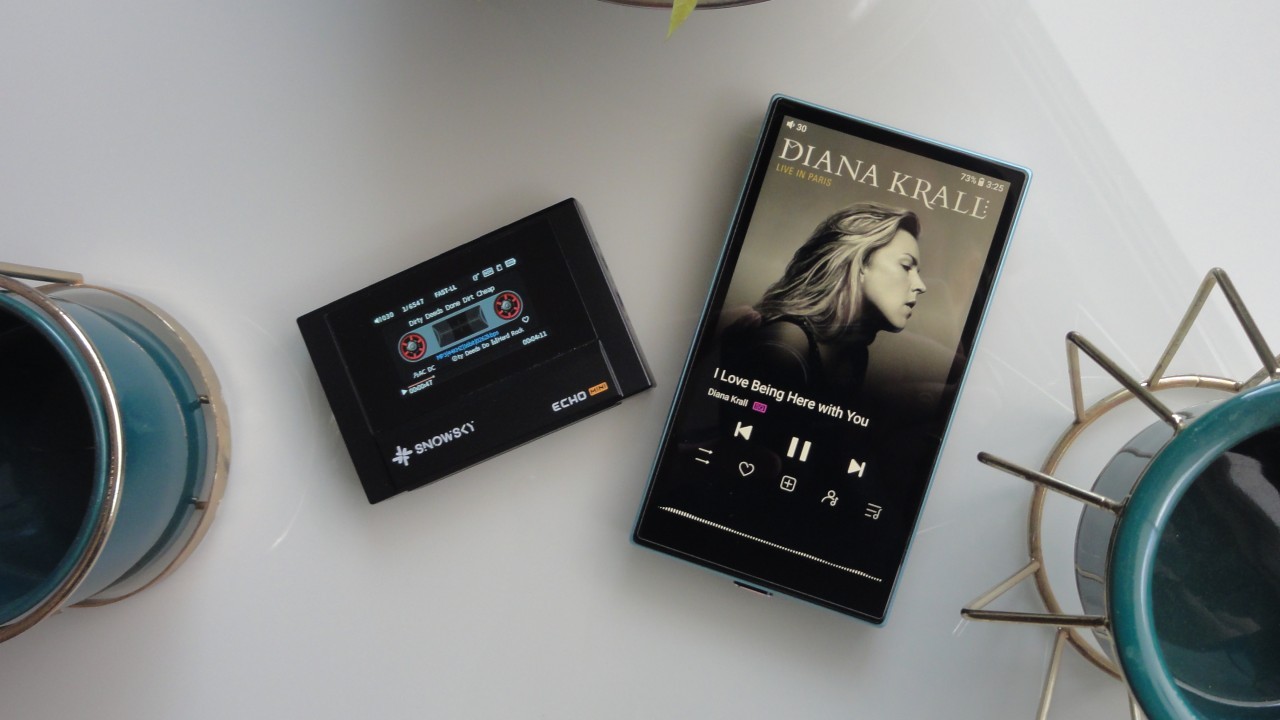
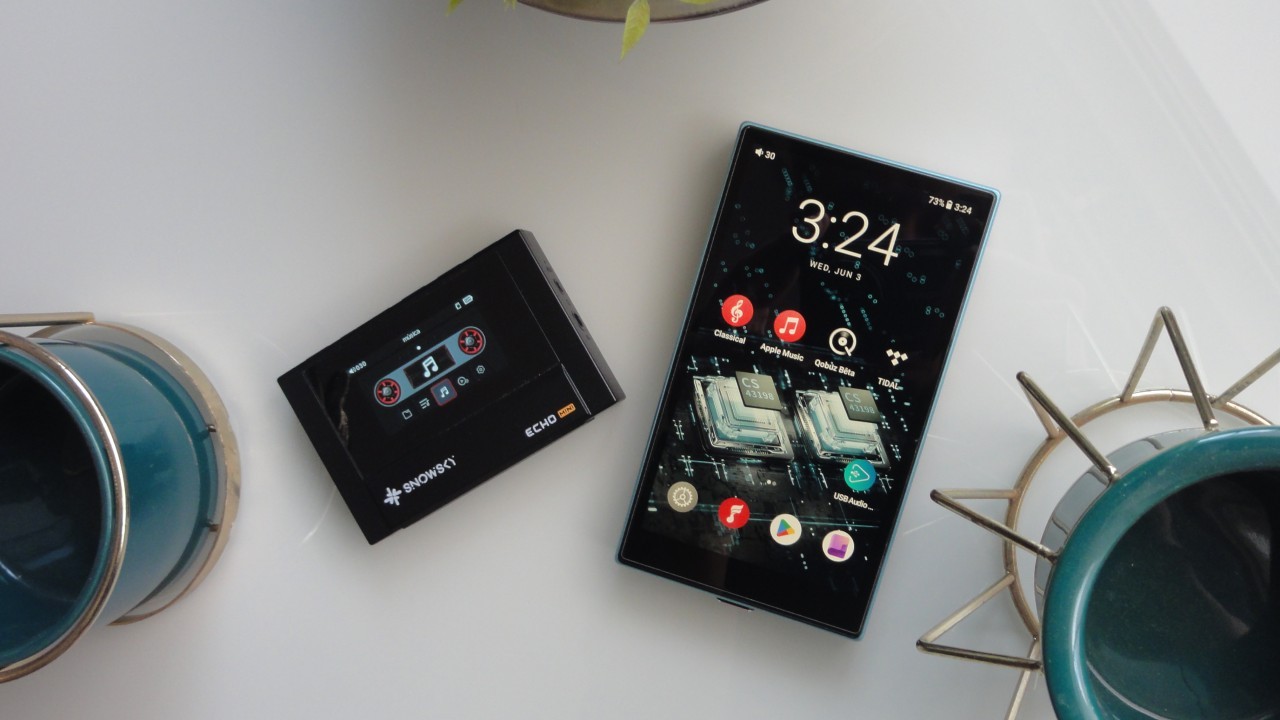 Android and Non-Android DAPs — Pictured: the Snowsky Echo Mini on the left and the FiiO JM21 on the right (Image: Vitor Valeri/Hi-Fi Hub)
Android-based Digital Audio Players (DAPs) are the solution for accessing music streaming services. However, some people prefer “MP3 players” with proprietary operating systems (OS) and want a DAP that does not run the same OS as their smartphone. Whether this choice makes sense depends on how you intend to use a dedicated music player.
I wrote this article in an attempt to clarify the main points that I consider important regarding Android and non-Android DAPs. I believe both have their merits, but it is necessary to understand the advantages and disadvantages of each in order to make a more informed decision. Below, I share my opinion on the subject based on many years of experience using Digital Audio Players.
Distractions: Is an Android DAP More Distracting Than a Non-Android DAP?
No. Although Android-based Digital Audio Players use apps installed through the Play Store, just like smartphones, the idea that they are inherently more distracting is a misconception. The purpose of using Google’s operating system in a DAP is simply to enable access to music streaming services.
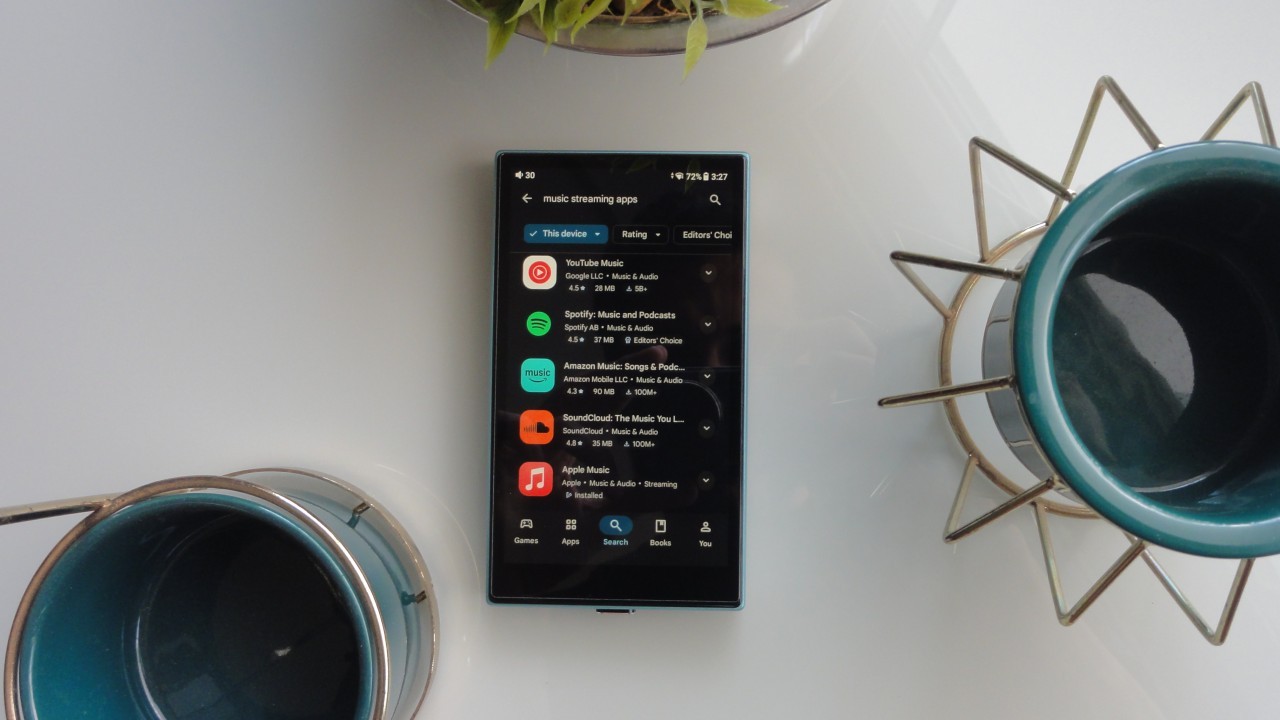
Manufacturers of Android DAPs typically include very few pre-installed Google apps. One example is FiiO’s Digital Audio Players, such as the JM21. As shown in the player’s review, only the following apps come pre-installed:
• Applications (FiiO app store)
• Clock
• Enter Sleep (JM21 hibernation/sleep mode)
• Equalizer (global equalizer)
• FiiO Cast (allows the JM21 to be controlled via a smartphone)
• FiiO Music (FiiO’s native music player)
• FiiO Roon (for using Roon on the JM21)
• Gallery
• Google Chrome
• Google Files
• Google Play Store
• Tape Mode (music playback mode featuring a cassette tape interface)
• Technical Support (firmware updates and issue reporting)
Freedom: Is It Possible to Install Any App on an Android DAP?
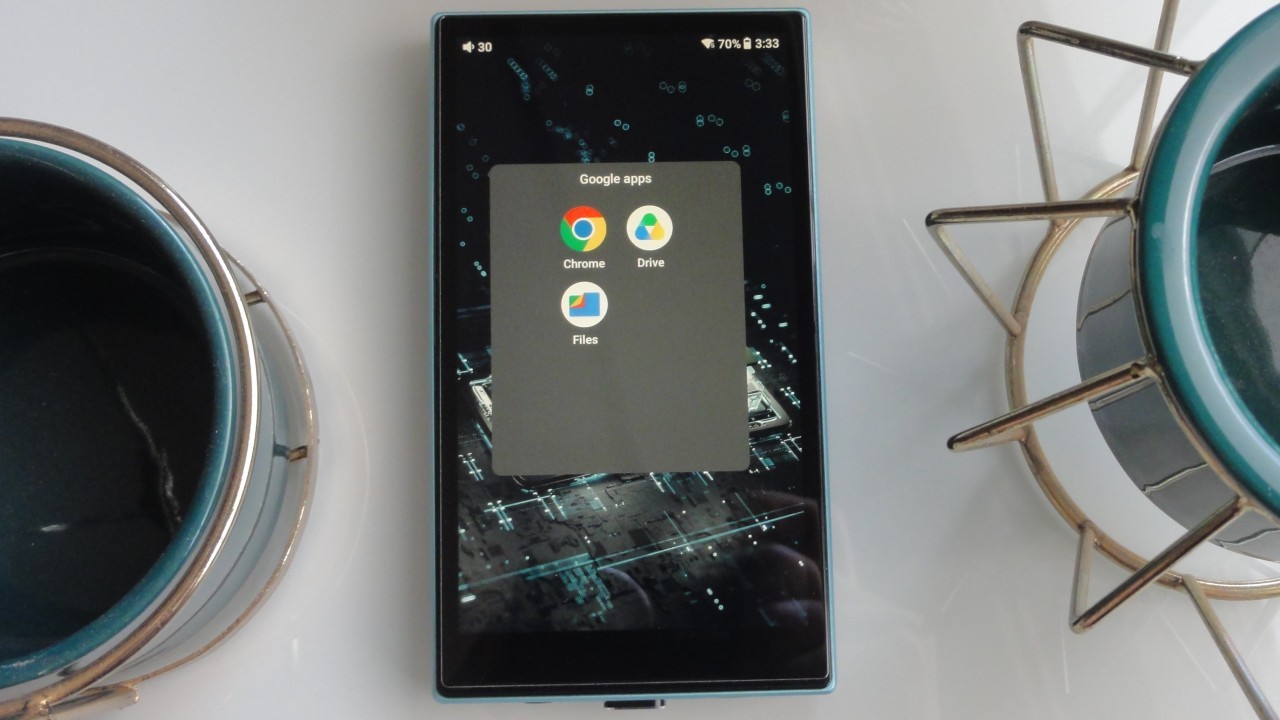
Yes. Although Android-based Digital Audio Players feature hardware and software modifications optimized for audio playback, you can install virtually any app.
Of course, installing email and messaging applications may not make much sense, but apps for reading books or listening to audiobooks can be useful. Since Android DAPs support multitasking, it is possible, for example, to listen to music while reading a book.
What Are the Best Book Apps for Android DAPs?
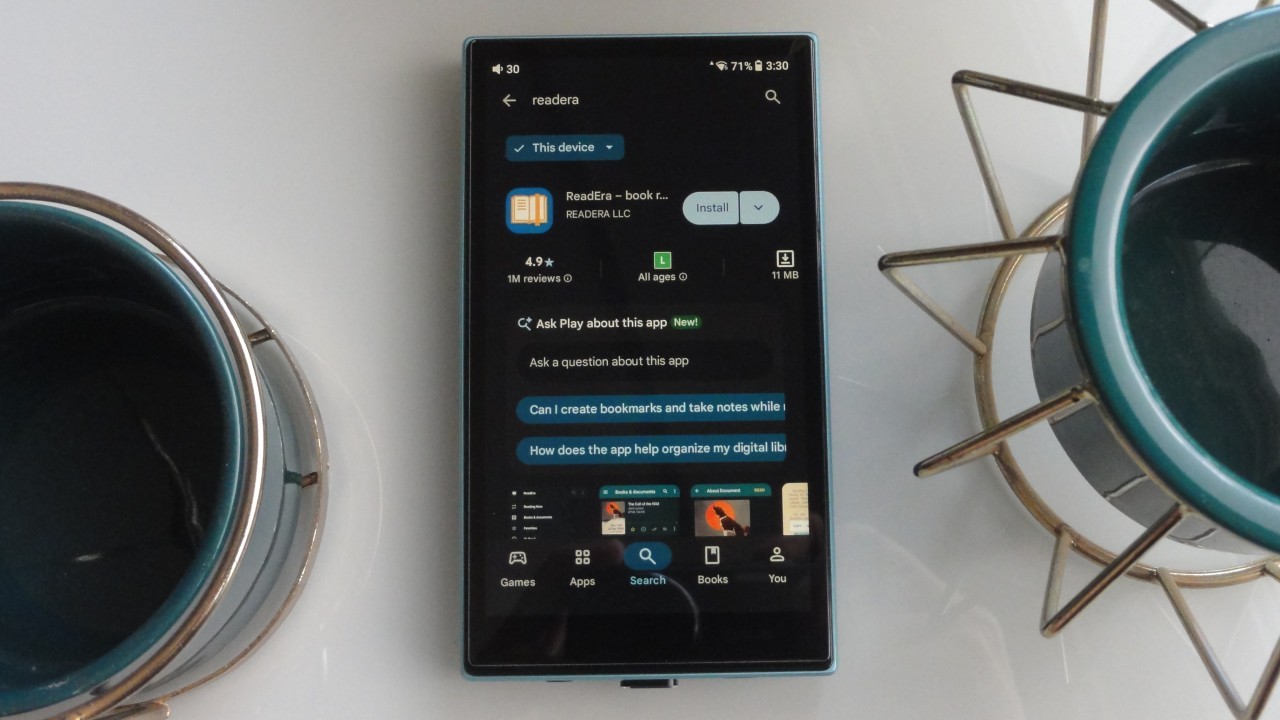
For reading books on Android DAPs, which typically have smaller screens and shorter battery life, especially when Wi-Fi is enabled, I recommend the following apps:
• ReadEra
• Moon+ Reader
• Librera Reader
Following the same logic, these are my recommended audiobook applications for use on Android DAPs:
• Smart AudioBook Player
• Voice Audiobook Player
• Listen Audiobook Player
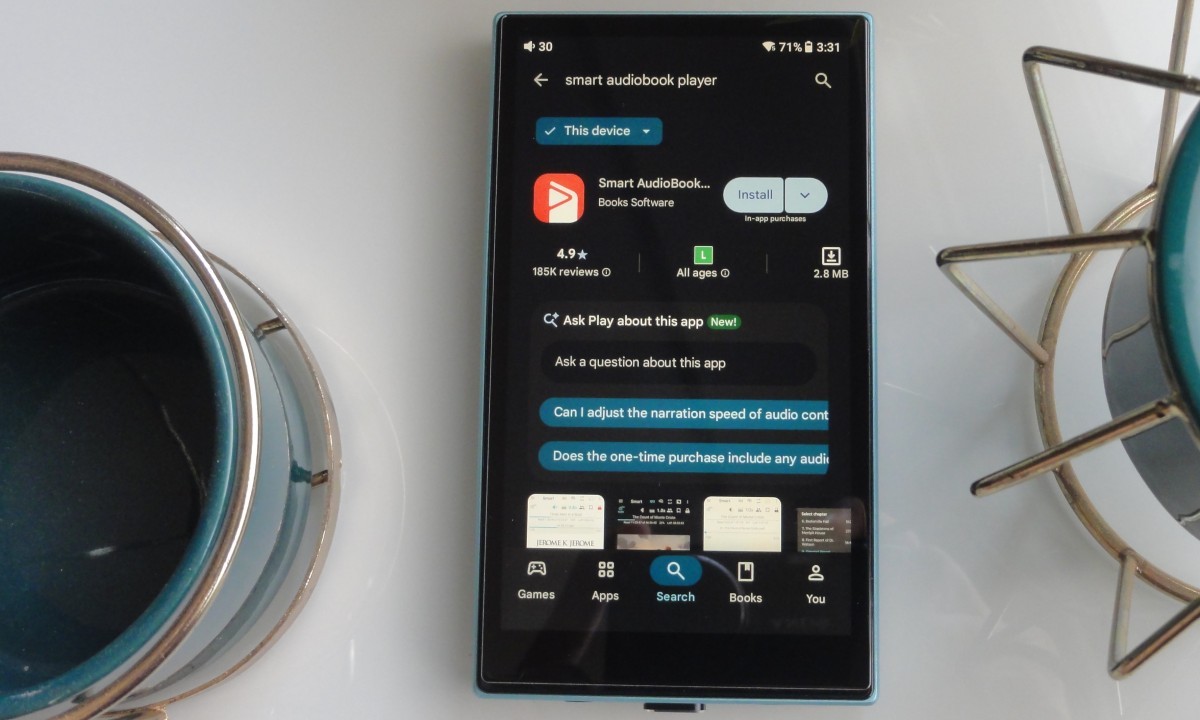
Does Wi-Fi Consume a Lot of Battery on Android DAPs?
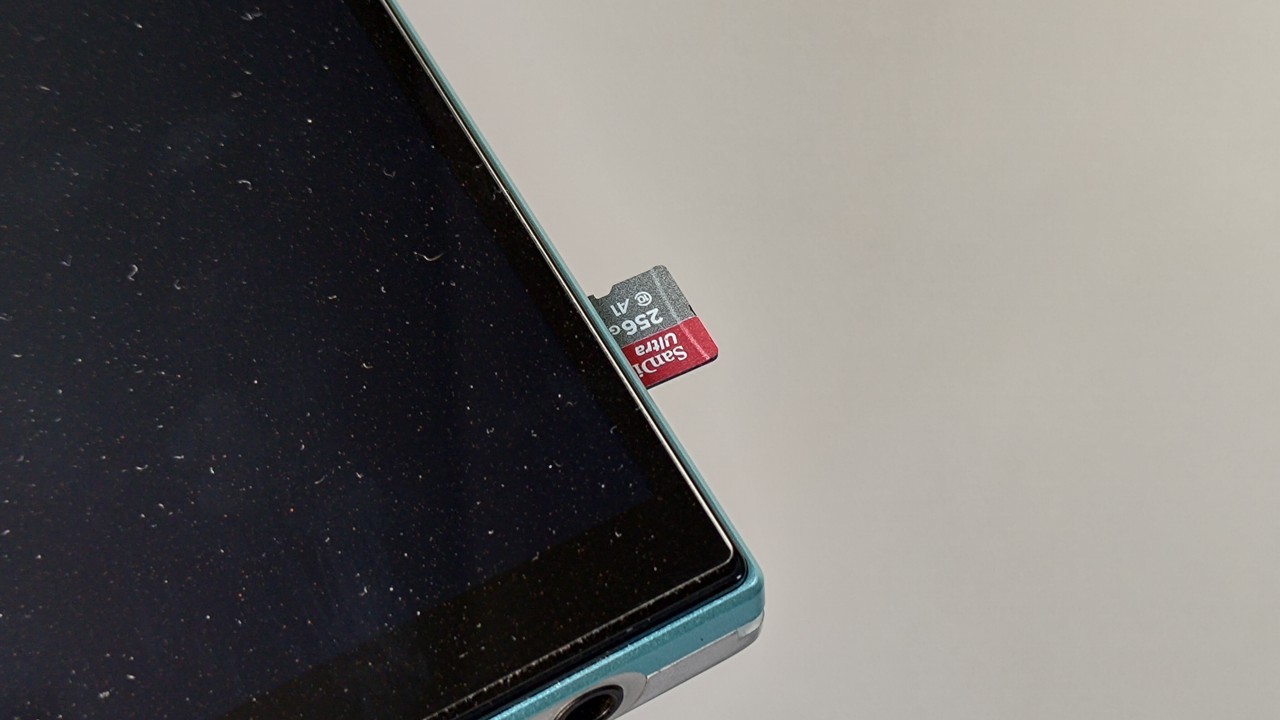
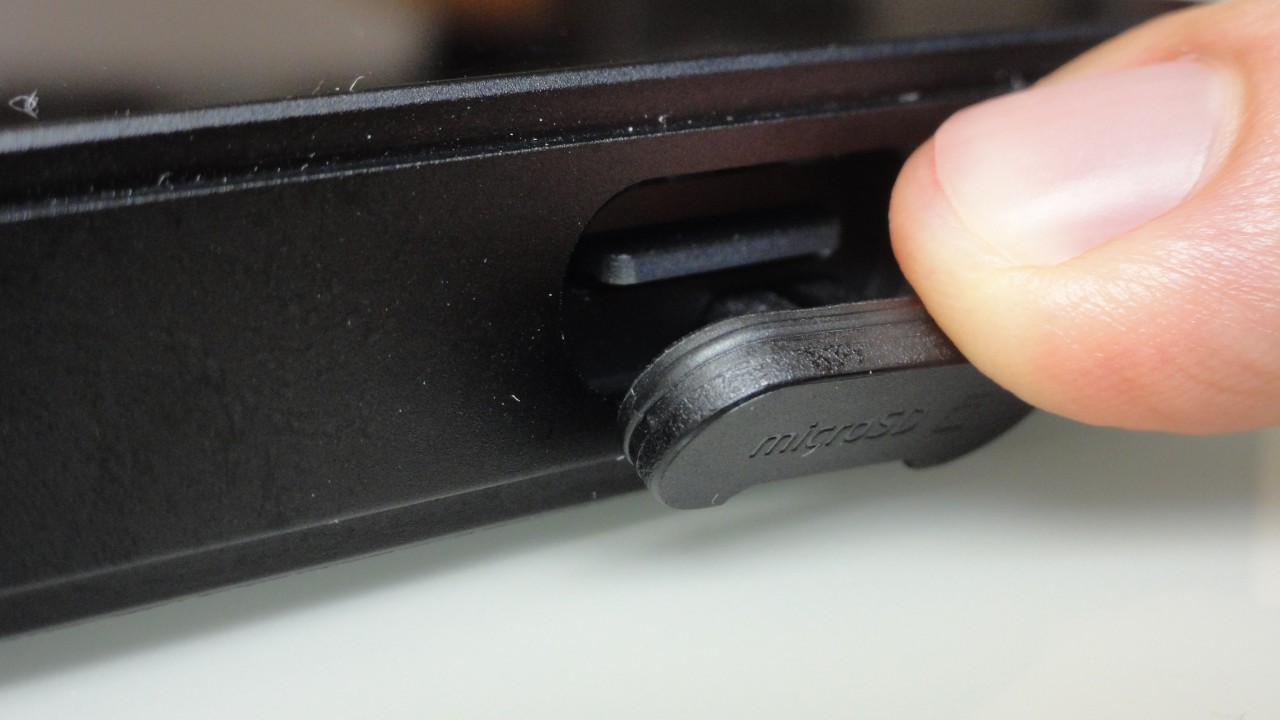
Yes. Compared to smartphones, Android DAPs tend to consume a significant amount of battery power when Wi-Fi is enabled. For this reason, I always recommend downloading the music, podcasts, or audiobooks you intend to listen to and then disabling Wi-Fi. To save internal storage space, I also recommend storing files on a microSD card whenever the application allows you to choose the storage location.
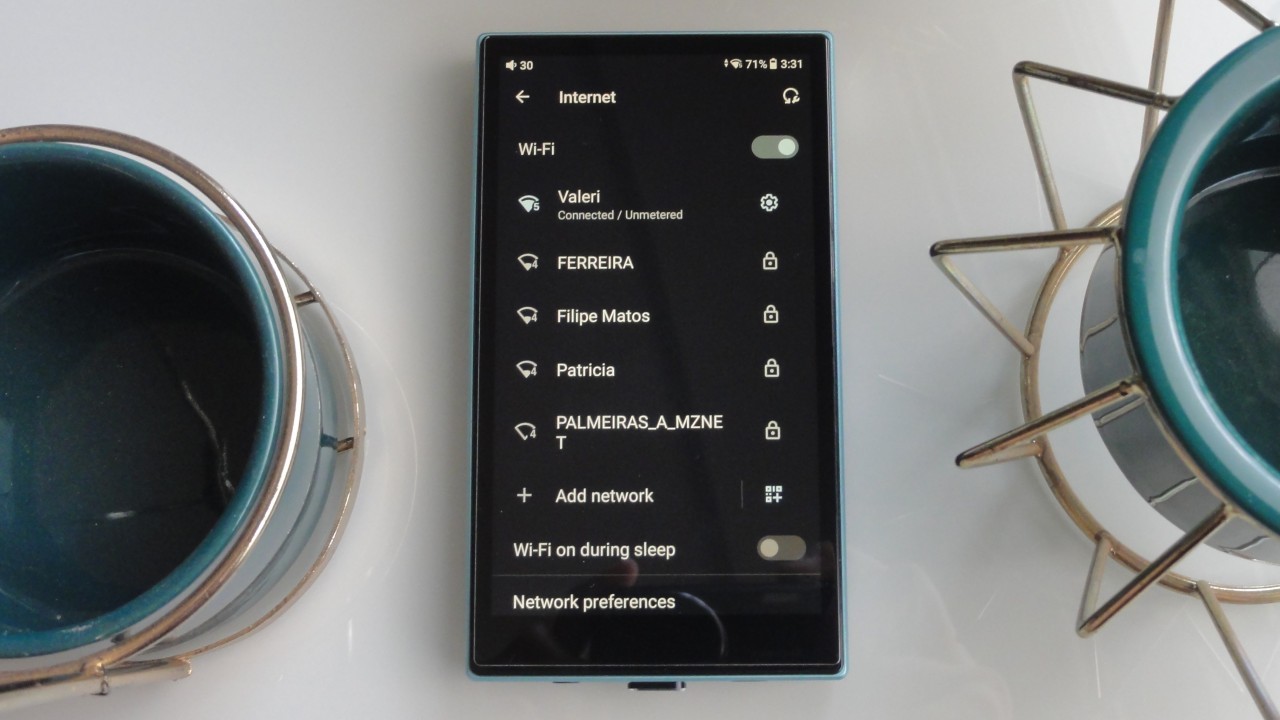
It is worth noting that some non-Android DAPs support streaming services such as Tidal and Qobuz. However, these devices generally do not allow offline downloads and often suffer from sluggish performance when running streaming applications. Furthermore, unlike Android DAPs, they do not allow the installation of additional applications because they do not include access to the Play Store.
Note: Today, all DAPs feature a microSD card slot. However, some models support cards of up to 256GB, while others support capacities of up to 2TB.
Are There Other Factors That Cause High Battery Consumption on a DAP?
Yes. Both Android DAPs and DAPs with proprietary operating systems may experience rapid battery drain for reasons other than Wi-Fi usage.
The audio file format (e.g., FLAC, MP3, WAV, DSD) and its sample rate (e.g., 192 kHz, 44.1 kHz, 48 kHz) can influence battery consumption.
Another major source of power consumption is the output power required to drive headphones connected to the DAP. The higher the gain setting, the more power will be delivered, causing the battery level to decrease more quickly. For example, using an in-ear monitor (IEM) on low gain will generally provide longer battery life than driving an over-ear headphone on high gain.
Poorly optimized applications and operating systems can also increase battery consumption. Both may require substantial processing resources and power. To gain a deeper understanding of the topic, I recommend reading the articles below:
• The evolution of chipsets and Android optimization in DAPs
• How RAM usage works in Android DAPs
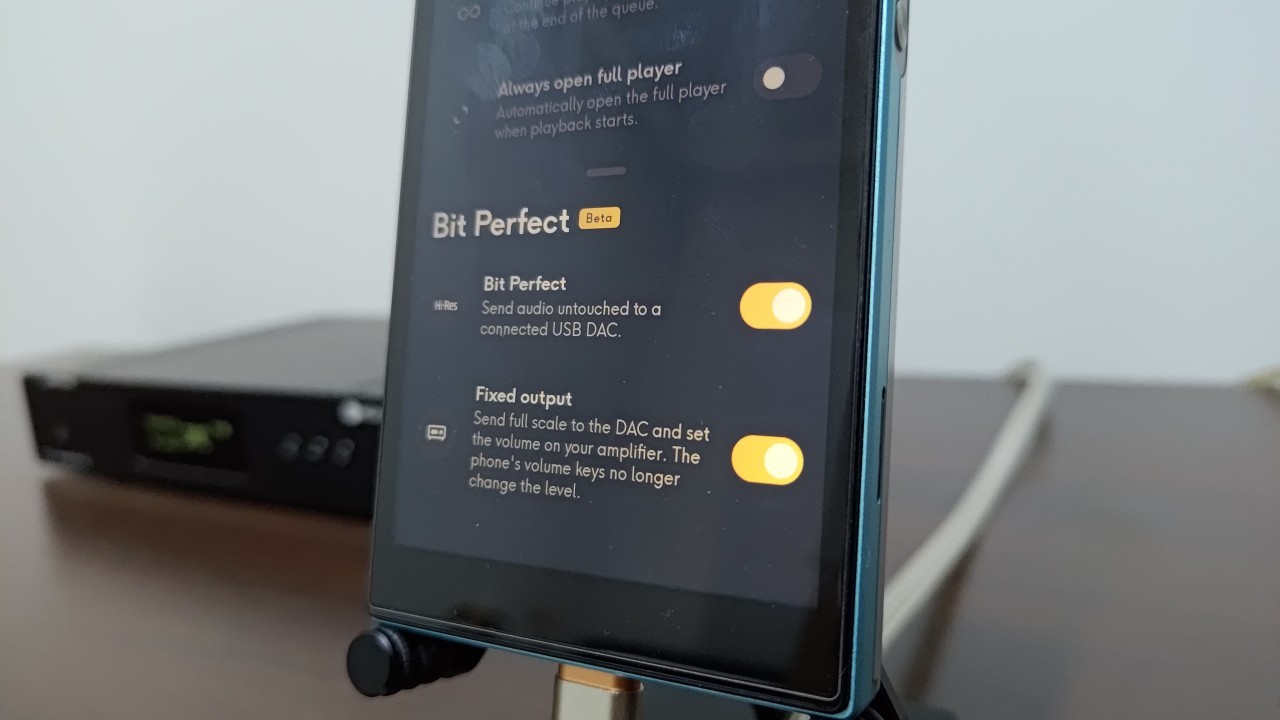
• Android Audio Path Explained: How Bit-Perfect Playback Works
• 3 Tips to Configure Android DAPs and Achieve High-Quality Sound
Which Is Better for DAP Battery Life: A Proprietary OS or Android?
Considering the maturity of modern DAP hardware and software, as explained throughout this article, the operating system itself does not have as much influence on battery life as many people assume. Battery endurance is affected far more by factors such as output power (e.g., 700 mW), battery capacity (e.g., 2400 mAh), and whether Wi-Fi is enabled.
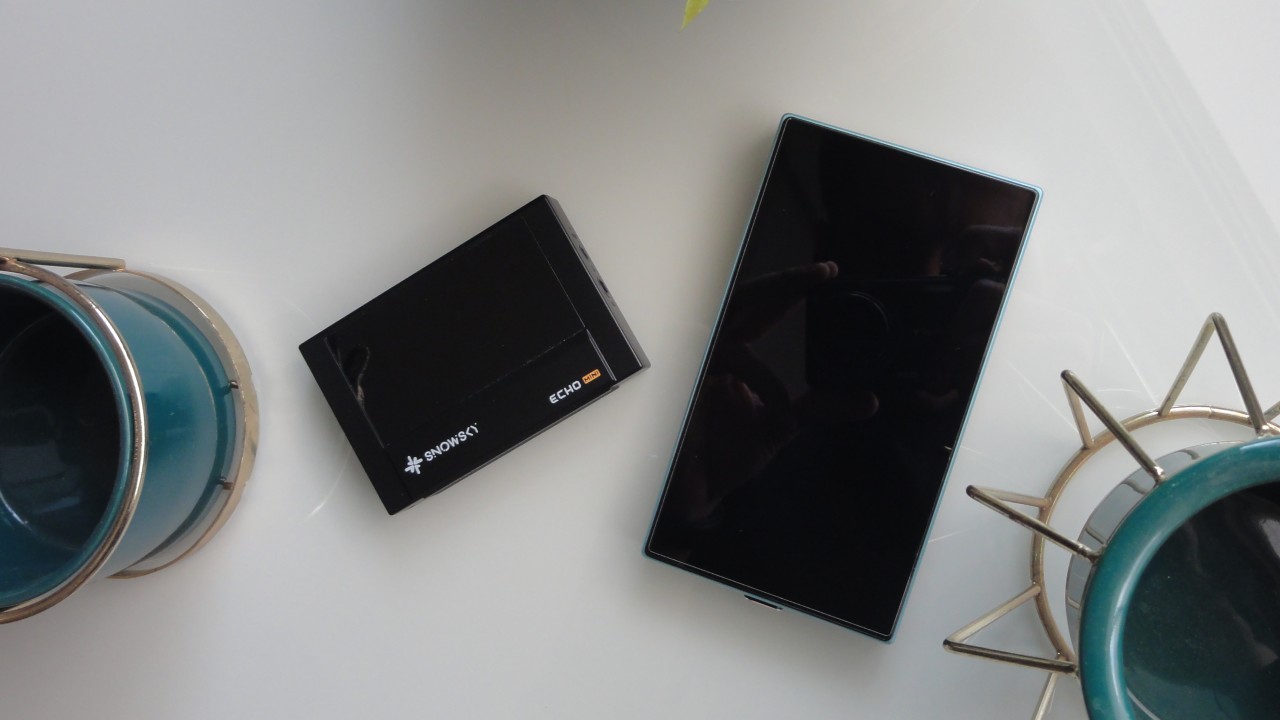
Are Android DAPs More Expensive Than Non-Android Models?
Yes. In most cases, Android DAPs are more expensive than models that do not use Google’s operating system. When you purchase a very inexpensive Android DAP, system navigation is often sluggish, and the overall user experience tends to be poor.
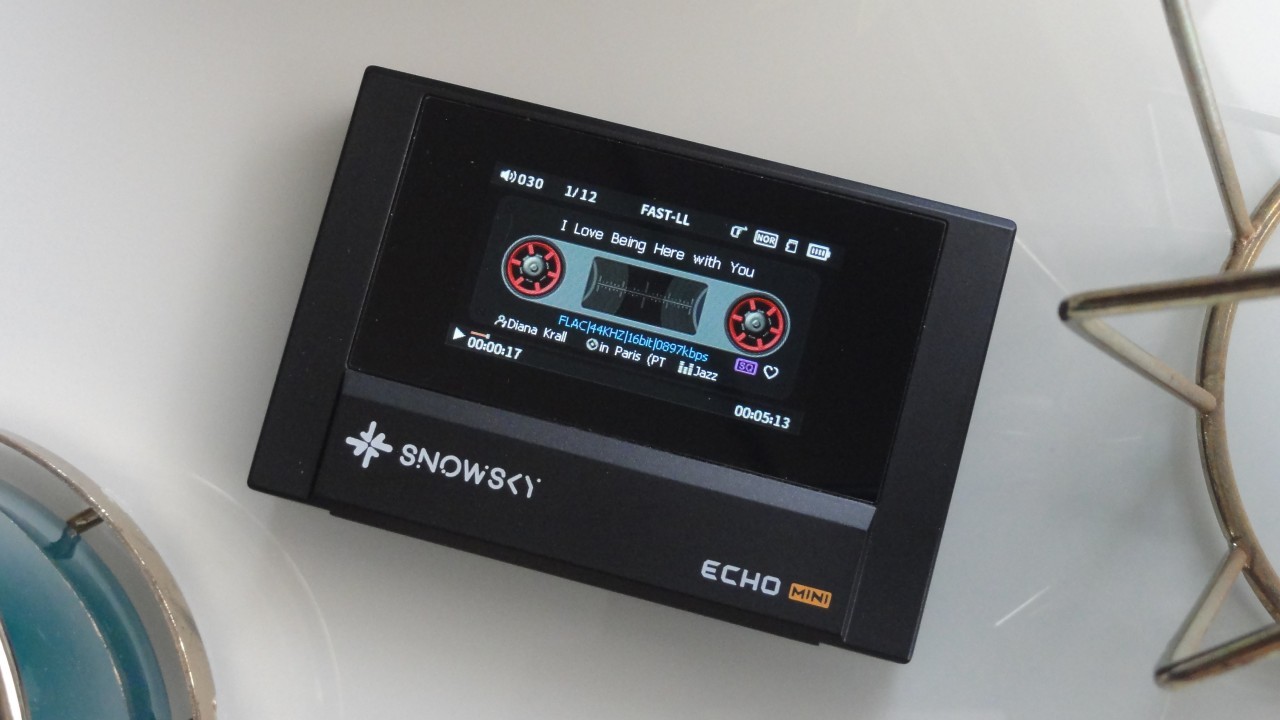
Where and How Can You Get Music for Non-Android DAPs?
To obtain music for listening on non-Android DAPs, you can download tracks and albums from repositories that distribute music under open licenses or in the public domain. In addition, you can purchase digital albums or individual songs from online stores. Finally, you can also buy CDs and rip (extract) the music into whichever format you prefer, such as MP3 or FLAC.
In this article, you can find a list of websites offering free music downloads, as well as online stores where you can purchase albums in either physical (CD) or digital formats.
Which DAP Should You Buy: Android or Non-Android?
If you are new to the world of DAPs and do not want to spend a significant amount of money, purchasing a non-Android DAP is generally the ideal choice, although premium models also exist. To learn about the best options available, refer to this article.
On the other hand, if music streaming is essential to your listening habits and access to streaming services is a priority, then an Android DAP is the better choice. Refer to this article to discover the most compelling options currently available.
Share:


No comments have been made yet, be the first!