

Topping DX5 II gets firmware update, but users report major hardware issues
From: Vitor Valeri
A headphone hobbyist for over 15 years, he founded the Hi-Fi Hub website and is an administrator of the "Fones High-End" and "Fones Low-End" groups on Facebook.


Published in: 22/04/26 at 18:21 - Updated in: 23/04/26 at 09:44
 Desktop DAC/amp Topping DX5 II (Image: Cap Beam Bearing_/Weibo)
Firmware V2.14 for the Topping DX5 II was released today (April 22) on the manufacturer’s website. However, the changelog provided with the update is generic and offers limited information. Nevertheless, given that the DX5 II has been receiving complaints regarding hardware malfunctions, any change may be welcome. Below is a summary of what is currently known about the situation involving Topping’s desktop DAC/amp.
Update (April 23): A new section has been added regarding the MCU (microcontroller) reprogramming of the Topping DX5 II, which can only be performed after sending the unit back to the factory.
DX5 II receives fixes with new firmware 2.14
This Wednesday (April 22), the Topping DX5 II received a new firmware update. According to the changelog published on Topping’s website, firmware version 2.14 includes the following fixes:
• Fix for an issue that occurred after selecting “Mutual Feedback – Simple – ks2b-JanMeier” and saving. The bug caused the device to revert to factory settings upon reboot or when waking from standby.
• Fix for a bug that occurred when switching sampling rates in NetEase Cloud’s exclusive mode, which resulted in no audio output.
• Fixes for several known issues.
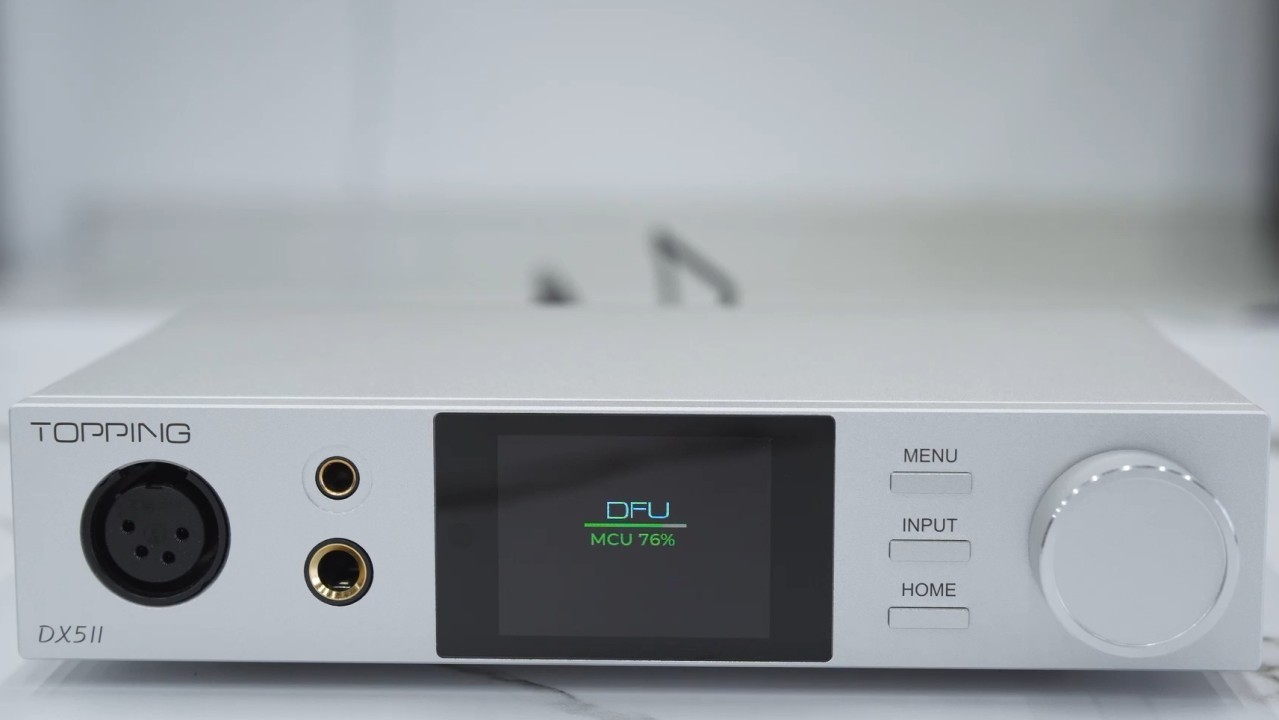
How to update the DX5 II to firmware 2.14
To update the Topping DX5 II to firmware version 2.14, follow the steps below:
Step 01: Connect the device to a computer via USB.
Step 02: With the DX5 II powered off, press and hold the knob (rotary control), then turn on the DAC/amp using the power switch. The screen will display the current software version.
Step 03: A removable storage drive will appear in the computer’s file explorer. Open this drive.
Step 04: Download the firmware file via the provided link, extract the file, and copy it to the storage drive. The update process will start automatically and will be displayed on the DX5 II screen.
Step 05: Once the process is complete, turn the DX5 II off and on again.
A video demonstrating the step-by-step procedure is provided below.
Topping DX5 II users report critical malfunctions
Since late 2025, multiple reports have emerged from users of the Topping DX5 II describing malfunction issues. Complaints have appeared across various platforms, including Reddit and the Head-Fi and ASR (Audio Science Review) forums.
On the “headphones” subreddit, a post by user “stavsss” reports having three defective units of the product:
“I experienced repeated failures with 3 different Topping DX5 II units. After unplugging and reconnecting a 4.4mm balanced headphone cable while the device was powered on, both channels began distorting. This appears related to shorting during hot-plugging of the 4.4mm jack, raising concerns about the unit’s protection design and reliability. The problem occurred despite normal use and proper cables connected correctly.”
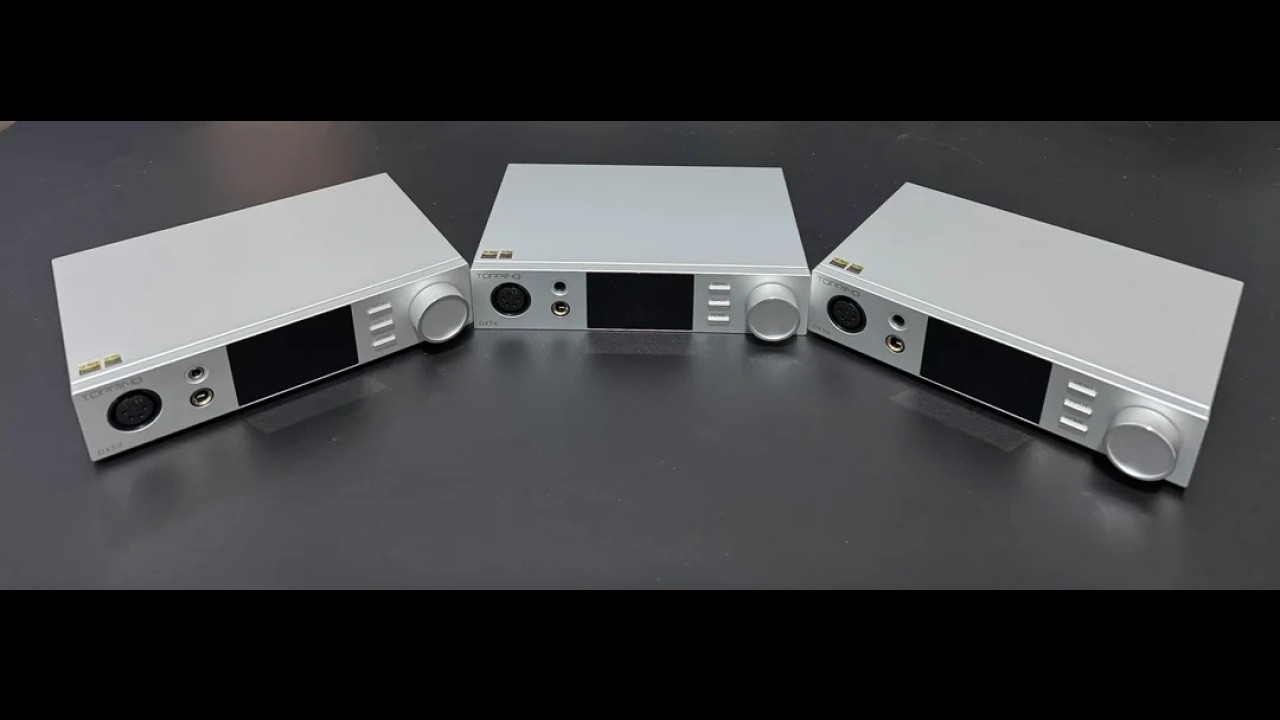
In the thread “Topping DX5 II, Distortion issue” on the Head-Fi forum, user “gvainola” reported connection issues with the DX5 II’s 4.4mm output. According to the report, the 4.4mm plug of the headphone cable does not fit securely in the DAC/amp, resulting in audio output only from the left channel:
“4.4mm cable wouldnt stay in and pushes itself outwards and comes out way too easily. It causes sound to be in the left channel and when i touch it to the point of sound coming from both channels, it has a massive distortion. I do EQ them but turning it off wont change anything, it occures when Frequency hits low’s. From Chatgpt i learned it could be because of my cable? (Tripowin GranVia) and Topping requires a competley issolated + and – sides? Could this be true? If so then which cable do you reccommend me to use? im From EU. Current Headphone (Hifiman Edition XS) and cable combo works perfectly on Fiio K7 but id like to use my new Topping DX5II. 6.35mm works fine and cable clicks inplace like it has to but since i use planars i find the power output for that port a bit lacking.”
In the same Head-Fi thread, user “bipolarbear” reported experiencing the same issue:
“Just got mine a week ago from Amazon and everything was working fine until today. Went to use the 4.4mm and the same exact thing happened to me. I tried an XLR cable, and that too had distorted sound in the low frequencies on the left channel. The 1/4″ SE still worked fine just not any of the balanced. Glad it’s still within the return window.”
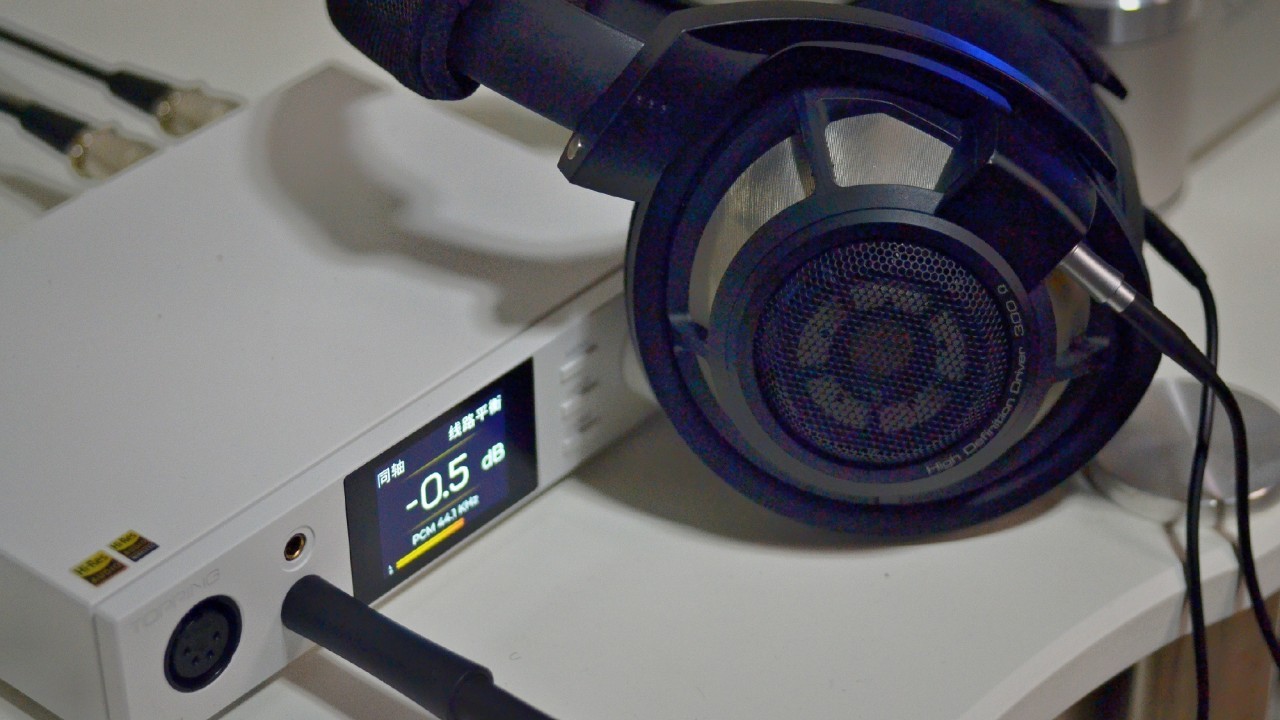
Also in the Head-Fi thread, user “gokzilla75” reported a similar issue, with malfunctions affecting not only the 4.4mm output but also the 3.5mm output:
“I had the same problem. Firtst with 4.4 then with 3.5. But only with Planar Headphones. Now iam using the Fosi K7, evrything is fine. But the Topping looks better and i loved the usage.”
In the “Topping DX5 II” thread on the ASR (Audio Science Review) forum, user “rafaunivega” reported that the left channel stopped functioning and that multiple headphones were affected:
“I was listening to music through Tidal and the left channel started making strange noises.
A couple of minutes later, the left channel stopped working completely, and when I connected the three headphones I had connected to the inputs of the Topping Dx5ii on my Qudelix 5k, the left earpiece failed on all of them. I had Hifiman Arya Stealth connected via XLR, Focal Elegia via 4.4mm, and B&W P7 via 6.35mm. I don’t know what to do with three broken headphones. I’m in shock. all 3 headphones left channel broken after Topping Dx5ii left channel failure.”
The solution appears to involve MCU reprogramming
Topping stated, in response to a DX5 II user, that it reprogrammed the MCU and updated the firmware. This information appears in a comment by the author of the thread “Topping DX5 II, Distortion issue” on the Head-Fi forum.
“gvainola” says he returned the defective DX5 II unit to the online store “shenzhenaudio,” where he purchased the DAC/amp. After that, the retailer sent the product to the Topping Audio factory.
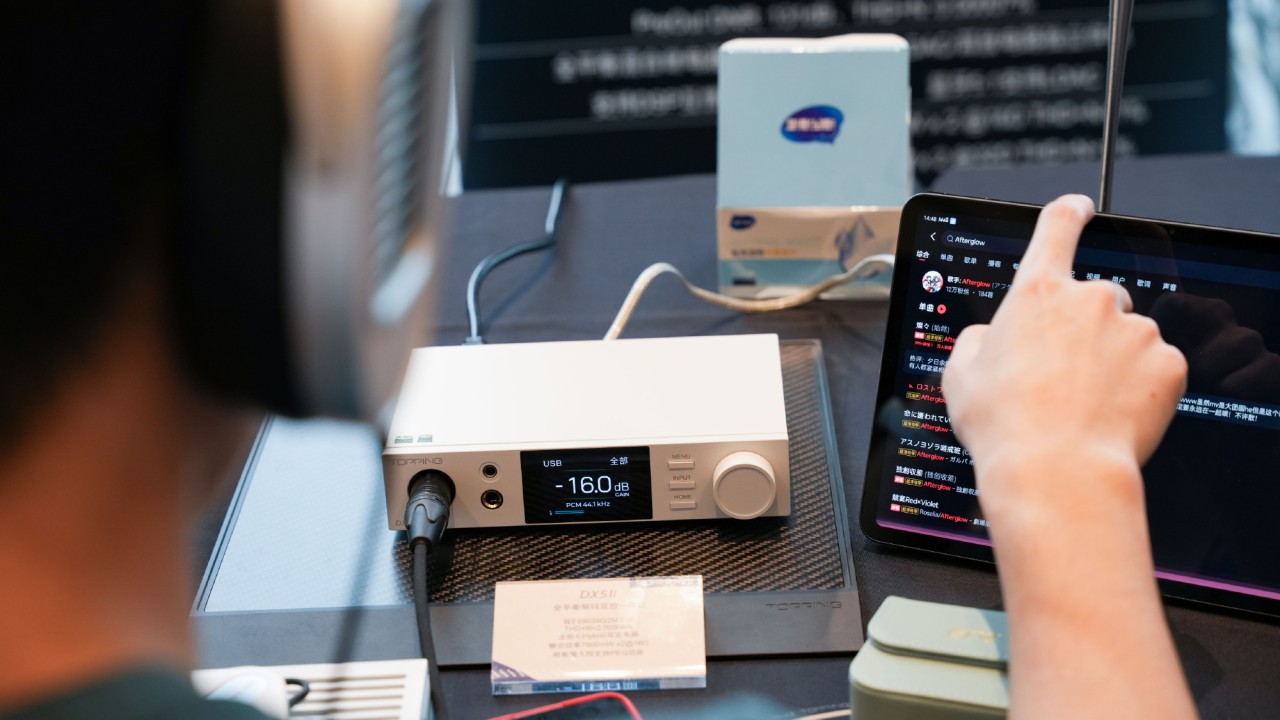
According to “gvainola,” after receiving the DX5 II back, everything was functioning normally. He then asked what had been wrong with the DAC/amp. According to ShenzhenAudio, the factory simply replied that it had “reprogrammed the MCU and updated the firmware to fix the DX5 II.”
Below is the full comment from “gvainola”:
“So after a while i just recieved my Topping Dx5II back from the repair’s and everything seems to be working fine now, if i asked what was wrong with it then they replied: ‘The factory replied that they programmed the MCU again and updated the firmware to fix the DX5 II.’ So its something i cant do myself, i bought it from https://shenzhenaudio.com/ and their customer service was Top notch, always answering and giving updates when i asked about the problem.”
Considering Topping Audio’s explanation, it is unlikely that a standard firmware update performed by the end user would resolve the issue. Although some MCUs (microcontrollers) can be reprogrammed via firmware updates, certain MCU configurations are applied exclusively during the manufacturing process and cannot be modified by the consumer.
At the time of writing, Topping Audio has not issued any official statement regarding the issues reported by users of its DX5 II desktop DAC/amp.
Share:


Product launches
YBA VIBE P1: Portable R2R DAC/Amp Announced
Product launches
FiiO FT15 Launches With New Planar Driver and Lighter Build
Product launches
No comments have been made yet, be the first!