

Snowsky DISC Firmware 1.86 Update: New Features, Fixes and Improvements
From: Vitor Valeri
A headphone hobbyist for over 15 years, he founded the Hi-Fi Hub website and is an administrator of the "Fones High-End" and "Fones Low-End" groups on Facebook.


Published in: 13/04/26 at 10:24 - Updated in: 13/04/26 at 10:25
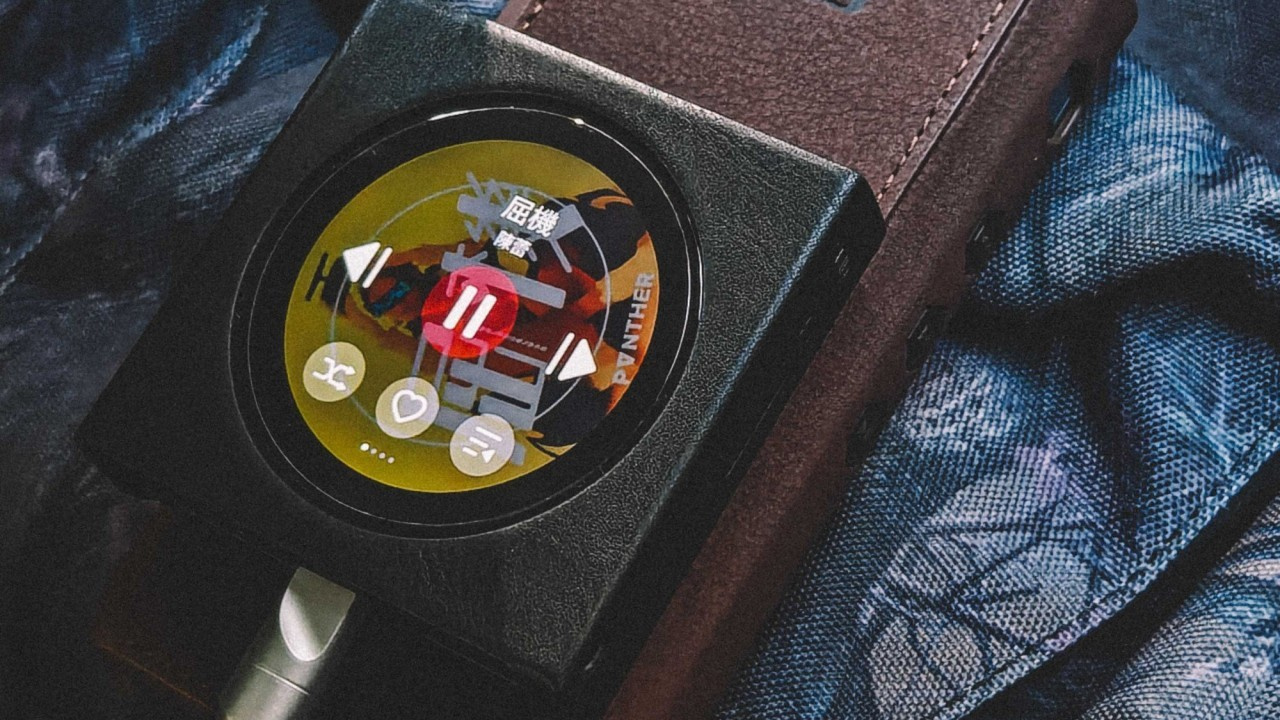 Digital Audio Player (DAP) Snowsky DISC (Image: KomoLeung/Weibo)
The V1.86 firmware for the Snowsky DISC was officially announced today (13) and introduces three new features, two fixes, and four optimizations. However, according to users on Reddit and the Head-Fi forum, the update began rolling out on Saturday. The following outlines the implemented changes and provides information on where to submit feedback to FiiO.
DISC receives fixes for music organization and more
With the V1.86 firmware update, DISC users can now view tracks in the correct order within albums. Previously, tracks from different discs of the same album were merged, completely disrupting playback order. In addition, a folder skip function has now been introduced, which is particularly useful for users with large music libraries.
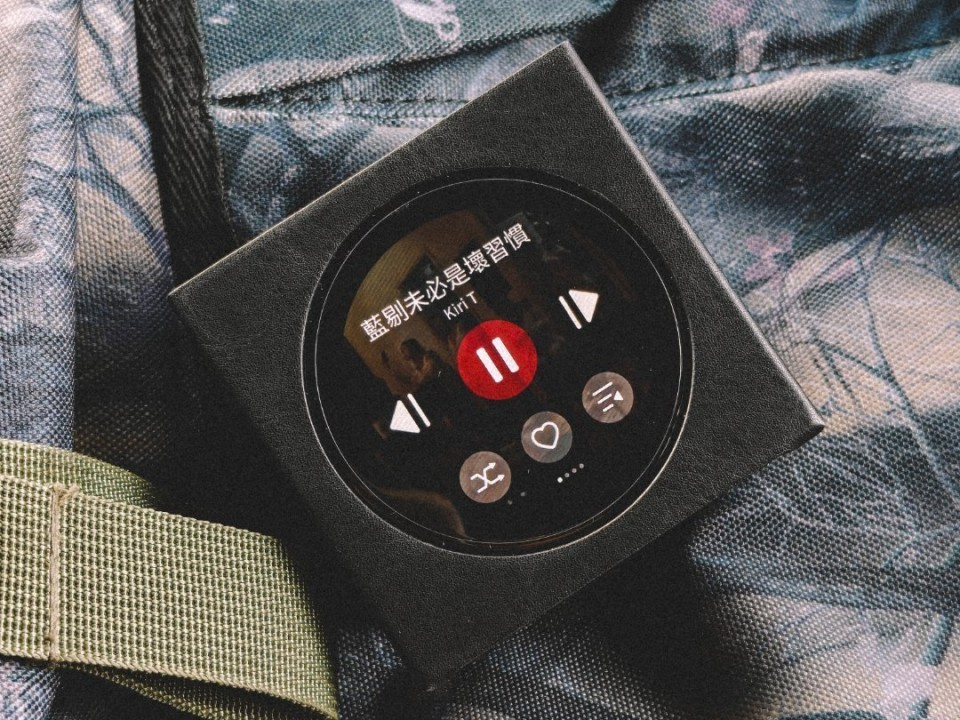
Another feature that enhances the user experience on the DISC is the ability to remember the playback position without automatically resuming playback. In other words, users can disable the “Resume” function while the DAP still retains the last playback position within the album before it was turned off.
Below is the changelog for the Snowsky DISC V1.86 firmware:
New Feature 01: Support for GIF animations in the lock screen theme interface.
New Feature 02: Folder skip function.
New Feature 03: Option where, with “Resume” disabled, the device still remembers the playback position without starting playback automatically.
Fix 01: Resolved a bug where the “Artist–Album” playlist was sorted by CD number.
Fix 02: Fixed an issue with jagged edges in album artwork during rotation.
Optimization 01: Improved responsiveness of volume adjustment when pressing and holding the volume buttons.
Optimization 02: Improved the display of bilingual lyrics.
Optimization 03: Enhanced touchscreen sensitivity.
Optimization 04: Improved system memory usage and resolved freezing issues in the system UI and playback of certain tracks.
Where to submit your DISC feedback
To report issues, suggest features, or propose improvements for the DISC to FiiO, the best place is the dedicated DAP thread on the Head-Fi forum. Through this link, you can access the thread and interact with the representative “FiiO ALAN.”
How to update the Snowsky DISC firmware
To update the Snowsky DISC firmware, it is recommended that the DAP battery level be above 30%. The easiest method is via Wi-Fi, although it is also possible to perform the update by downloading the firmware file. In addition, note that FiiO recommends using a microSD card formatted in FAT32 or exFAT for this process.
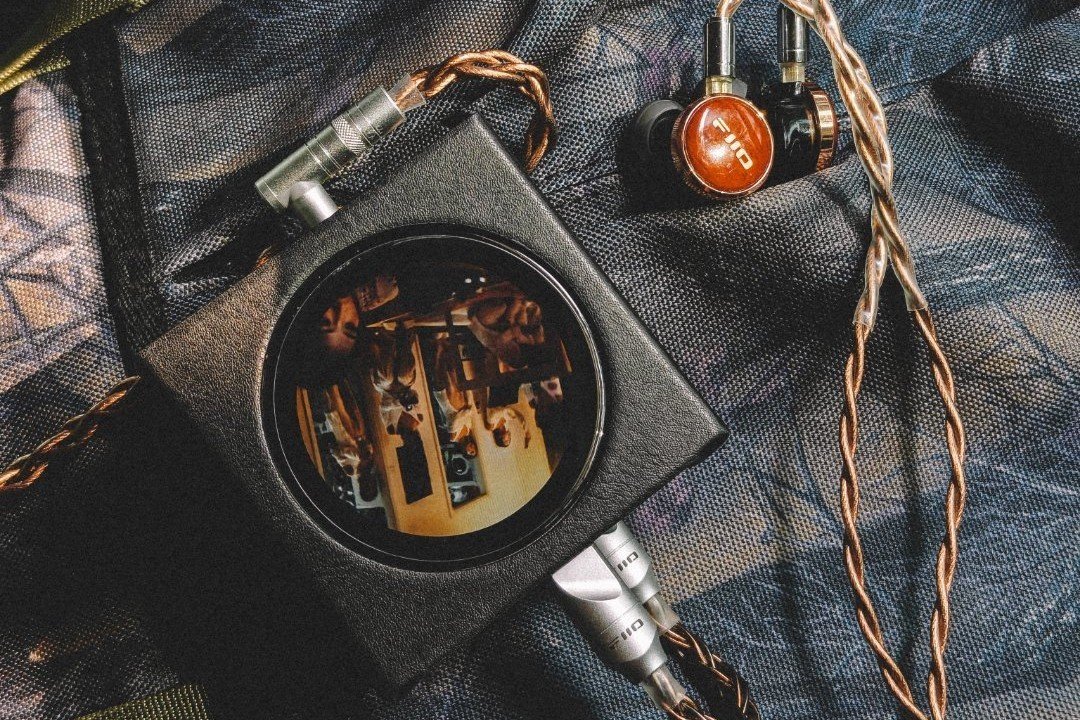
How to update via Wi-Fi on the DISC
Step 01: Enable Wi-Fi, then select Settings and tap System Settings.
Step 02: Locate and tap “System Update,” then select “Online Upgrade.”
Note that the update takes approximately 10 minutes. The DAP will automatically restart after completing the firmware installation.
How to update by downloading the firmware file
Step 01: On a computer, download the firmware file using the provided link.
Step 02: On the DISC, go to “Settings,” select “Working mode,” and tap “Storage mode.”
Step 03: Connect the DISC to the computer via a USB cable.
Step 04: Copy the firmware file to the DISC storage. Do not place it inside any folders.
Step 05: Disconnect the USB cable and exit “Storage mode.”
Step 06: Go to “Settings” and select “System Settings.”
Step 07: Scroll down, tap “System Updates,” and select “Local Upgrade.”
Step 08: Confirm the selection and wait.
Once completed, simply wait for the update process to finish, after which the DISC will restart with the new firmware installed.
Share:


Product launches
YBA VIBE P1: Portable R2R DAC/Amp Announced
Product launches
FiiO FT15 Launches With New Planar Driver and Lighter Build
Product launches
No comments have been made yet, be the first!