

Tempotec Variations V1 gains parametric EQ (PEQ) in new firmware V1.2
From: Vitor Valeri
A headphone hobbyist for over 15 years, he founded the Hi-Fi Hub website and is an administrator of the "Fones High-End" and "Fones Low-End" groups on Facebook.


Published in: 07/04/26 at 16:39
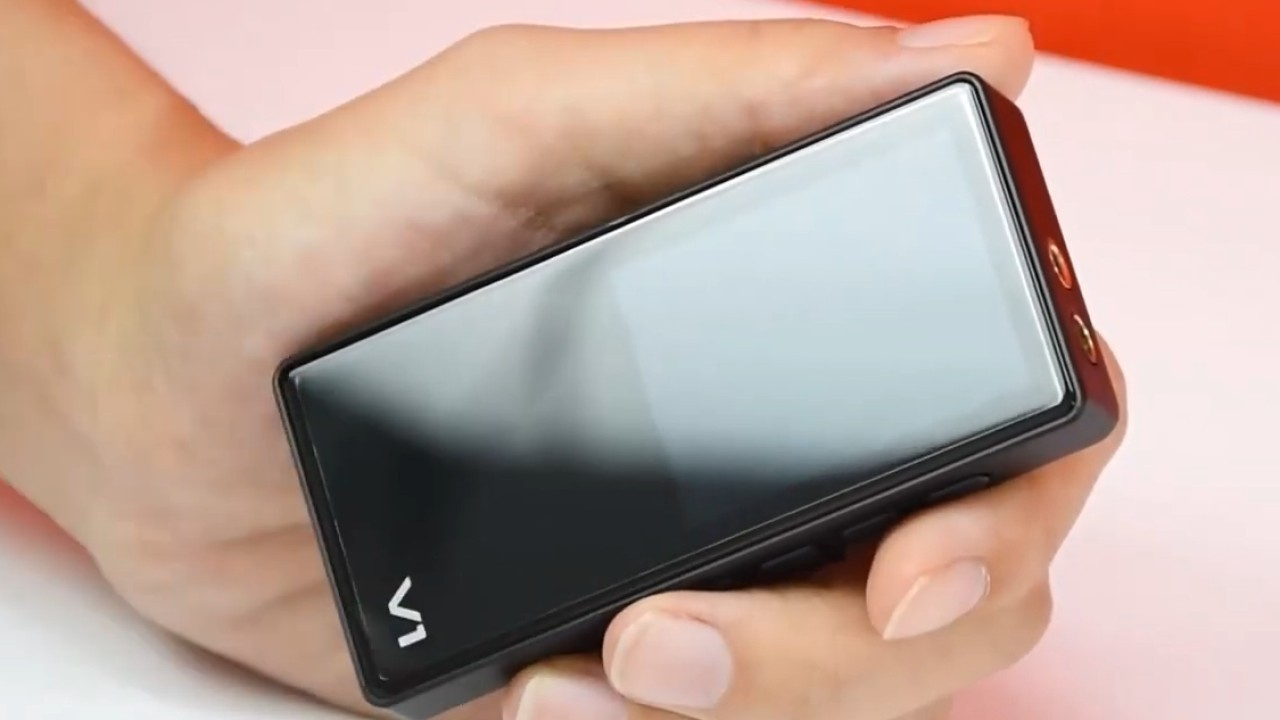 Tempotec Variations V1 DAP (Image: Tempotec/YouTube)
Firmware version V1.2 for the Tempotec Variations V1 introduces a 10-band parametric equalizer (PEQ). This feature had been highly requested by users of the Digital Audio Player (DAP) and is now finally being made available to all. Below are the full details of this new functionality, along with other changes included in the update.
Variations V1 gains parametric EQ (PEQ)
The parametric equalizer (PEQ) was one of the most requested features among Variations V1 users. With firmware V1.2, Tempotec has finally introduced the ability to save multiple custom EQ profiles.
Through the parametric equalizer (PEQ), the Variations V1 allows the use of multiple equalization profiles with a high level of customization across 10 bands. Users can manually adjust not only the frequency, but also the pre-amplification level, Q factor (Quality Factor), and gain.
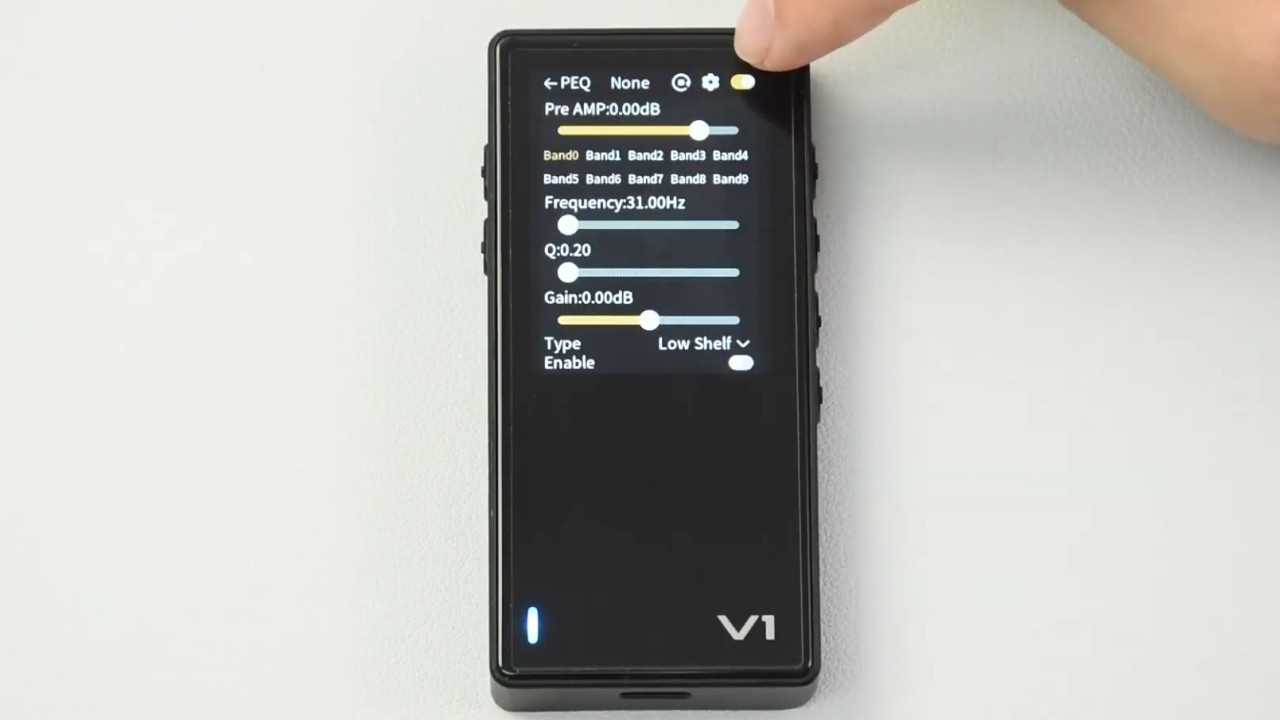
The PEQ can be used in USB DAC mode, Bluetooth mode, and when using the Variations V1 as a DAP. Below is a video demonstrating the parametric equalizer in use.
Were there other changes besides the PEQ in firmware V1.2?
Yes, the Tempotec Variations V1 also received two additional features along with various bug fixes.
Below is the complete changelog of the updates introduced in firmware V1.2:
• Added PEQ feature
• Added Bluetooth output media information broadcasting
• Added Bluetooth input media information display
• Fixed several other bugs
How to update the Tempotec Variations V1 firmware
To update the Tempotec Variations V1 to version V1.2, simply connect the DAP to the Wi-Fi to initiate the over-the-air (OTA) update. Follow the steps below:
Step 01: Select “Settings” and tap “System.”
Step 02: Scroll down and select “Firmware update.”
Share:


Product launches
YBA VIBE P1: Portable R2R DAC/Amp Announced
Product launches
FiiO FT15 Launches With New Planar Driver and Lighter Build
Product launches
No comments have been made yet, be the first!