

USB-C vs 3.5mm Headphone Jack: Are USB-C Headphones Worth It?
From: Vitor Valeri
A headphone hobbyist for over 15 years, he founded the Hi-Fi Hub website and is an administrator of the "Fones High-End" and "Fones Low-End" groups on Facebook.


Published in: 02/03/26 at 12:59 - Updated in: 02/03/26 at 13:00
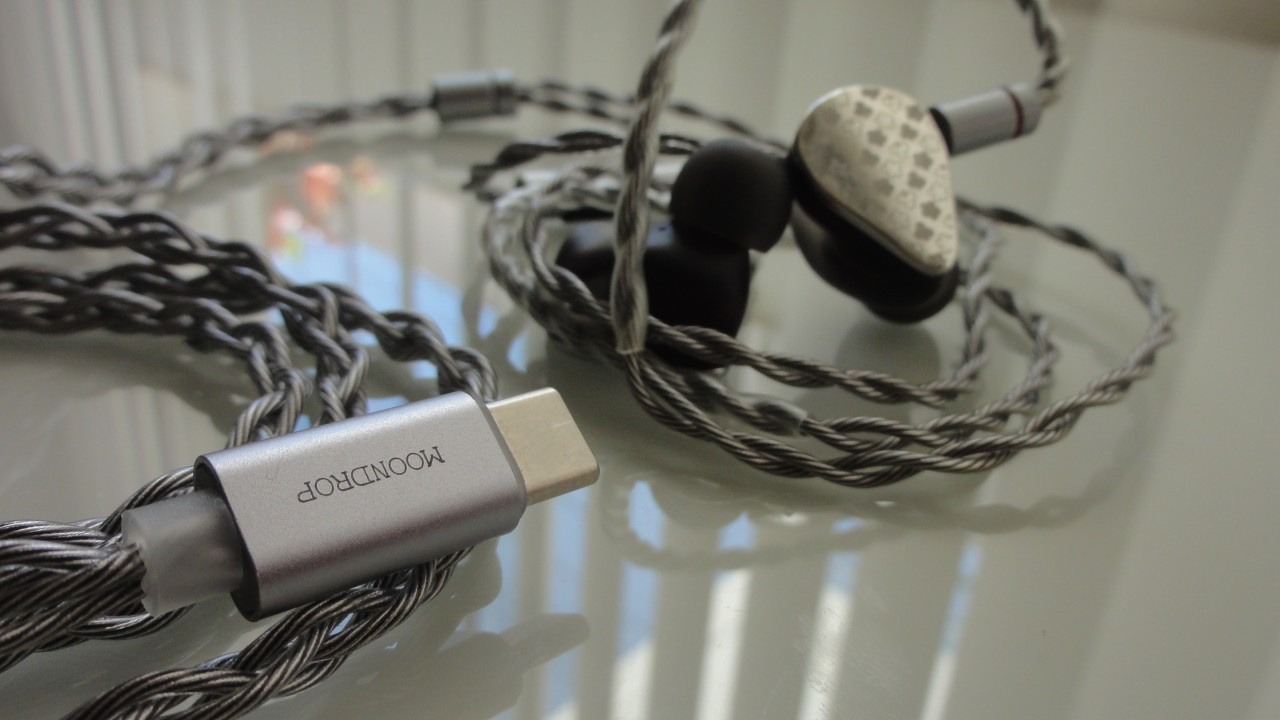 In-ear monitor (IEM) with USB-C cable Moondrop May (Image: Vitor Valeri/Hi-Fi Hub)
Wired USB-C earphones cannot fully replace models equipped with a 3.5mm headphone jack. However, they may still be worthwhile for use with smartphones that lack a headphone jack. Ultimately, their suitability depends on the user’s needs and on smartphone compatibility.
The differences between headphones using USB-C connectors and those using 3.5mm connectors revolve around the requirement for analog signal transmission. To understand this distinction, it is necessary to examine the types of signals that each connector is capable of handling.
Regarding sound quality, USB-C earphones face inherent hardware limitations. The physical space available within the USB connector for integrating a DAC (Digital-to-Analog Converter) and amplifier restricts the ability to extract the full performance potential of the earphones.
The following sections address these and other questions related to wired USB-C earphones and evaluate whether they are truly worth using.
Audio Transmission in USB-C headphones
Earphones equipped with USB-C connectors can receive audio in two ways: passive and active modes.
Passive audio transmission occurs when the USB port carries an analog signal instead of a digital signal, thereby relying on the smartphone’s internal DAC and amplifier.
Active audio transmission through USB-C occurs when an external device containing a DAC and/or amplifier is used.
Today, when using USB-C wired headphones, audio transmission typically occurs through the active method. However, until 2023, passive transmission was also supported.
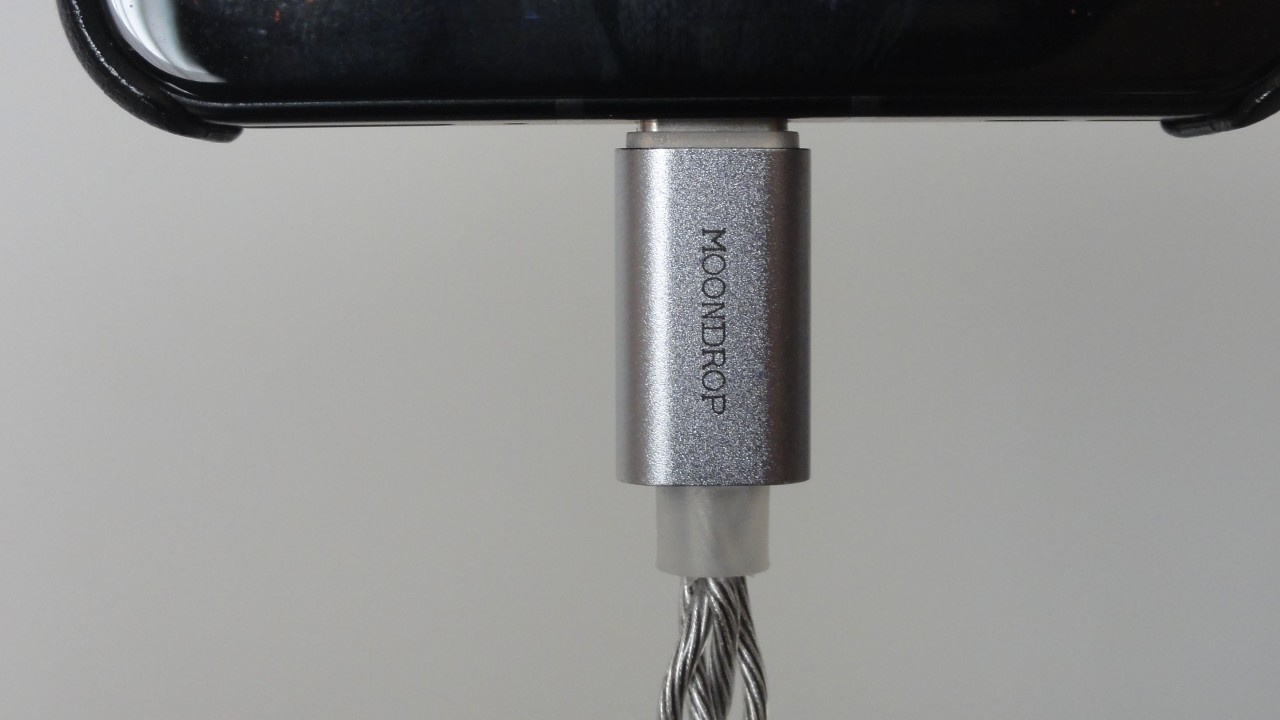
How Can a USB-C Port Transmit an Analog Signal?
Until 2023, the Audio Accessory Mode enabled the emulation of a 3.5mm TRS headphone connector. In this mode, the USB-C connector reconfigured three of its 24 pins to function as analog signal lines, while an additional pin was used for accessory detection.
Between 2023 and 2024, updates to the USB-C specifications rendered Audio Accessory Mode obsolete. Although the USB-IF (USB Implementers Forum) did not immediately remove the mode from the specification, several smartphone manufacturers chose to discontinue support. The primary reason was the prevention of liquid-induced corrosion in smartphone USB ports.
When Audio Accessory Mode became obsolete, it was replaced by Liquid Corrosion Mitigation Mode. Both modes relied on the same electrical resistor signature. Consequently, when moisture entered the USB port, the device could incorrectly interpret the condition as a connected USB-C audio accessory or passive USB-to-3.5mm adapter. This limitation led manufacturers to eliminate Audio Accessory Mode in order to achieve IP67 and IP68 certification in smartphones.
Are There Sound Quality Differences Between USB-C and 3.5mm Headphones?
Yes, sound quality differences may exist between USB-C and 3.5mm headphones. These differences are particularly noticeable in models that require higher amplifier output power.
In USB-C cables, the amplifier is integrated alongside the DAC. Its function is to increase voltage and current sufficiently to drive the earphone diaphragm and produce sound. The quality of this amplification stage significantly influences overall audio performance.
The primary issue is that the limited physical space inside a USB connector makes it extremely difficult to design a high-quality DAC and amplifier circuit. As a result, there is a substantial likelihood that the headphones’s full potential will not be realized when using a USB-C cable.
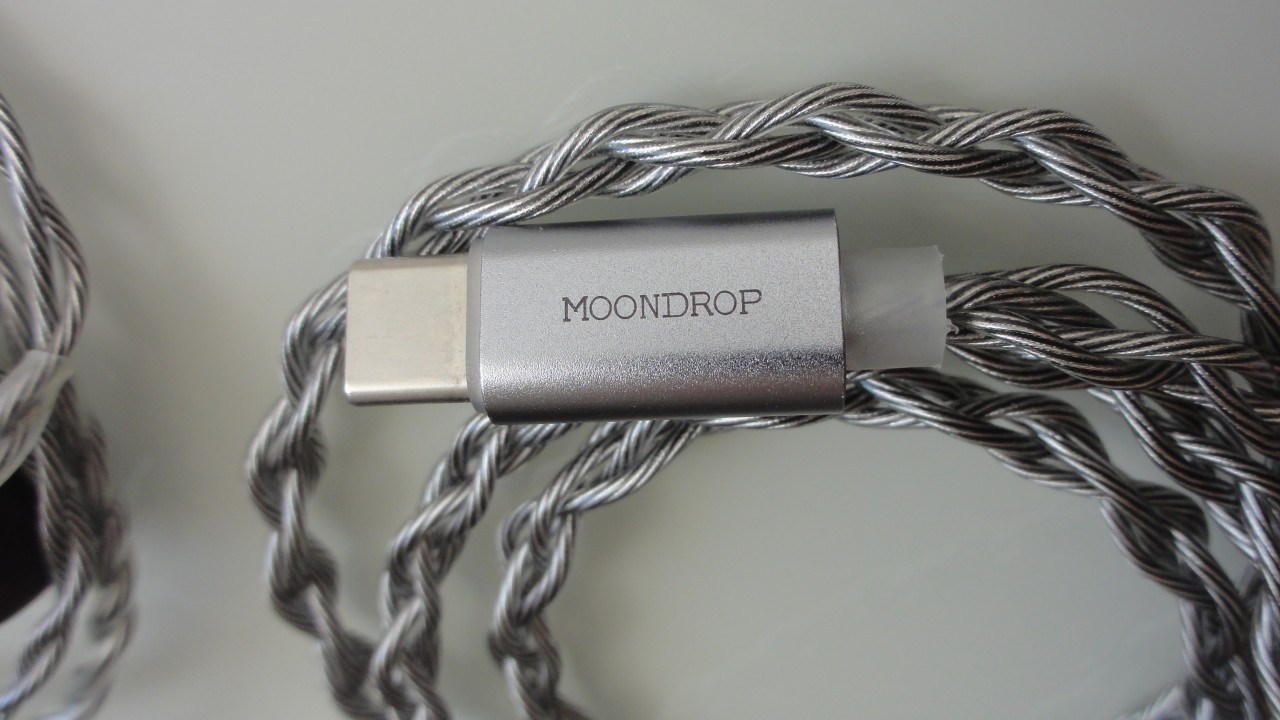
How to Identify Differences in Sound Quality
Insufficient amplification may be perceived as reduced presence in low frequencies (bass) and a sense of harshness in the treble during music playback. However, it is important first to compare user impressions of the earphone when used with a traditional analog connection, such as a 3.5mm or 4.4mm plug, particularly if the earphone features detachable cables.
When Are USB-C Headphones Actually Worth It?
USB-C headphones are genuinely worthwhile when minimizing cost is a priority or when the cable uses a modular connector system.
For very inexpensive headphones costing under approximately US$20, a USB-C cable may represent a practical choice. A quality USB DAC/amp (“dongle DAC”) typically costs around twenty dollars. Therefore, purchasing headphones with an integrated USB-C cable may be more economical for users seeking the lowest possible investment. An example is the Moondrop Chu II DSP.
With modular connector cables, users can select between USB-C, a 3.5mm plug, or even balanced 4.4mm connectors. The connector can be detached and replaced through a pin-based locking system, providing complete flexibility depending on the listening scenario.
Additional Advantages in Some USB-C Headphones
Some USB-C headphones support onboard DSP processing with adjustable parameters, such as the Moondrop May and Moondrop Rays.
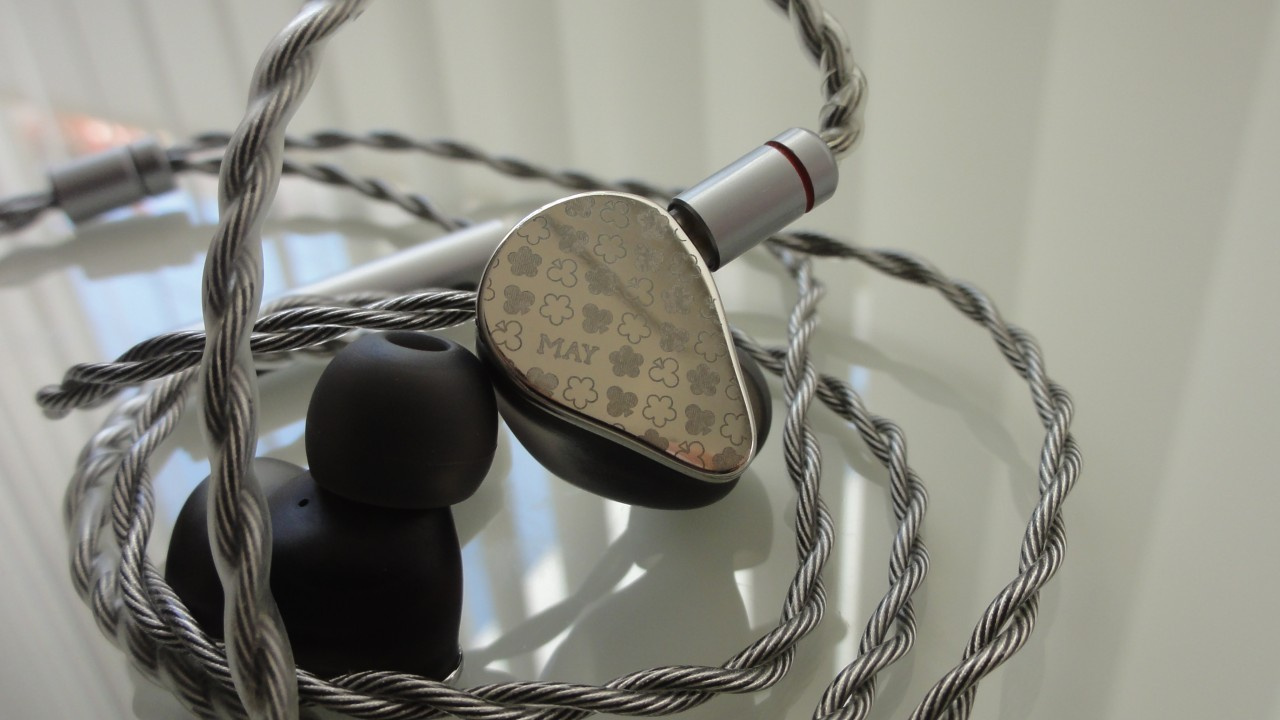
There are also standalone cables offering this functionality, including the Moondrop FreeDSP and FreeDSP Pro, allowing compatibility with earphones from various manufacturers.
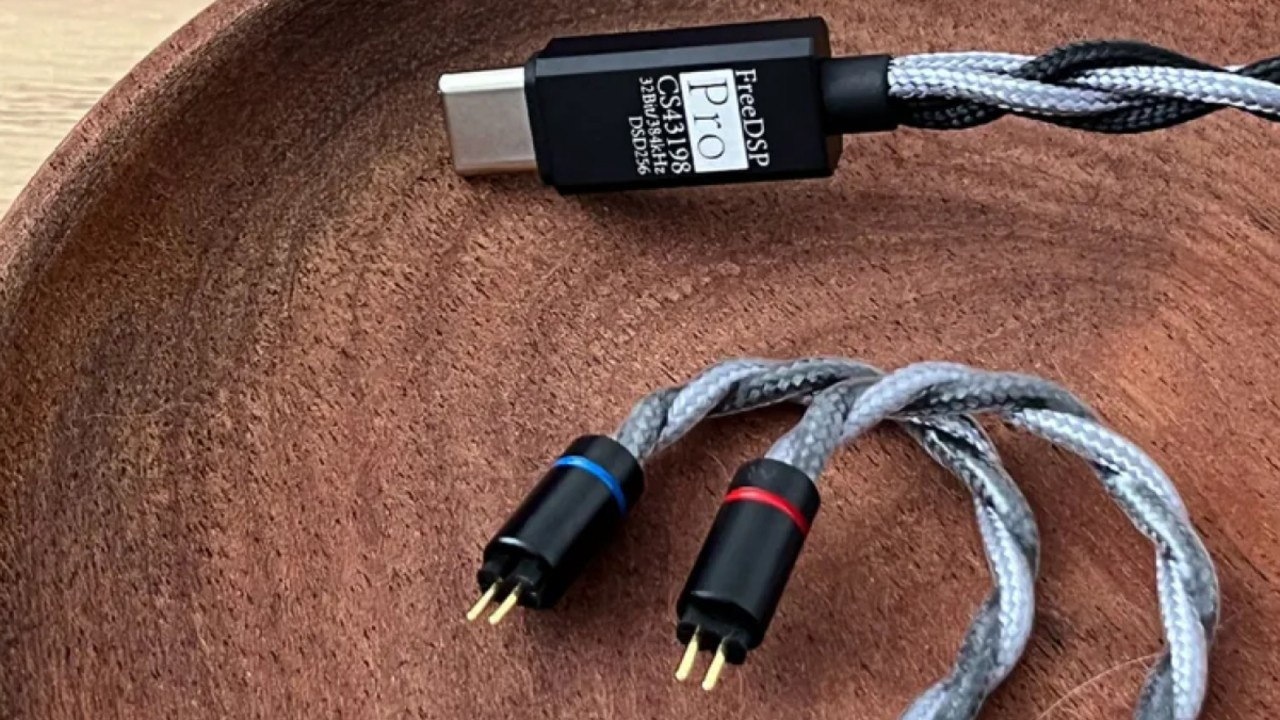
In both cases, the manufacturer provides a companion application enabling users to create custom equalization profiles. This allows all applications installed on the smartphone to reproduce audio according to the selected adjustments.
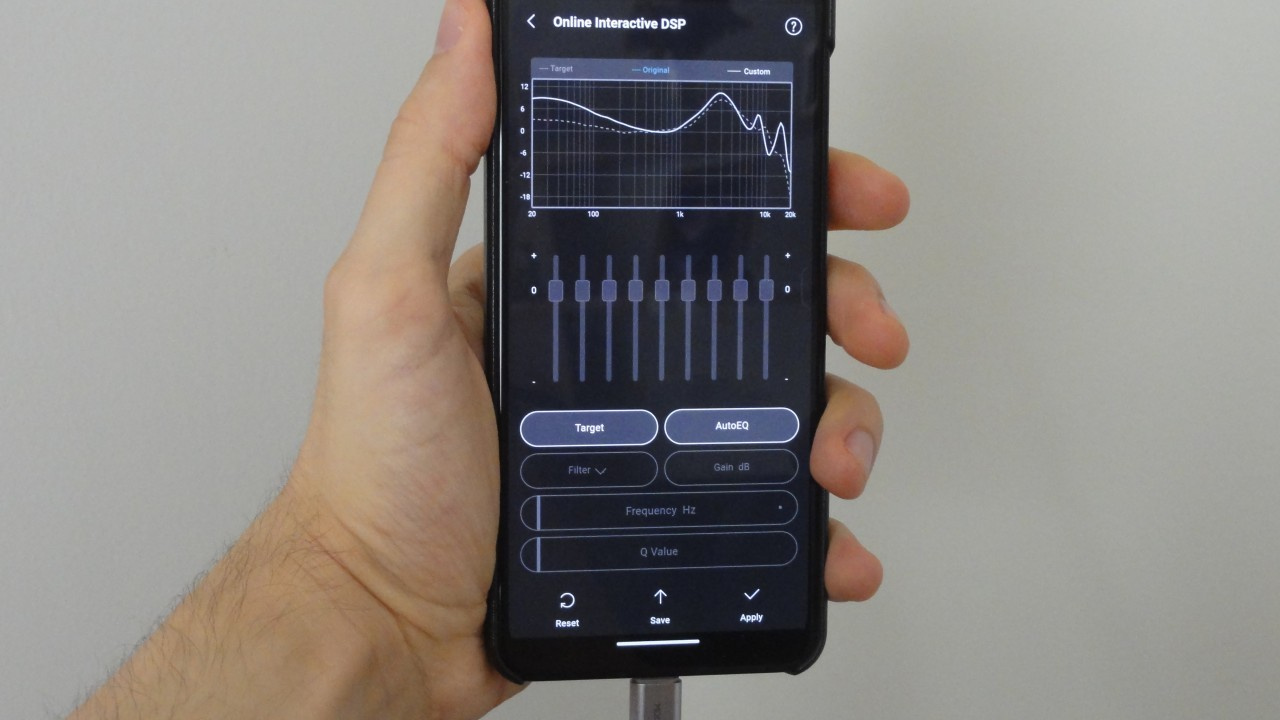
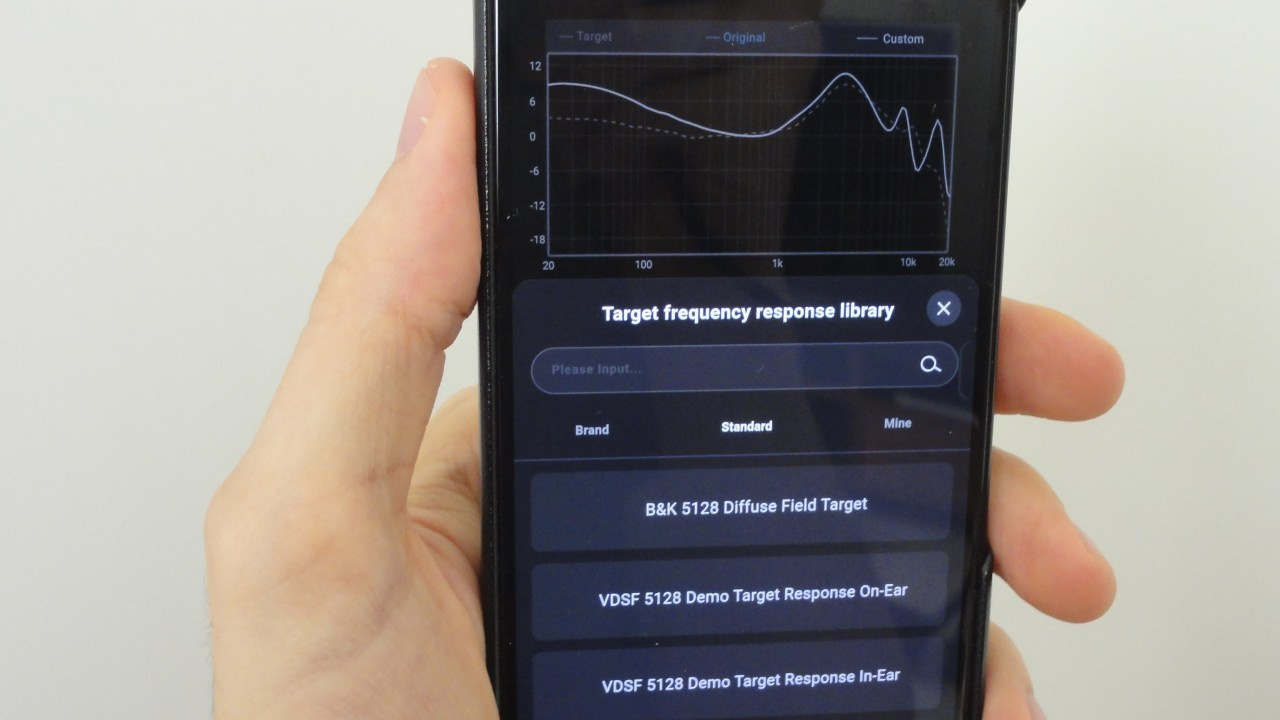
To simplify the process, Moondrop allows users to select a target frequency response curve. Afterward, manual adjustments can be applied to approximate the desired sound signature. Alternatively, an “Auto EQ” function can automatically perform these adjustments.
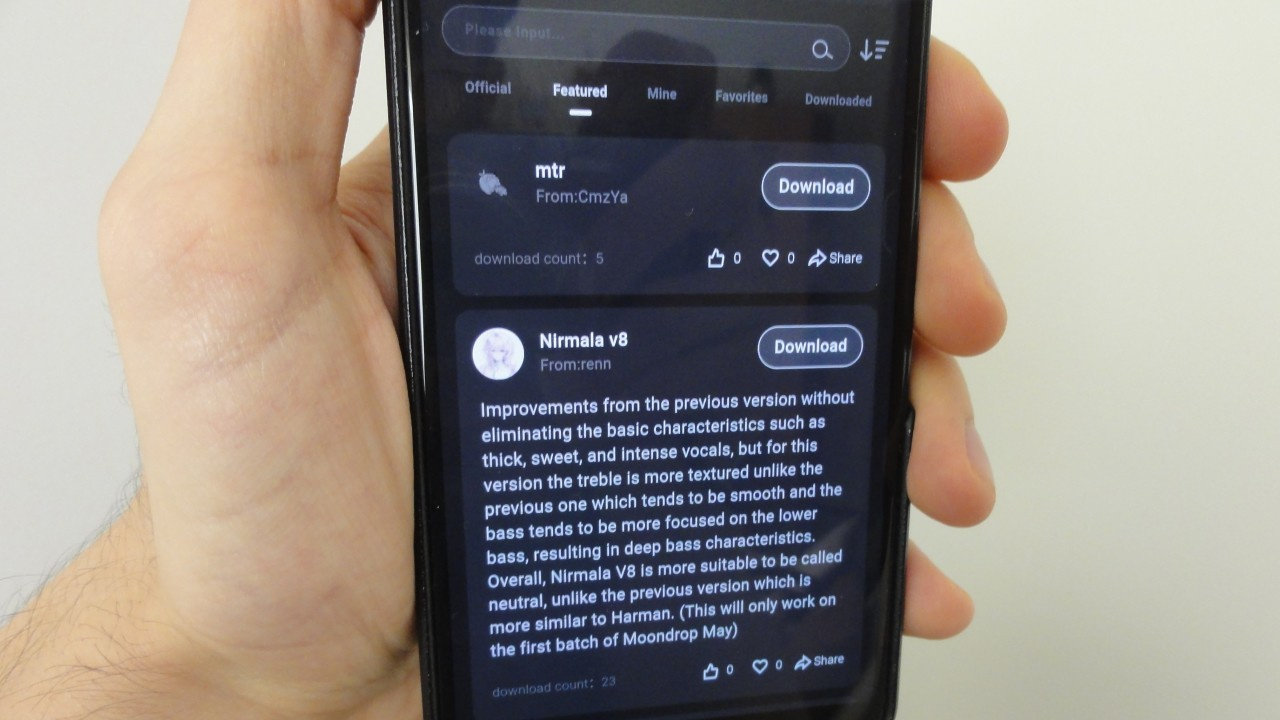
Another option is importing equalization profiles created by other users of the Moondrop application.
Alternative Equalization Method on Smartphones
Through the Wavelet app, developed by pittvandewitt, users can easily apply equalization to their headphones. However, the application is currently available only through the Google Play Store for Android devices.
Conclusion
USB-C headphones may be advantageous both for simplifying connectivity with smartphones that lack a 3.5mm headphone jack and for enabling global equalization across all installed applications. Nevertheless, equalization is not a miracle solution; it is important to develop a basic understanding of the subject and conduct extensive listening tests.
Share:


No comments have been made yet, be the first!