

Snowsky Echo Mini 3.3.0 Firmware Bug Affects Music Playback
From: Vitor Valeri
A headphone hobbyist for over 15 years, he founded the Hi-Fi Hub website and is an administrator of the "Fones High-End" and "Fones Low-End" groups on Facebook.


Published in: 01/04/26 at 17:18
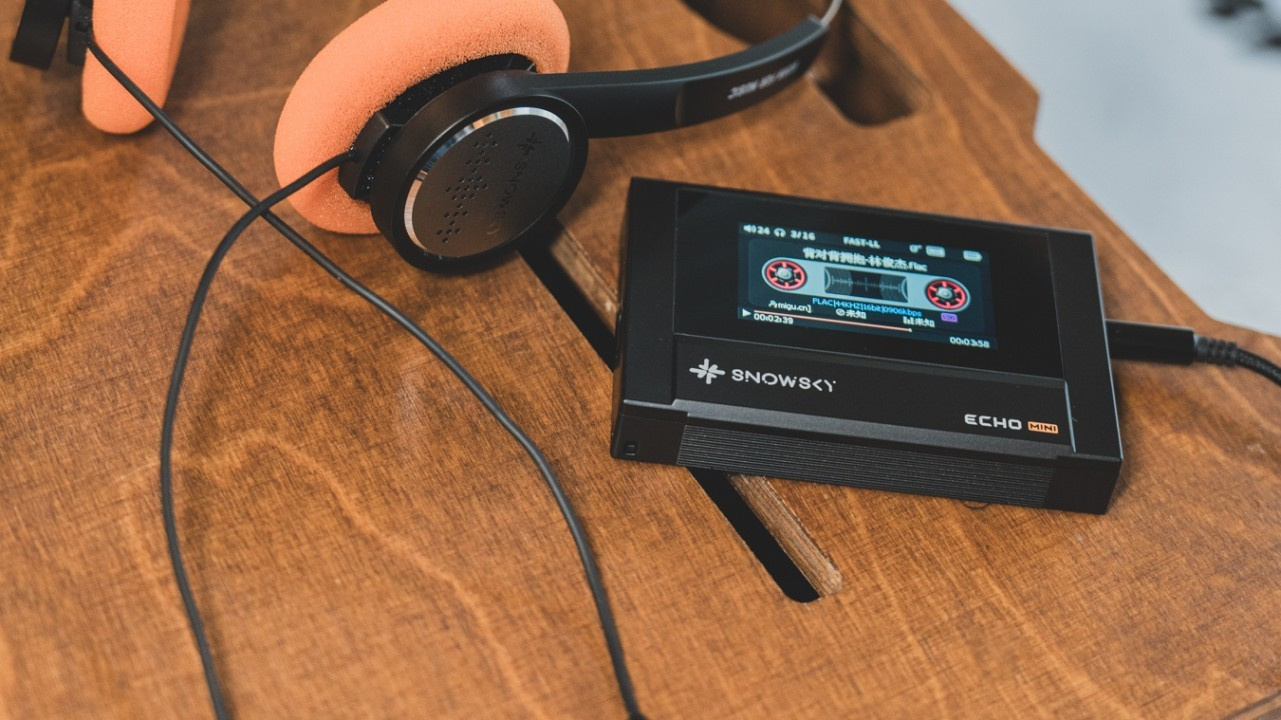 Snowsky Echo Mini Digital Audio Player (DAP) (Image: Snowsky/Weibo)
The firmware version 3.3.0 for the Snowsky Echo Mini was released last Friday (27). However, the playback of certain music files began causing the DAP (Digital Audio Player) to freeze. To address the issue, FiiO’s team uploaded a new file to its servers. Below are the details of the error introduced by the latest update and how to resolve it.
Echo Mini exhibits music playback issues after the 3.3.0 update
Released on March 27, firmware version 3.3.0 for the Echo Mini introduced problems in the playback of music files. The issue was reported in the dedicated thread for the DAP on the Head-Fi forum.
On March 28, user “guyo” posted in the thread titled “FIIO’s innovative sub brand, SNOWSKY Pure Music Player ECHO MINI Is Officially Released!” on the Head-Fi forum, stating:
“I think firmware 3.3.0 broke my Echo Minis. I updated both to the new firmware. I proceeded to play Tom Petty’s Greatest Hits, and ironically, I started experiencing skips during playback of the track ‘Free Falling’… I tried to rewind to the beginning of the track, and my Echo Mini froze. I had to long-press the power button to shut it down. When powering it back on, I realized that the media library had been completely corrupted. I rescanned it, and everything was fine again, but the issue repeats itself. Skipping. Freezing. Forced shutdown. Corrupted library. Rescan. And the cycle repeats.”
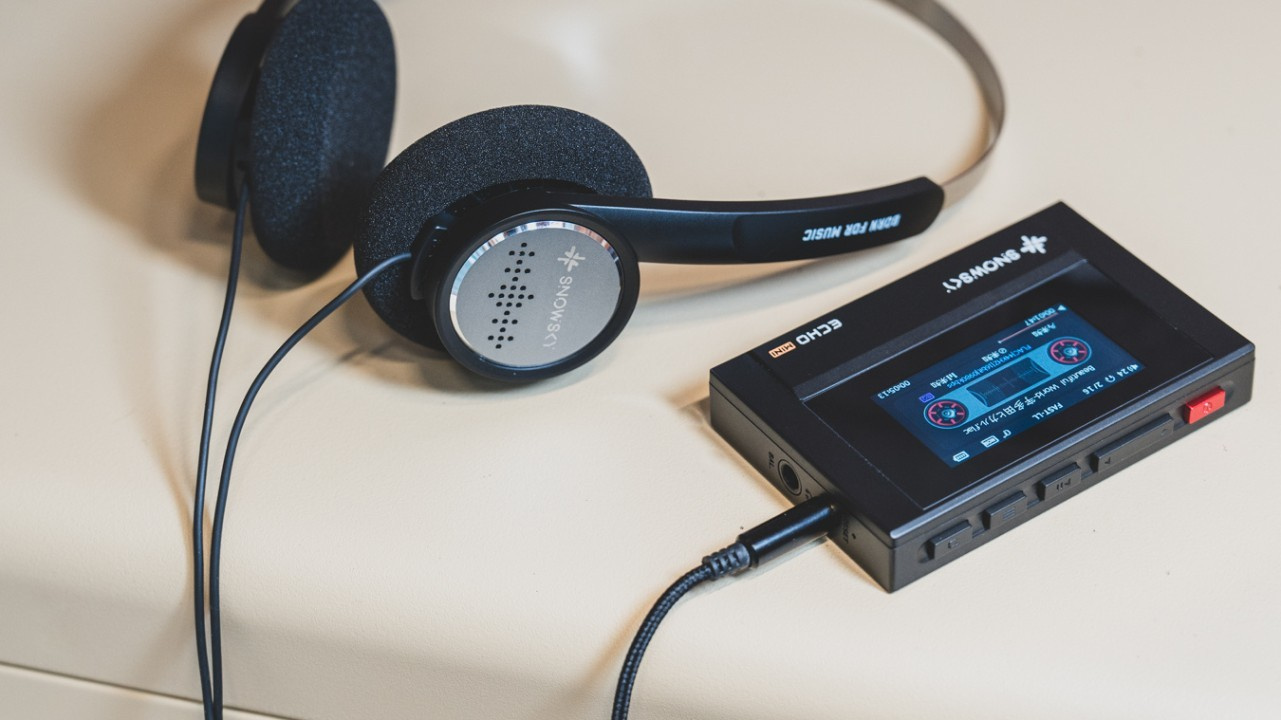
Identified issue: FLAC file support stopped functioning
After further testing, user “guyo” reported that he had identified the root cause of the issue introduced by firmware 3.3.0. Only FLAC files were not playing correctly. He stated:
“I conducted some tests on my second Echo Mini. I have my entire library on it in MP3 format, not FLAC, and it is functioning perfectly. Therefore, it appears that the issue with firmware 3.3.0 affects only FLAC files.”
User “kadupse” also confirmed experiencing the same issue, stating:
“This update completely breaks FLAC support. FLAC files play random loud noises until the device freezes. I doubt this was tested for even a second.”
FiiO acknowledges the issue and commits to resolving it
On March 29, FiiO representative Kang responded to Echo Mini users who had reported issues with FLAC file playback. He stated:
“I’m very sorry. It has been confirmed that an incorrect file was released. We will make the update today. Once again, I apologize.”
FiiO re-uploads firmware version 3.3.0
On March 30, Kang announced in the Echo Mini thread on the Head-Fi forum that a new firmware 3.3.0 file had been uploaded. He recommended that all users download and install the file again on their DAP.
“To all users: The latest correct files for the ECHO V3.3.0 new firmware have been uploaded. Please download and update again. Thank you for your cooperation.”
On the same day, “guyo” confirmed that the new firmware 3.3.0 file resolved the issue. He stated:
“I just updated. The issues with FLAC playback appear to be resolved. Everything is working well.
One thing for Kang, though, I’ve noticed across several firmware updates in a row that when I update the firmware on my Echo Mini, most of my personal preferences are retained (screen brightness, screen timeout, power-saving shutdown timers, etc.). However, Fast Forward/Rewind always reverts to disabled (I prefer it enabled), and the volume button direction always resets to Mode A (I prefer Mode B).
Could these settings also be preserved across firmware updates?
Thanks for the quick response on 3.3.0!”
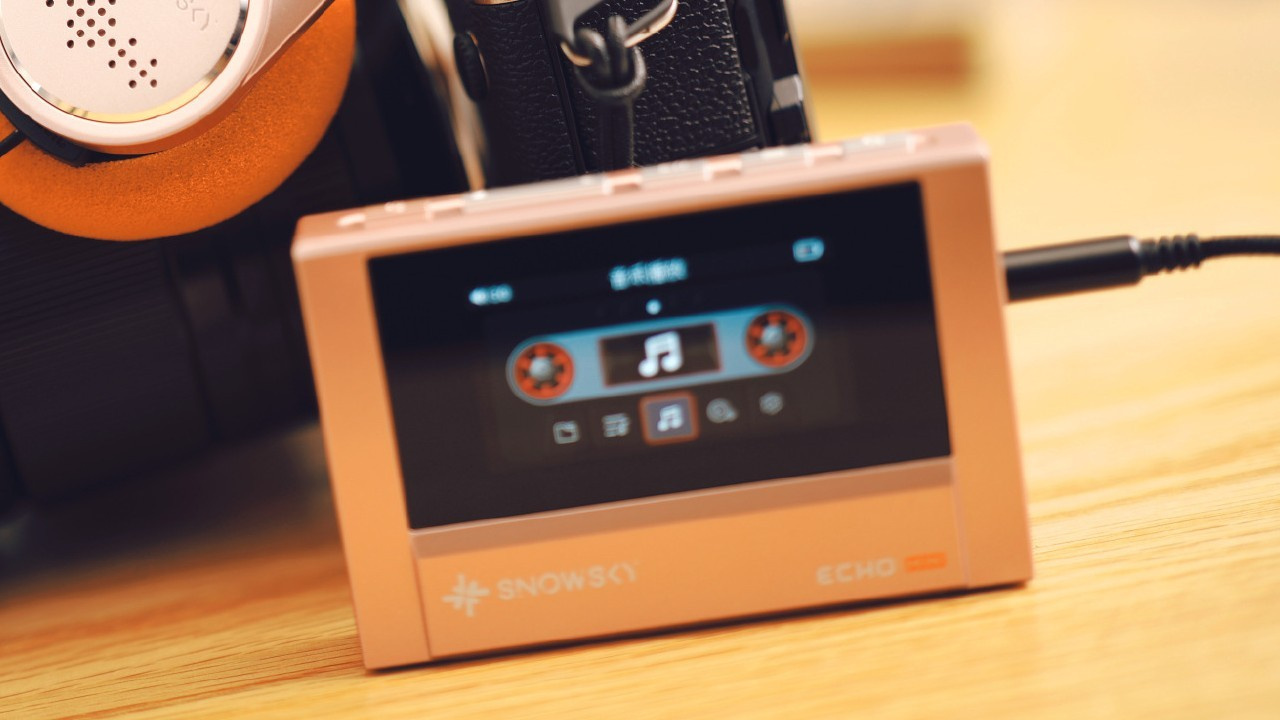
How to update the firmware on the FiiO Snowsky Echo Mini
To perform the firmware update on the FiiO Snowsky Echo Mini, first remove the microSD card. Then follow the steps below.
Step 01: Download the file from the page dedicated to the Echo Mini firmware on FiiO’s official forum.
Step 02: Turn on the Echo Mini, connect the USB cable to the DAP, and select the USB Data option using the physical arrow buttons.
Step 03: Open the file “ECHO MINI V3.3.0” and the folder with the same name.
Step 04: Copy the file “HIFIEC33” to the “ECHO MINI” storage drive.
Step 05: Eject the “ECHO MINI” storage drive and disconnect the USB cable.
Step 06: Turn off the Echo Mini and turn it on again. The update process will start automatically.
Share:


Product launches
YBA VIBE P1: Portable R2R DAC/Amp Announced
Product launches
FiiO FT15 Launches With New Planar Driver and Lighter Build
Product launches
No comments have been made yet, be the first!