

What Is Lossless Audio? How Music File Formats Work
From: Vitor Valeri
A headphone hobbyist for over 15 years, he founded the Hi-Fi Hub website and is an administrator of the "Fones High-End" and "Fones Low-End" groups on Facebook.


Published in: 09/01/26 at 12:16 - Updated in: 16/01/26 at 12:15
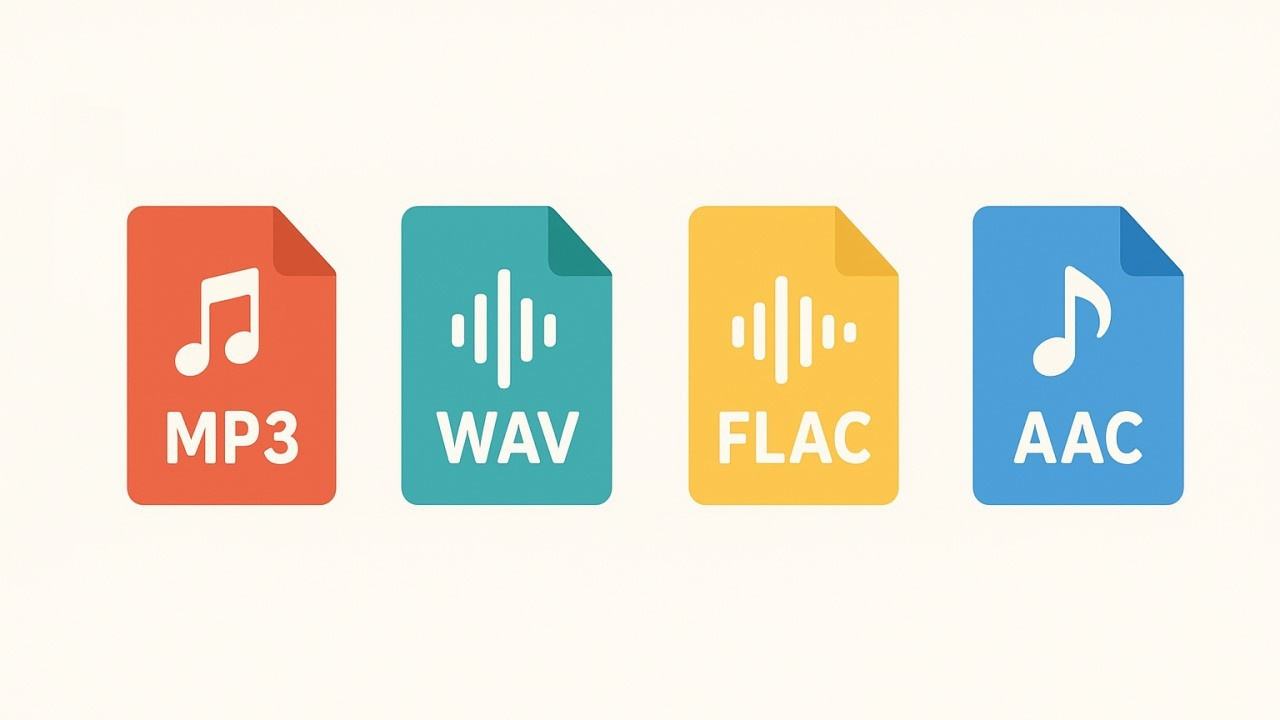 Illustrative image showing the main audio file formats (Image: Vitor Valeri/Hi-Fi Hub)
Lossless audio may refer both to uncompressed file formats and to compressed file formats without data loss (lossless). In music streaming services, both lossless compressed files and lossy compressed files are used. Understand what each of these music formats means, learn how to distinguish them, and discover which one makes the most sense for your use.
What are audio file formats?
An audio file format is a type of file used to store digital audio data on a storage medium such as, for example, a microSD card, an HDD, an SSD, or a CD (Compact Disc).
These storage media are used together with a device responsible for playing (executing) the audio files, such as a computer, a smartphone, a Digital Audio Player (DAP), or a CD player (popularly known as a “Discman”).
What types of audio file formats exist?
There are several types of audio file formats, but they can be divided into three main categories:
• Uncompressed audio files
• Lossless compressed audio files
• Lossy compressed audio files
What are uncompressed audio files?
Uncompressed audio files are the result of encapsulating raw PCM (Pulse-Code Modulation) data with metadata [1]. PCM is a method used to digitally represent analog audio signals.
The main uncompressed music formats for local playback are:
• AIFF
• WAV
[1] Metadata are the information associated with a track, such as title, artist, album, year, track number, and musical genre.
What are compressed audio files?
Compressed audio files use different audio codecs [2] to reduce file size. A codec implements an algorithm to compress and decompress the digital audio signal. The goal of compression is to represent the audio signal using the smallest possible number of bits (digital data) while attempting to maintain the quality of the reproduced sound.
[2] Audio codecs are hardware components (electronic circuits) or software components (programs) created to encode (compress) and decode (decompress) a bitstream (digital data), also called bit rate or bitrate.
What are lossless compressed audio files?
Lossless compressed audio files are typically between 50% and 60% the size of uncompressed audio files (WAV and AIFF). They do not suffer from the loss of information related to the sounds of a musical track thanks to a technique called silence compression.
The main lossless compressed music formats for local playback are:
• ALAC
• FLAC
Uncompressed files and lossless compressed files: What is the difference?
Uncompressed audio files consider moments of silence and moments of sound in a recording using the same number of bits. As a result, a track that contains periods of silence and sound will have the same file size as a track in which all seconds are filled with sound.
When using lossless compressed audio files, the algorithms of the codec apply silence compression, a technique used to reduce the bitrate (data flow) and the overall file size. In this way, the data corresponding to the actual sounds of the track are preserved while the space occupied by the file is reduced.
What are lossy compressed audio files?
Lossy compressed audio files eliminate part of the data related to the sounds of the music, allowing the generation of audio files with even lower bitrates and smaller sizes when compared to lossless compressed files.
The algorithms used in lossy codecs are based on psychoacoustics, which studies the limitations of the human auditory system in perceiving certain sounds. Thus, the goal of this compression process is to remove only sounds that are less audible and more difficult to perceive.
Examples of sounds that are more difficult to hear include: sounds in certain frequency bands in the upper treble region (12 kHz to 20 kHz or higher), sub-bass frequencies below 50 Hz, or sounds that occur simultaneously with other sounds at much higher volume levels.
There are two categories of lossy compressed audio file formats:
• Formats created for local audio playback, where wired headphones or speakers are used.
• Formats developed for wireless Bluetooth transmission, intended for Bluetooth headphones or speakers.
The main lossy music formats for local playback are:
• AAC
• MP3
• MQA
• Ogg Vorbis
• Opus
For lossy music formats used in Bluetooth transmission, the most popular are:
• AAC
• aptX
• aptX Adaptive
• aptX HD
• LDAC
• SBC
Is there a perceptible difference in audio quality between lossy and lossless compressed files?
In practice, it is difficult to perceive differences in sound quality between lossless and lossy compressed audio files. Lossless audio files are particularly useful for music production (recording, mixing, and mastering) or for archiving purposes (preservation of historical material with the intention of documentation).
However, note that although the differences between music in lossless and lossy formats are small, it is possible to perceive differences in sound quality between music streaming services. This is due to the existence of different versions of the same album, each with a different mastering.
If you wish to check a specific album, simply access the “Dynamic Range DB” website through the provided link and use the search bar located at the top right of the page. There you can verify the Dynamic Range (DR) [3] of each album.
[3] Dynamic Range (DR) is the difference between the loudest and the quietest sounds in a piece of music. The lower the DR, the more difficult it becomes to hear certain sounds or nuances, because in this case all instruments and voices are reproduced at very high levels, causing masking of musical details.
Share:



No comments have been made yet, be the first!