

Don’t Rely on Spotify! How to Build a Local Music Library
From: Vitor Valeri
A headphone hobbyist for over 15 years, he founded the Hi-Fi Hub website and is an administrator of the "Fones High-End" and "Fones Low-End" groups on Facebook.


Published in: 22/12/25 at 15:48 - Updated in: 16/01/26 at 11:29
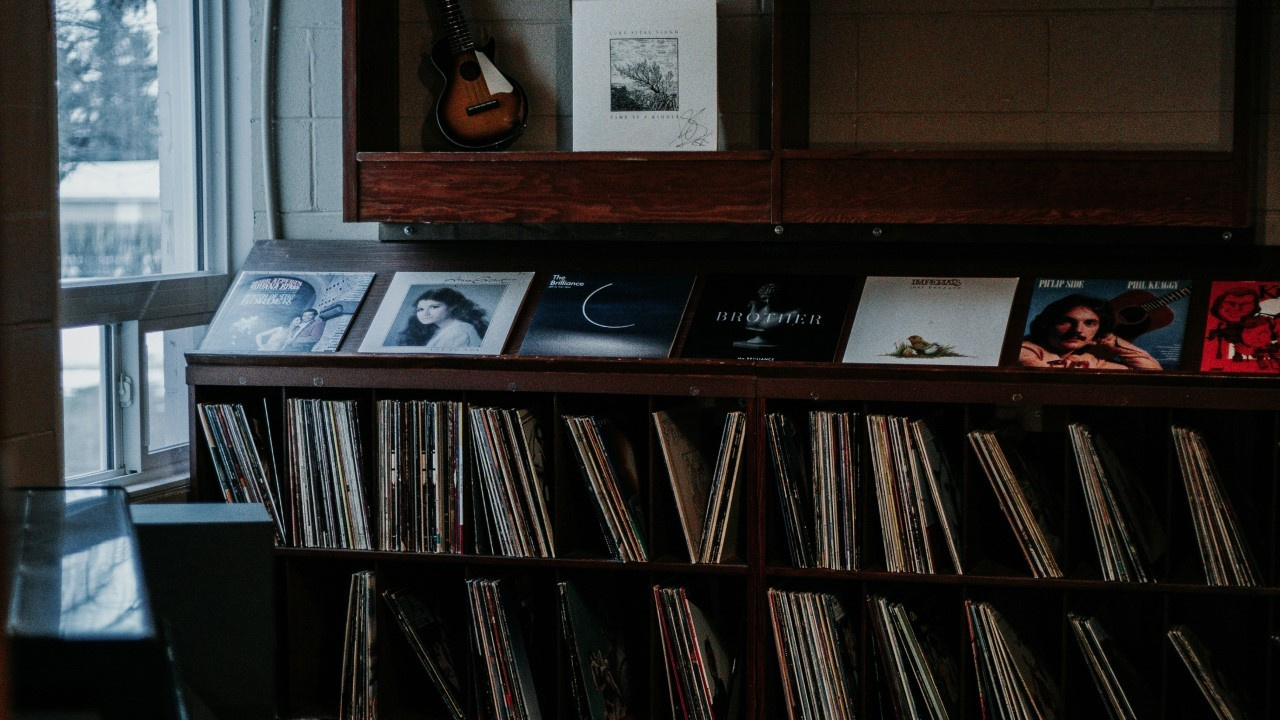 Illustrative image of a local music library (Image: Priscilla Du Preez/Unsplash)
Spotify will raise its subscription prices in 2026, according to Reuters. The popular music streaming service could become more expensive than platforms such as Apple Music and Tidal, which charge the same price for the individual monthly subscription tier. With this in mind, I decided to write this article showing ways to create a local music library.
What is a local music library?
A local music library is a set of folders containing albums or playlists. Each folder includes audio files of tracks in formats such as, for example, MP3, FLAC, and WAV.
What are the advantages of having a local music library?
When you store music locally on a microSD card or on the internal storage unit (e.g., SSD or HDD) of a device, you gain the following advantages:
• You do not depend on an internet connection to play your music.
• You can listen to tracks that are not available on streaming services.
• You always have access to your music, since streaming services rely on licensing agreements to make albums available on their platforms, and there is a possibility that tracks may disappear from the app at some point.
What are the ways to create a local music library?
To create a local music library in a legal manner, you can:
• Purchase CDs and rip (extract) the tracks into formats such as FLAC, WAV, or MP3, for example.
• Buy albums and tracks from online stores that sell music files in formats such as MP3, FLAC, and WAV.
• Download tracks and albums from music repositories with open licenses or that are in the public domain.
How to buy CDs nowadays?
To buy CDs, if you value the experience of dealing with physical media, I recommend searching for online stores, as physical stores are extremely scarce in Brazil.
Recommended online stores to buy physical CDs:
• Amazon
• CD Japan
• Movie Mars
If you have another store recommendation, please share it in the comments of this article so that I can update the text with more options and help readers even further.
I bought the CD, but I do not have a CD player: How to rip your music
If you do not have a CD player, do not worry, as there is a solution. You can rip (extract) the tracks using a CD reader/writer for computers. There are models designed to be installed in the drive bays of a desktop PC, as well as external models that connect via a USB cable.
Recommended CD reader/writer models:
• Dell Slim DW316
• Verbatim 98938
In addition to a device to read the CD, you will also need to install software on your computer in order to extract the tracks from the disc.
Recommended CD ripping software:
• dBpoweramp CD Ripper
• Xrecode
How to buy albums and tracks without dealing with physical media?
There are online stores that legally sell albums and tracks from a wide range of artists and bands. In general, the music offered for download is in high resolution, although some websites also provide versions in lower resolutions.
Recommended online stores that sell digital music albums:
• eClassical
• HDtracks
• Native DSD Music
• ProStudio Masters
Where to download music and albums for free?
By accessing “free-use” music repositories, it is possible to download tracks at no cost. This is possible because these websites host music under licenses known as Creative Commons (CC).
Below is a list of the main free music repositories:
• Free Music Archive (FMA)
• Internet Archive
• Bandcamp
• Jamendo
• SoundCloud
• ccMixter
• Bensound
• Musopen
• Incompetech (by Kevin MacLeod)
• FreePD.com (Free Public Domain Music)
About CC licenses
CC licenses are a way to allow the “free” use of music under certain conditions. Below are some examples of CC licenses:
• CC BY: You may use, remix, adapt, and use commercially, but you must give credit to the author.
• CC BY-SA: You may use and adapt.
•CC BY-NC: You may use it, but only for non-commercial purposes.
• CC BY-NC-SA: You may use it, but without altering it; remixing or transforming is not allowed.
• CC0 (public domain): Completely free use; no credit is required, and modification and commercial use are allowed.
Meaning of CC license symbols:
• BY (Attribution): Credit must be given to the original author.
• NC (Non-Commercial): The work cannot be used for commercial purposes.
• SA (Share Alike): If you modify the work, you must license it under the same terms.
• ND (No Derivatives): The work cannot be modified.
Share:


No comments have been made yet, be the first!