

How to Take Care of Your Headphone Cable So It Lasts Longer
From: Vitor Valeri
A headphone hobbyist for over 15 years, he founded the Hi-Fi Hub website and is an administrator of the "Fones High-End" and "Fones Low-End" groups on Facebook.


Published in: 15/01/26 at 15:31 - Updated in: 16/01/26 at 13:27
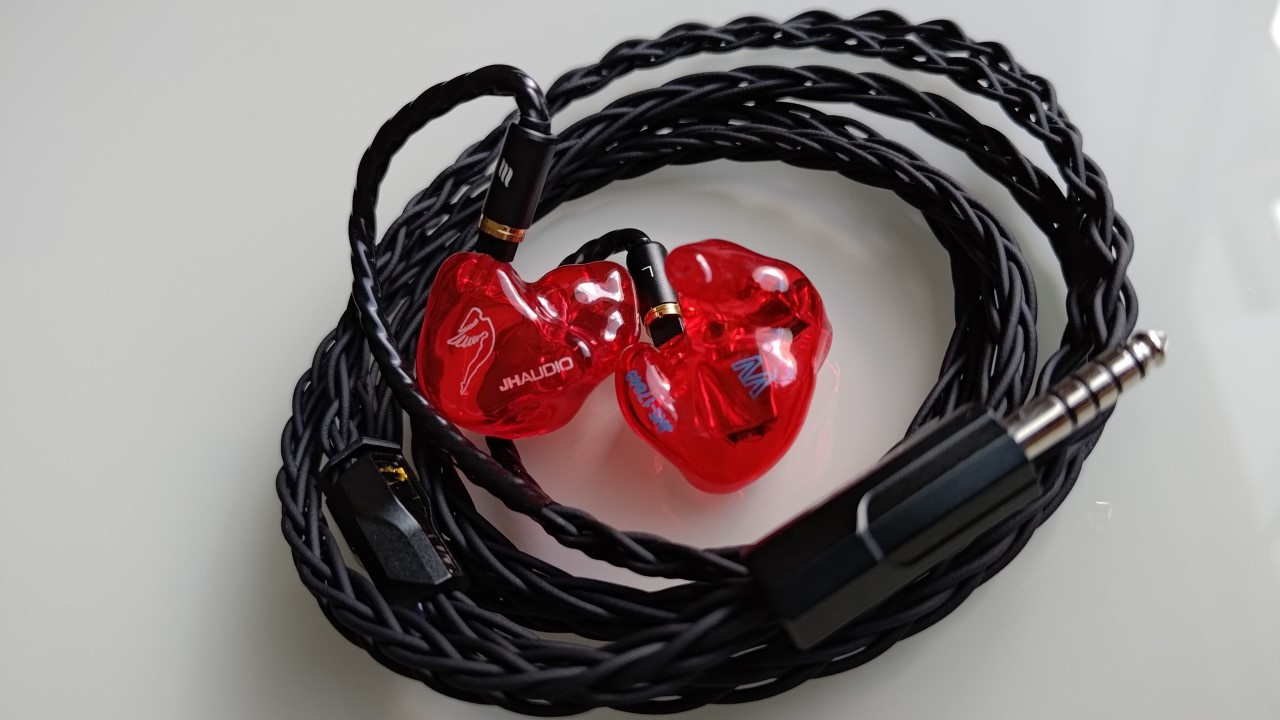 Illustrative photo showing how to take care of your headphone cables (Image: Vitor Valeri/Hi-Fi Hub)
Headphone cables are usually the first component to fail, even if you clean and sanitize them frequently and take care to avoid excess humidity, as I explained in the articles linked in the red sections. Understand the risks to which a headphone cable is exposed and how to prevent or mitigate them.
What affects the durability of a headphone cable?
A headphone cable can have its lifespan significantly reduced by several factors, including:
- Exposure to ultraviolet (UV) rays present in sunlight
- Oxidation
- Twisting (bending)
- Low humidity
- Temperature variation
How does exposure to ultraviolet radiation affect cables?
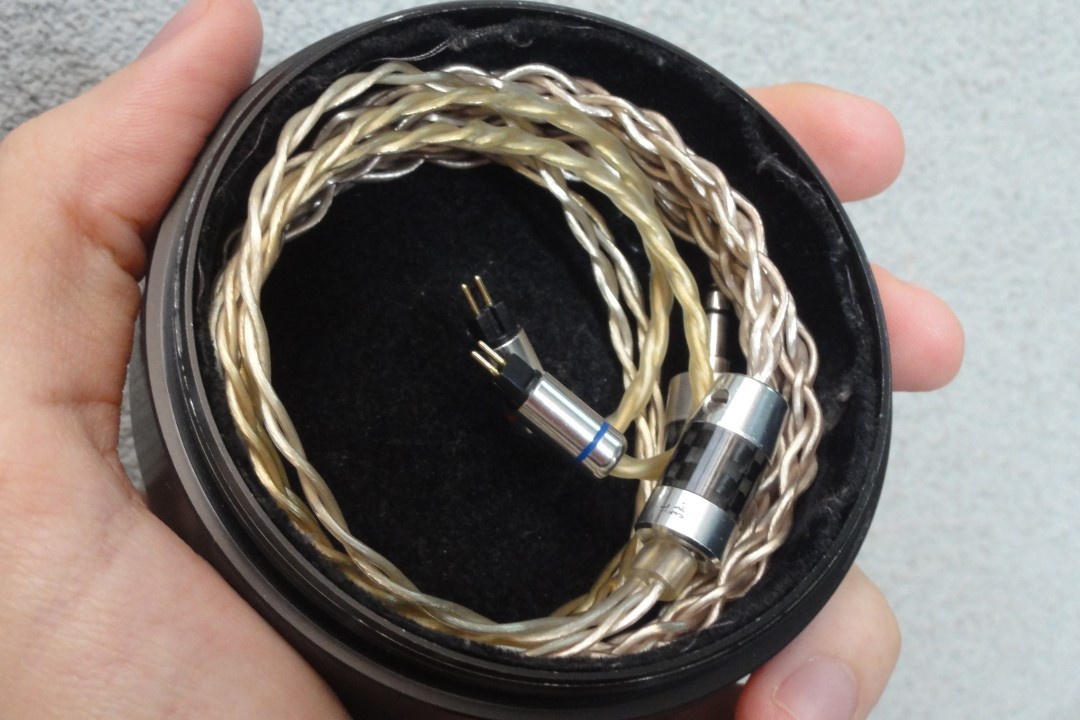
Most cables have their filaments covered by a jacket made of PVC (Polyvinyl Chloride) or TPU (Thermoplastic Polyurethane). When the cable jacket is exposed to direct sunlight, it is affected by ultraviolet (UV) radiation, which can cause:
- Fading: UV rays break the chemical bonds of polymer chains through photodegradation.
- Loss of flexibility: Exposure to sunlight reduces the mechanical properties of the cable, making it more rigid.
How does oxidation affect cables?
Oxidation affects cables because the metal inside them is responsible for conducting the electrical signal. When the cable jacket develops microcracks or the solder joints at the connectors give way, the metal filaments become exposed to oxygen, causing degradation of the metal alloy.
For optimal sound reproduction, it is undesirable for the metal in the headphone cable to oxidize, as this will introduce distortions in the transmission of the electrical signal. Depending on the degree of oxidation, the headphones may experience difficulties in reproducing sound without distortion or dropouts.
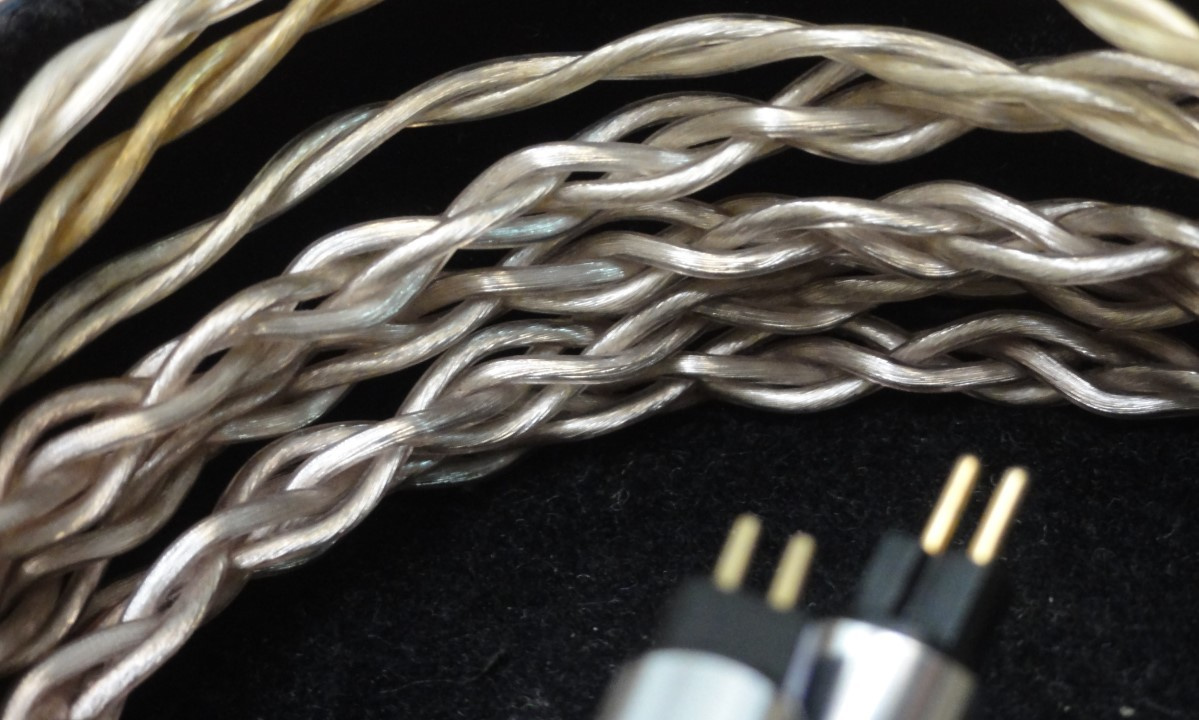
Cables made with copper filaments and a transparent jacket allow the appearance of greenish stains, known as “verdigris,” to be observed. This is a sign that oxidation is occurring. If the cable uses silver filaments, they will turn black when oxidized.
How does twisting affect the durability of a cable?
Twisting is unavoidable, since normal use of headphones naturally causes the cable to bend. However, the more often it is bent, or the longer it remains under tension due to the way it is folded, the shorter its useful life will be, as this eventually leads to the breakage of the metal filaments.
How does humidity affect the cable?
The polymers that form the cable jacket can be hygroscopic and absorb moisture from the air. If the relative humidity is very low (for example, 20%), the cable will lose flexibility, become more rigid, and consequently become more prone to microcracks, thus favoring oxidation. When humidity is higher, the cable tends to gain flexibility.
How does temperature variation affect the cable?
Temperature causes contraction and expansion of the cable materials, including the PVC/TPU jacket and the metal alloy filaments. When the temperature is lower, the metal tends to contract and the plastic jacket tends to dry out.
How to prevent problems that lead to cable oxidation or internal breakage
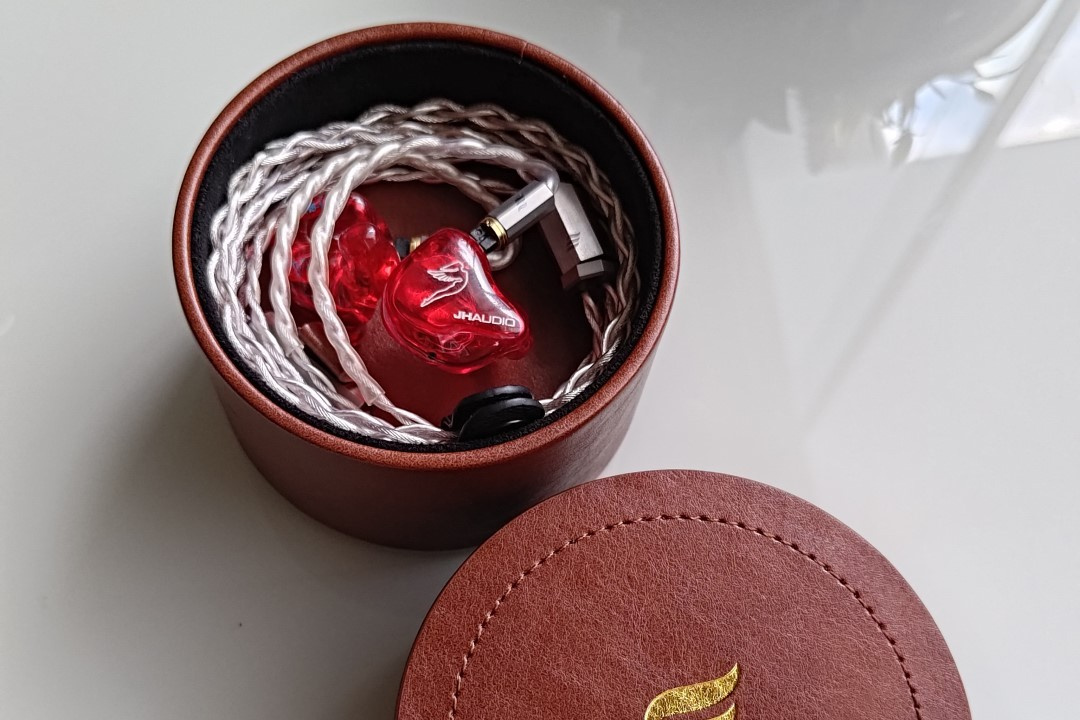
In the case of portable headphones such as in-ears, earbuds, and on-ears, it is difficult to avoid exposing their cables to sunlight, depending on a person’s routine. However, when the headphones are not in use, try to keep them inside a case.
If your headphones did not come with a case in the box, purchase one separately. In addition, I also recommend using cable winders made of silicone or Velcro. This prevents the cable from moving excessively and undergoing torsion while you are walking outdoors.
If you are storing over-ear headphones in a case or box, there is no problem in placing a small transparent silica gel packet inside that changes color when it reaches its moisture absorption limit. This helps keep the driver diaphragm (speaker) dry so that its mass is not affected and there is no difficulty during its excursion (movement) to generate sound.
However, when dealing with portable headphones, I do not recommend using silica gel, as I have observed that it causes drying and hardening of the cables, making them more prone to developing microcracks in the jacket and to metal oxidation. Ideally, one should choose headphones that allow the cable to be detached.
When removing the cable from an in-ear monitor (IEM) or an earbud, you may place a silica gel packet together with the headphones inside the case, since the IEM or earbud itself can be affected by moisture. It is not necessary to do this every day, as it may end up stressing the 2-pin or MMCX connectors.
Extra tip: The 2-pin connector of an in-ear cable is bent – How to Fix it
If the 2-pin connector of your in-ear cable has bent for any reason, the solution is to use precision tweezers, typically employed in electronic equipment repair. Their tips are very fine and allow you to firmly grip the connector pins.
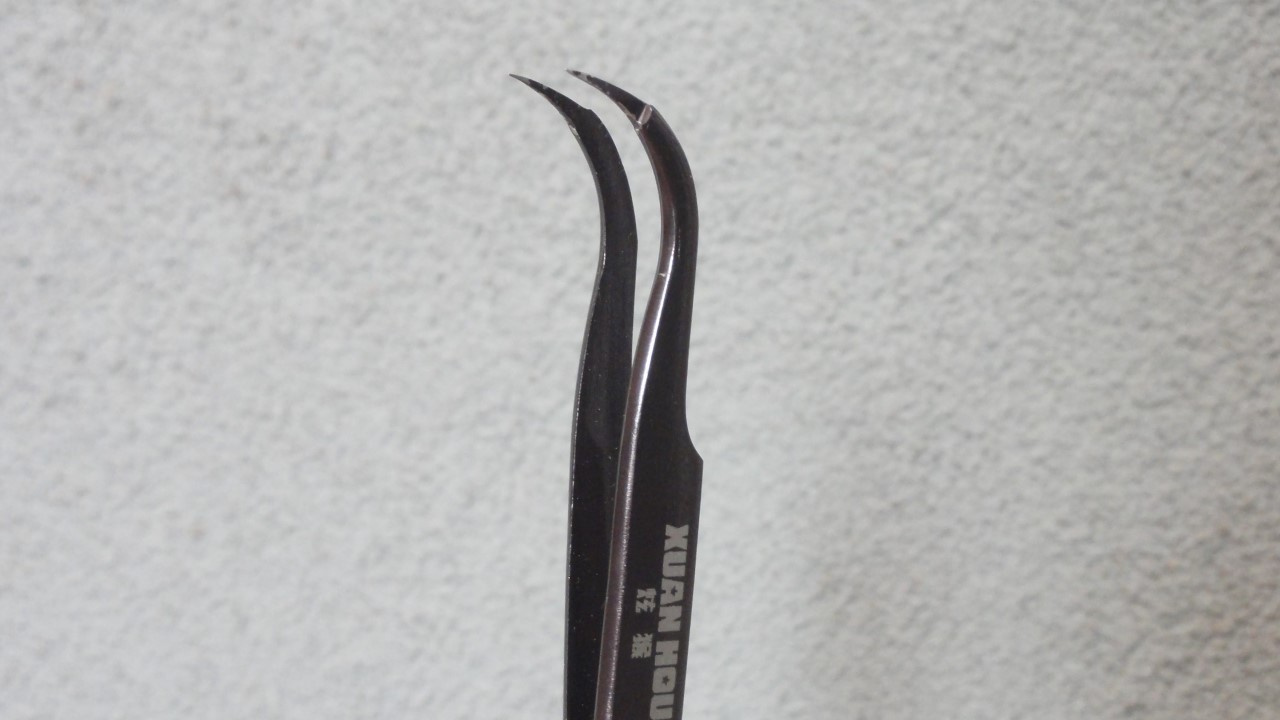
To straighten it more easily, try comparing the bent 2-pin connector with another one that is straight and undamaged. In this way, the alignment process required to fit the cable back into the earphone will be simpler.
Share:


No comments have been made yet, be the first!