

How Music Transfer Between Streaming Apps Works
From: Vitor Valeri
A headphone hobbyist for over 15 years, he founded the Hi-Fi Hub website and is an administrator of the "Fones High-End" and "Fones Low-End" groups on Facebook.


Published in: 14/01/26 at 15:24 - Updated in: 06/07/26 at 12:22
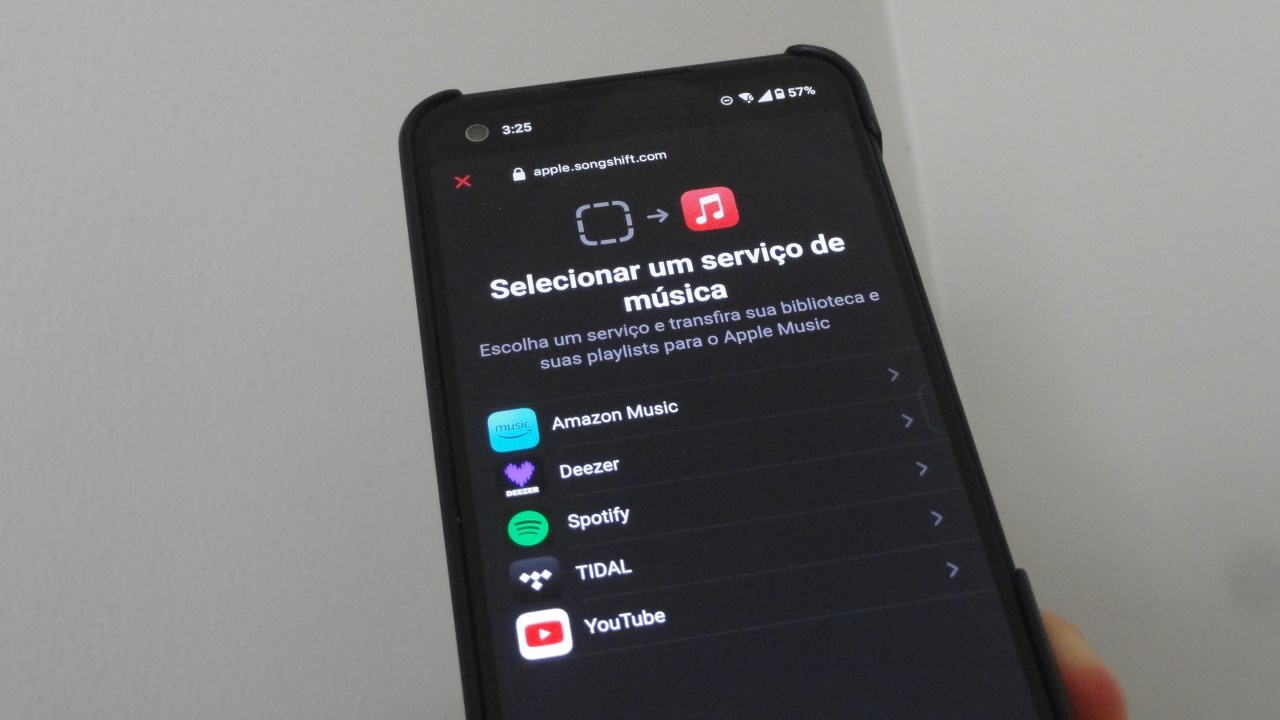 Photo of the “Transfer Music from Other Services” feature in Apple Music (Image: Vitor Valeri/Hi-Fi Hub)
The music transfer feature between streaming apps has been added to several streaming platforms. This tool facilitates migration from one platform to another. However, before this feature was implemented within the apps themselves, the possibility of transferring playlists already existed through external services, which may cause confusion among users. Learn how it works and what the differences are between the feature offered directly within the applications and third-party services.
Partnership between music transfer platforms and streaming apps
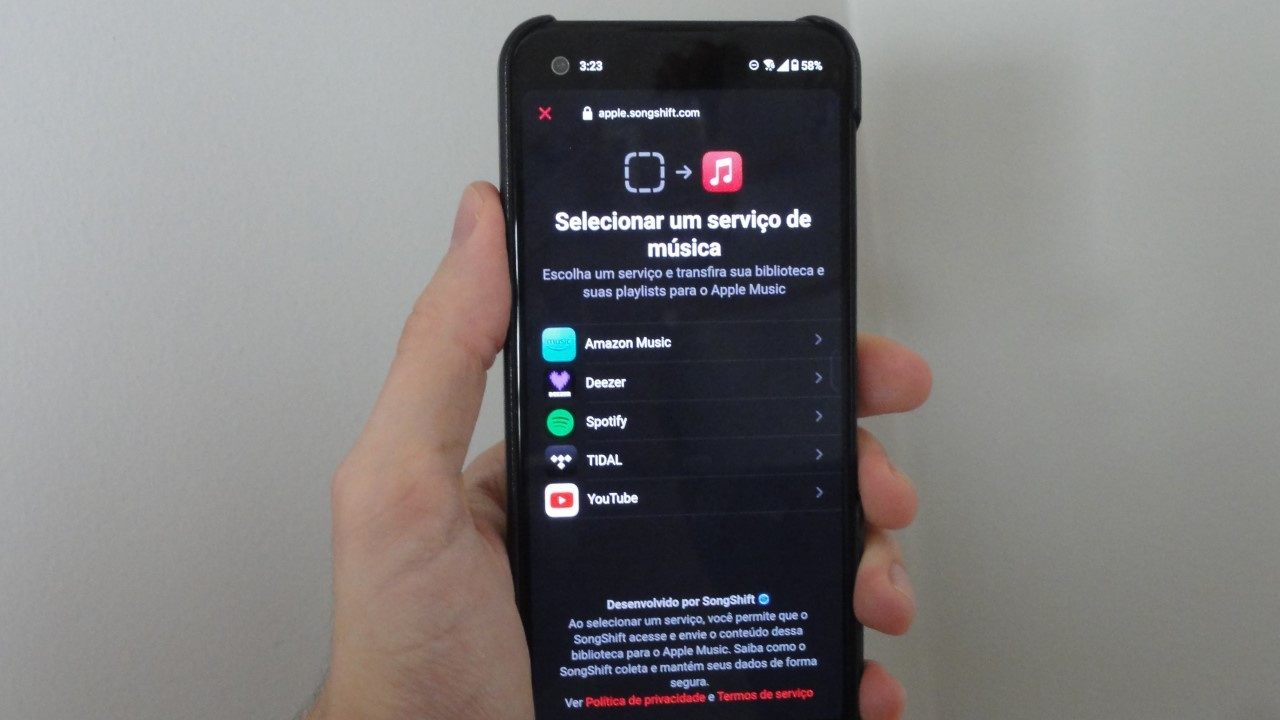
Some of the platforms created to enable the transfer of songs, playlists, and saved (“favorited”) albums between music streaming apps have established partnerships with companies such as Apple, Deezer, Google, and Qobuz. These platforms include:
Is there a limit on music transfers within streaming apps?
Yes. In apps that do not offer a built-in option to transfer music from other services, there is a limit on the number of tracks, playlists, and albums that can be imported. The transfer limit is subject to the rules established by the platforms responsible for importing “favorited content” and/or user-created playlists.
The exception to the above is YouTube Music. On its YouTube Music support page, Google states:
“As a YouTube Premium subscriber, you can transfer your playlists at no additional cost using TuneMyMusic technology.”
You can transfer songs, albums, and playlists from other streaming services to YouTube Music for free using this TuneMyMusic link.
Streaming apps that impose limits on transferring music from other services include:
- Amazon Music
- Spotify
- Tidal
Which streaming apps do not impose limits on music transfers?
The streaming apps that do not impose a limit on the number of tracks that can be transferred from other services are:
- Apple Music
- Deezer
- Qobuz
- YouTube Music
Is it possible to transfer podcasts from other services?
No. Podcasts cannot be transferred from one music streaming service to another.
Can errors occur when transferring music between streaming apps?
Yes. Because music streaming services do not have identical catalogs, some albums may not be available on a particular platform. In such cases, the transfer will fail.
Another common issue is that the same album may have different metadata [1] across streaming platforms. As a result, transferring music from one streaming service to another may produce errors. Some transfer services, such as Soundiiz, allow you to manually correct mismatched albums or tracks to resolve these transfer failures.
[1] Music or album metadata refers to the information used to identify a work, such as the artist name, genre, track number, album title, and other descriptive details.
What is the advantage of using third-party platforms to transfer music instead of the streaming apps themselves?
The advantage of using third-party platforms rather than the music transfer tools built into the streaming apps lies primarily in the playlist synchronization function across platforms. However, it is important to consider the transfer limits that exist on these platforms outside the streaming apps.
It is common practice for migration services to charge a fee once a certain number of tracks is exceeded for transfers between streaming platforms. Due to partnerships with some streaming services, this limit has been removed in certain cases, making it possible, for example, to transfer 5,000 tracks from Spotify to Apple Music.
Furthermore, since music lists are frequently updated, migration services have begun to offer playlist synchronization across streaming platforms. However, this is typically a “freemium” feature. Soundiiz, for instance, allows synchronization of one playlist for free but charges a fee starting from the synchronization of two playlists.
Are TuneMyMusic, Soundiiz, and SongShift Safe?
Yes. All of them use OAuth. According to the description provided by the companies themselves, OAuth is an “open protocol designed to enable secure authorization in a simple and standardized way for web, mobile, and desktop applications.” Essentially, OAuth is a method of granting access to sensitive information (e.g., username and password) from a service in which the user is registered, allowing another platform to analyze the data and provide the intended functionality without directly exposing the user’s credentials.
Conclusion
Yes, it is worth using the music transfer feature built into streaming apps, as there are no limits on the number of tracks transferred. However, if you wish to synchronize playlists across streaming platforms and keep their content continuously updated, it will be necessary to subscribe to third-party platforms such as SongShift, Soundiiz, and TuneMyMusic.
Share:




No comments have been made yet, be the first!